

怎麼在另一台電腦的瀏覽器上即時觀看我的訓練?
在另一台電腦的瀏覽器開啟 https://ride.trainerday.com,用你的 TrainerDay 帳號登入,然後在 TrainerDay 手機 App 開始訓練,就能即時觀看。
- 在電腦的瀏覽器中開啟 https://ride.trainerday.com。
- 如果頁面顯示 Welcome to TrainerDay Live,點 Sign In,用你在手機 App 上的同一個 TrainerDay 帳號登入。
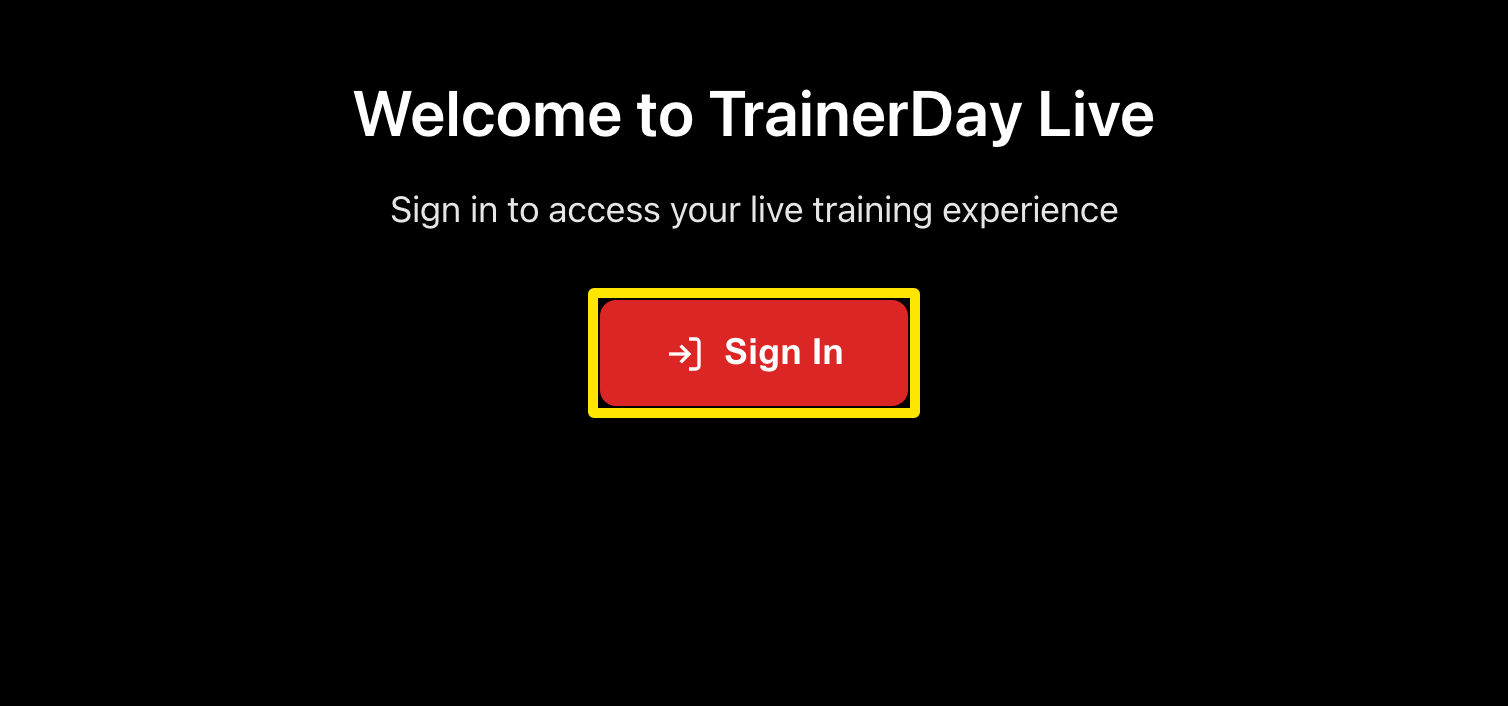 位置:網站 · 即時檢視(未登入)· 開啟
- 在手機上用 TrainerDay App 開始訓練。電腦上的頁面會即時顯示:功率、心率、踏頻和訓練圖表。
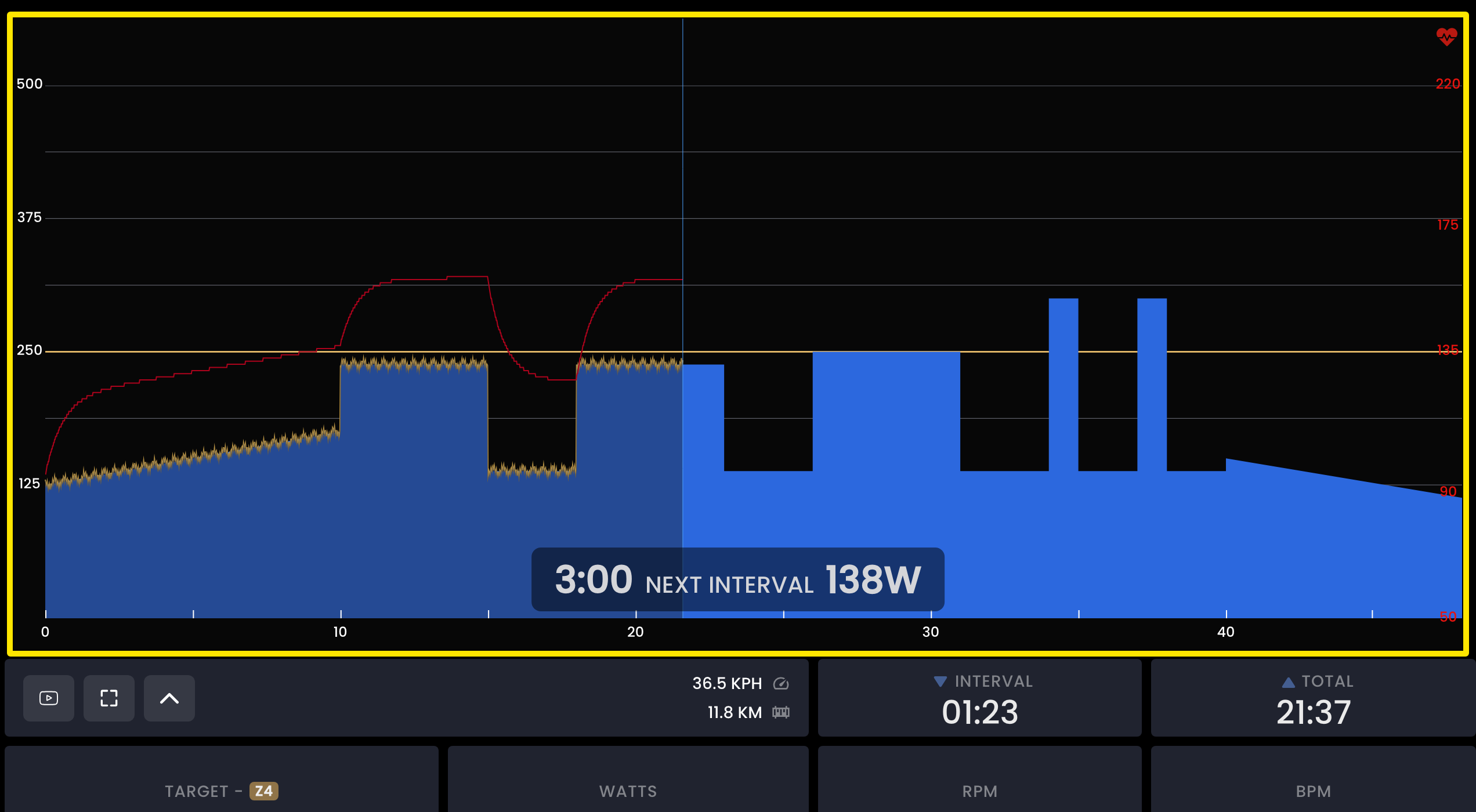 位置:網站 · 即時檢視 · 開啟
- 要把網址傳到電腦上,在手機 App 進入 設定 → Other Options → View Workout in Real-time on PC or Mac,再點 here to copy URL.
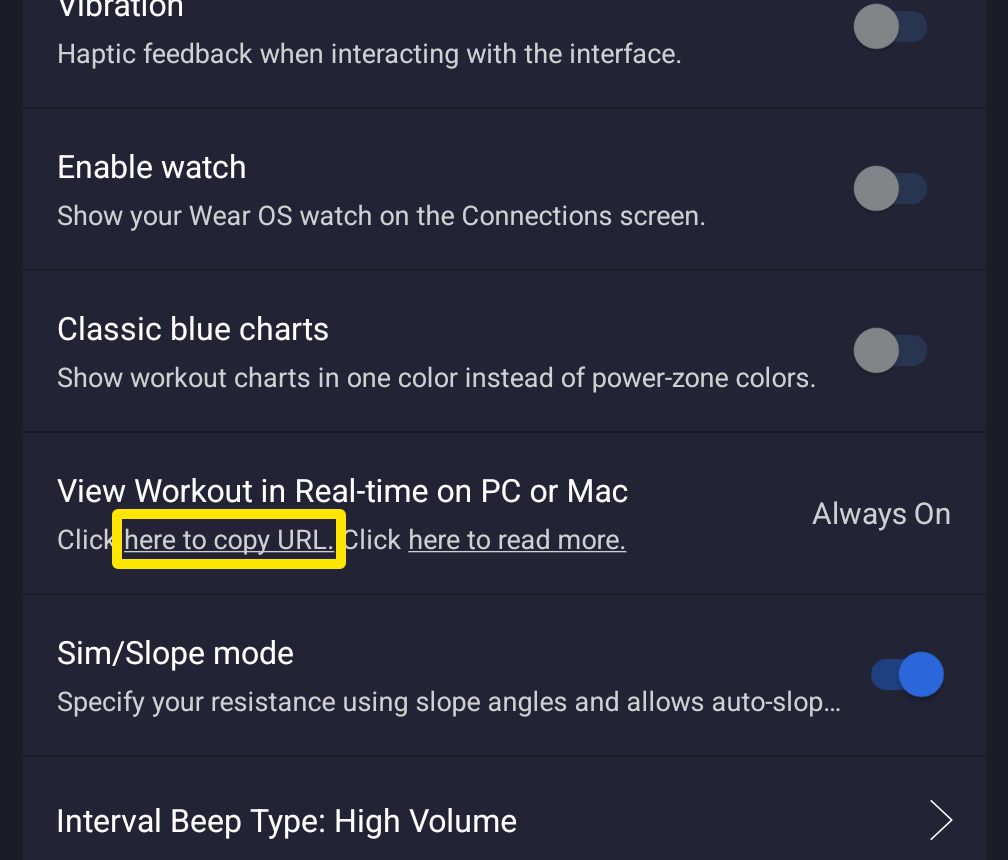 位置:手機 App · 設定分頁 → 其他選項
**小提醒:**這個設定一直是開啟的;如果你在訓練途中才打開頁面,它會把目前為止的騎乘畫出來。
**適用:**僅限手機 App(iPhone 和 Android)。桌面版 App 不會串流到即時頁面。