

如何用 Claude 或 ChatGPT 建立 TrainerDay 訓練?
從網站的創建訓練計畫頁面把 Claude 或 ChatGPT 連上 TrainerDay,再到 AI 助理的對話中請它建立訓練。
大多數騎士直接把訓練描述給 TrainerDay 內建的 AI 就好:請看 如何用描述的方式請 AI 建立訓練?
- 在 TrainerDay 網站上,點左側欄的 創建訓練計畫(app.trainerday.com/workouts/create)。
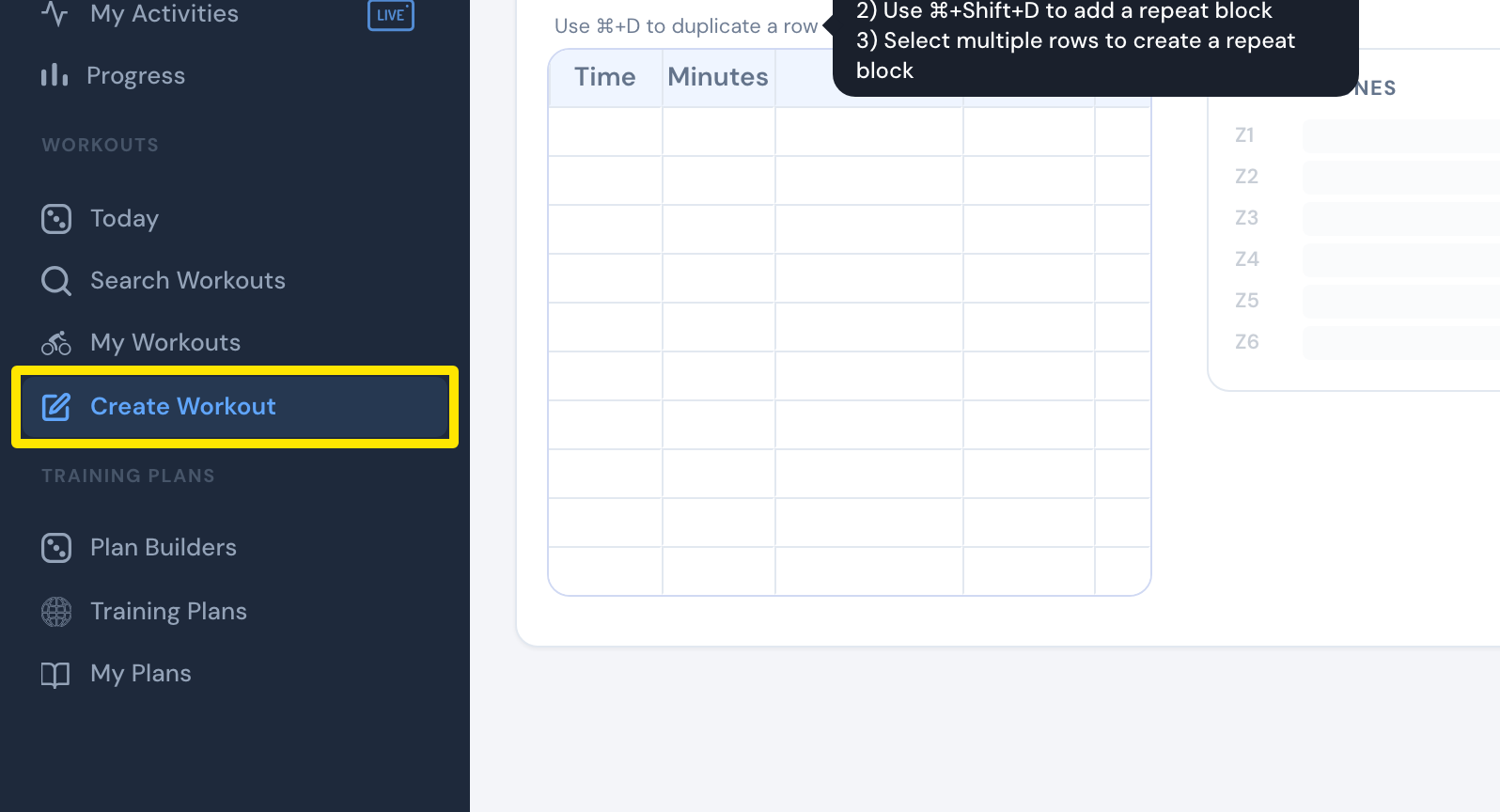 位置:網站 · 創建訓練計畫 · 前往
- 點 從檔案建立 分頁。
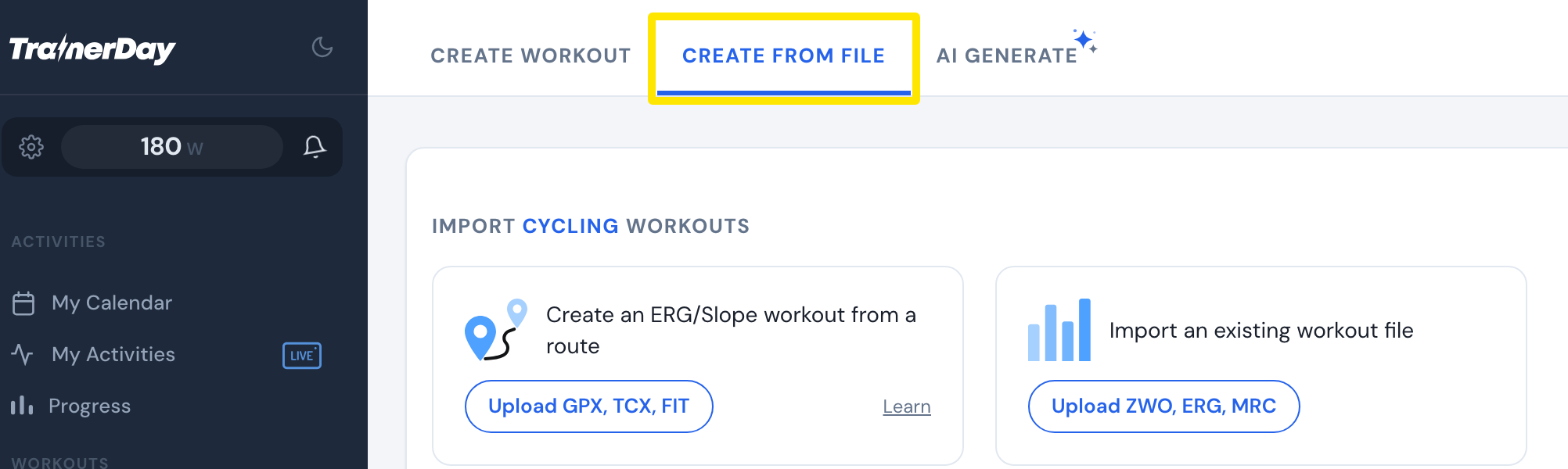 位置:網站 · 創建訓練計畫 · 前往
- 往下捲到 Also from Claude and ChatGPT 區塊。點 Connect Claude → 或 Connect ChatGPT →。
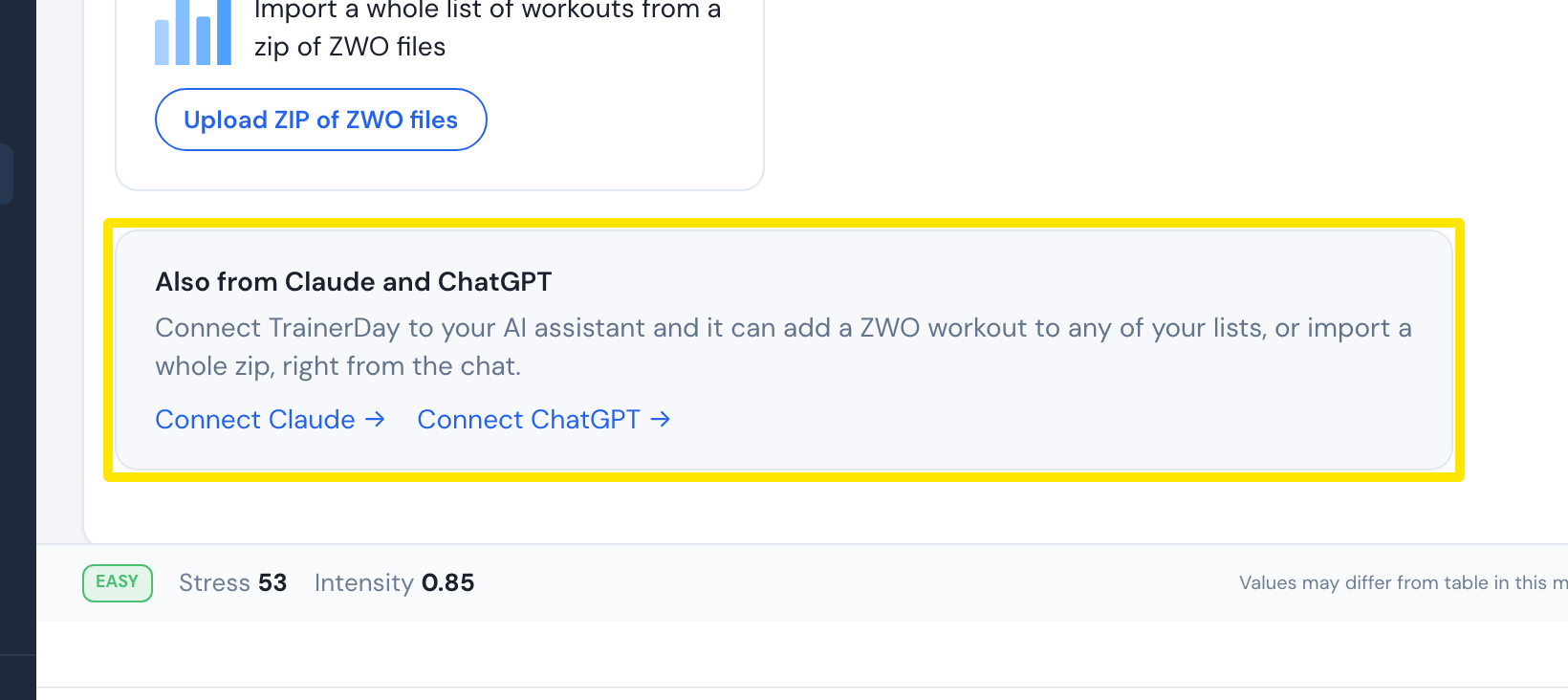 位置:網站 · 創建訓練計畫 · 前往
- 在 Claude 或 ChatGPT 的對話中,請助理建立訓練。它可以把訓練加到你的某個 TrainerDay 訓練清單裡。
小提醒: 助理可以把訓練做成 Zwift 訓練檔(.zwo),或做成 TrainerDay 訓練。