

How do I do an all-out test without ERG holding me back?
To ride an all-out test without ERG holding your power, switch the mobile or desktop workout player to RESIST mode and set the resistance with the - and + buttons.
- In the mobile app, open the Settings tab → Other Options and turn Sim/Slope mode off, so the second mode button reads RESIST instead of SLOPE.
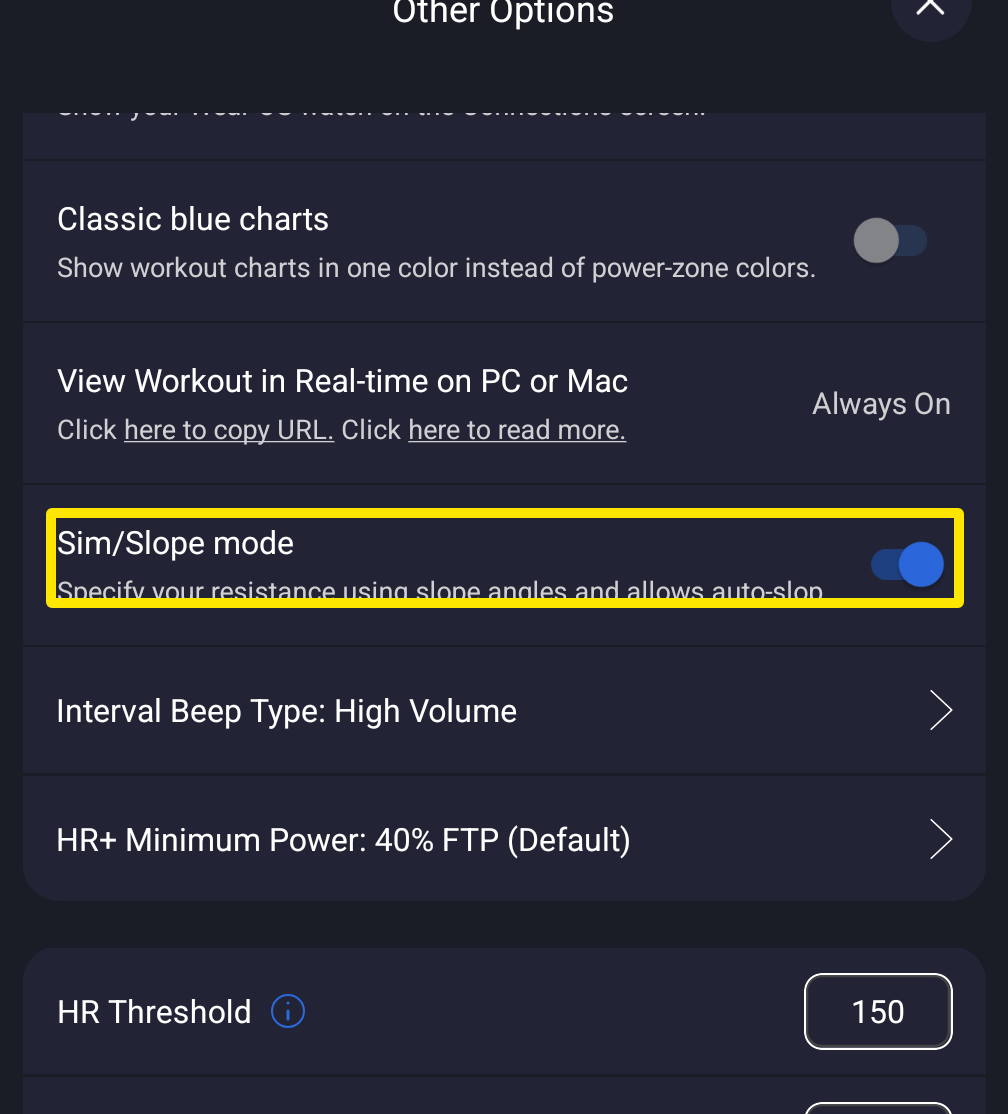 Where: Mobile app · Settings tab → Other Options
- Start your test workout. On the workout screen, tap RESIST in the mode buttons (next to HR+ and ERG).
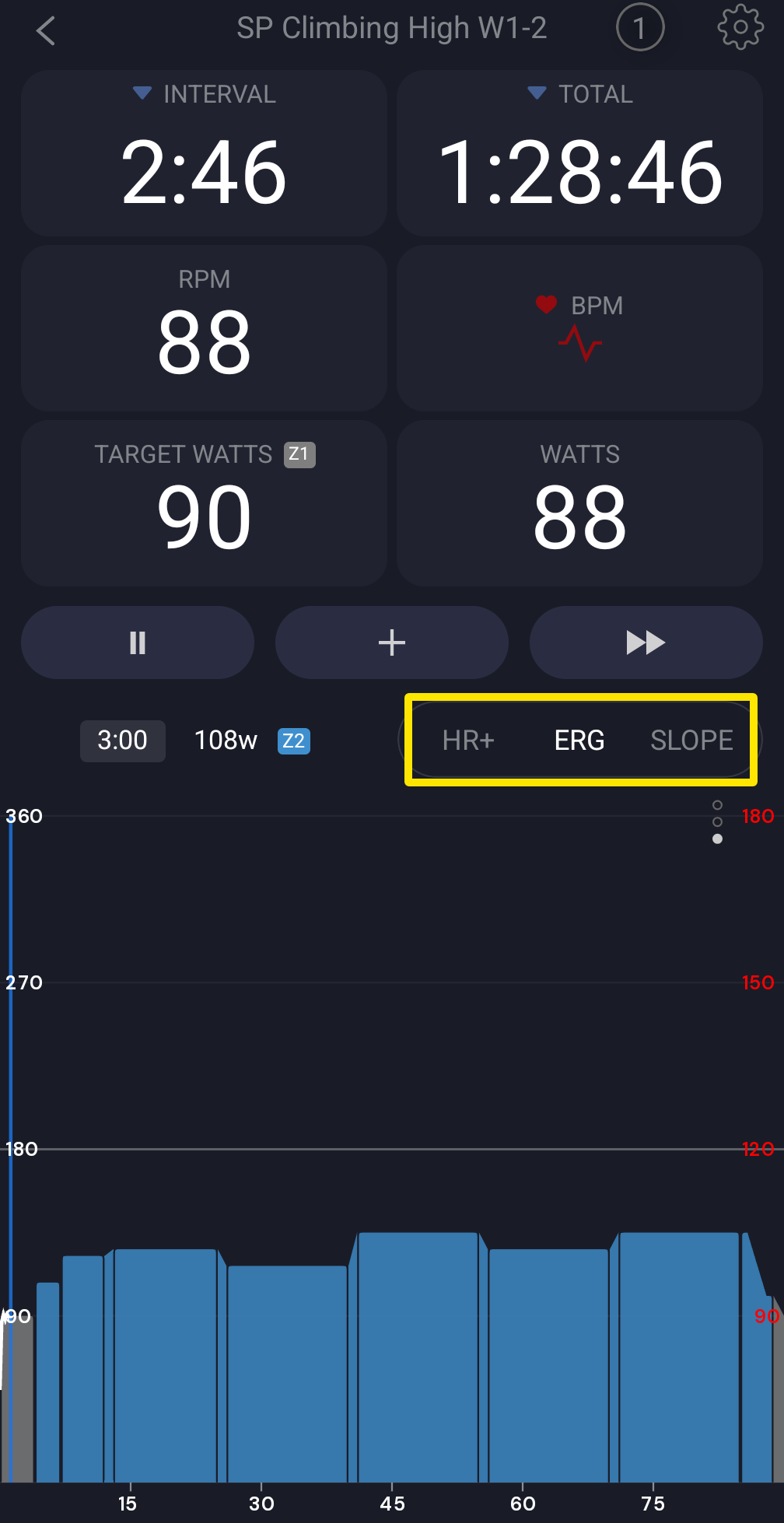 Where: Mobile app · the workout screen during a ride
- Use - and + to set the resistance in % (default step 3), then ride all out.
Good to know: Resistance has no typed-in value; it changes only with the - and + buttons. On desktop, turn off Slope / Sim Mode in Settings → Workout Controls, then click RESIST in the bottom bar (0 to 100 %, default step 1).
Works on: Mobile and desktop apps, not the website.