

How do I change my HR+ target during a ride?
During an HR+ ride in the TrainerDay mobile or desktop app, press + or - next to the target to raise or lower your target heart rate, or use the Up and Down arrow keys on desktop.
- Start a ride in the mobile or desktop app. On desktop, open the Today tab and click Ride Now.
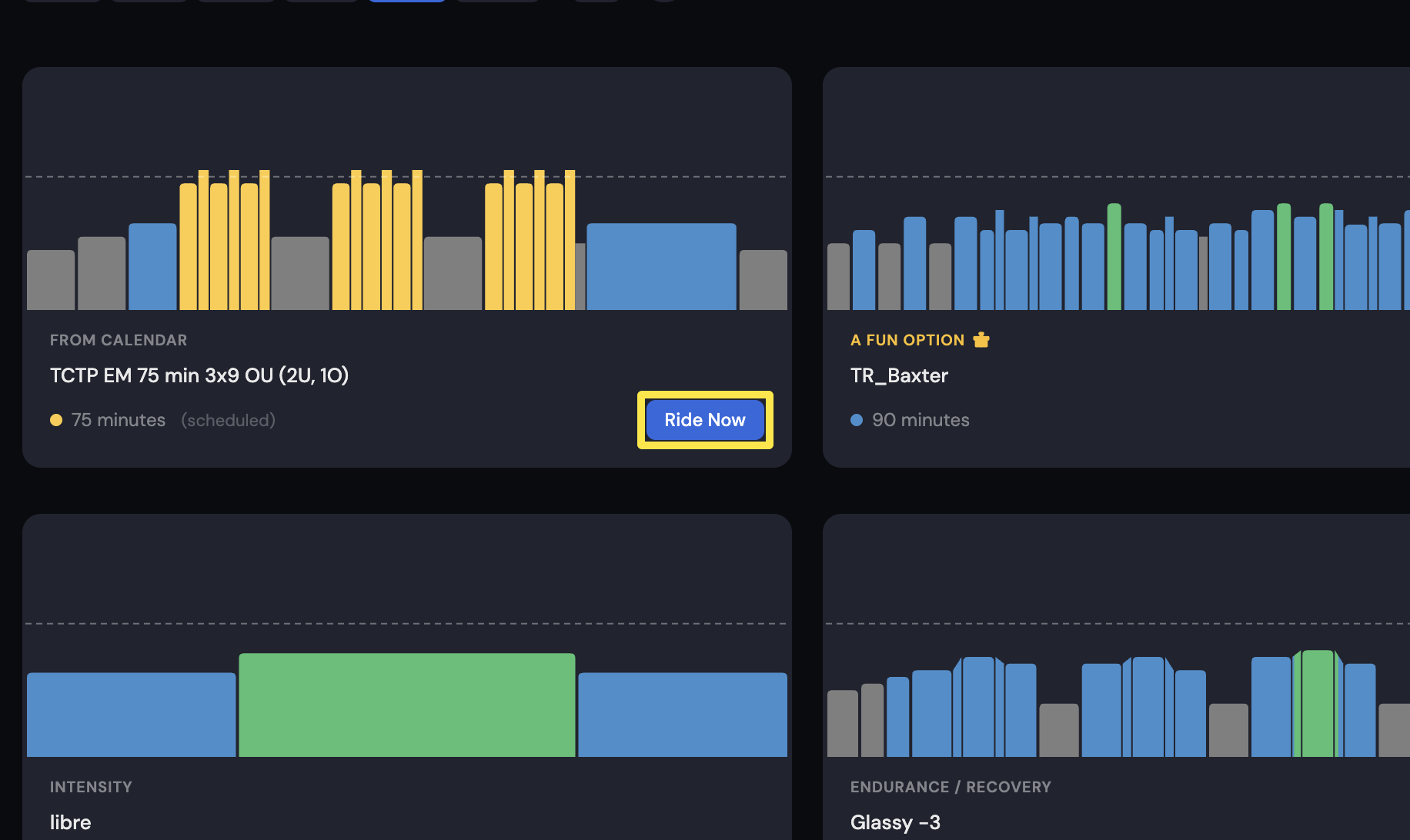 Where: Desktop app · Today tab
- On the workout screen, tap HR+. The app now adjusts your trainer's power to reach your target heart rate.
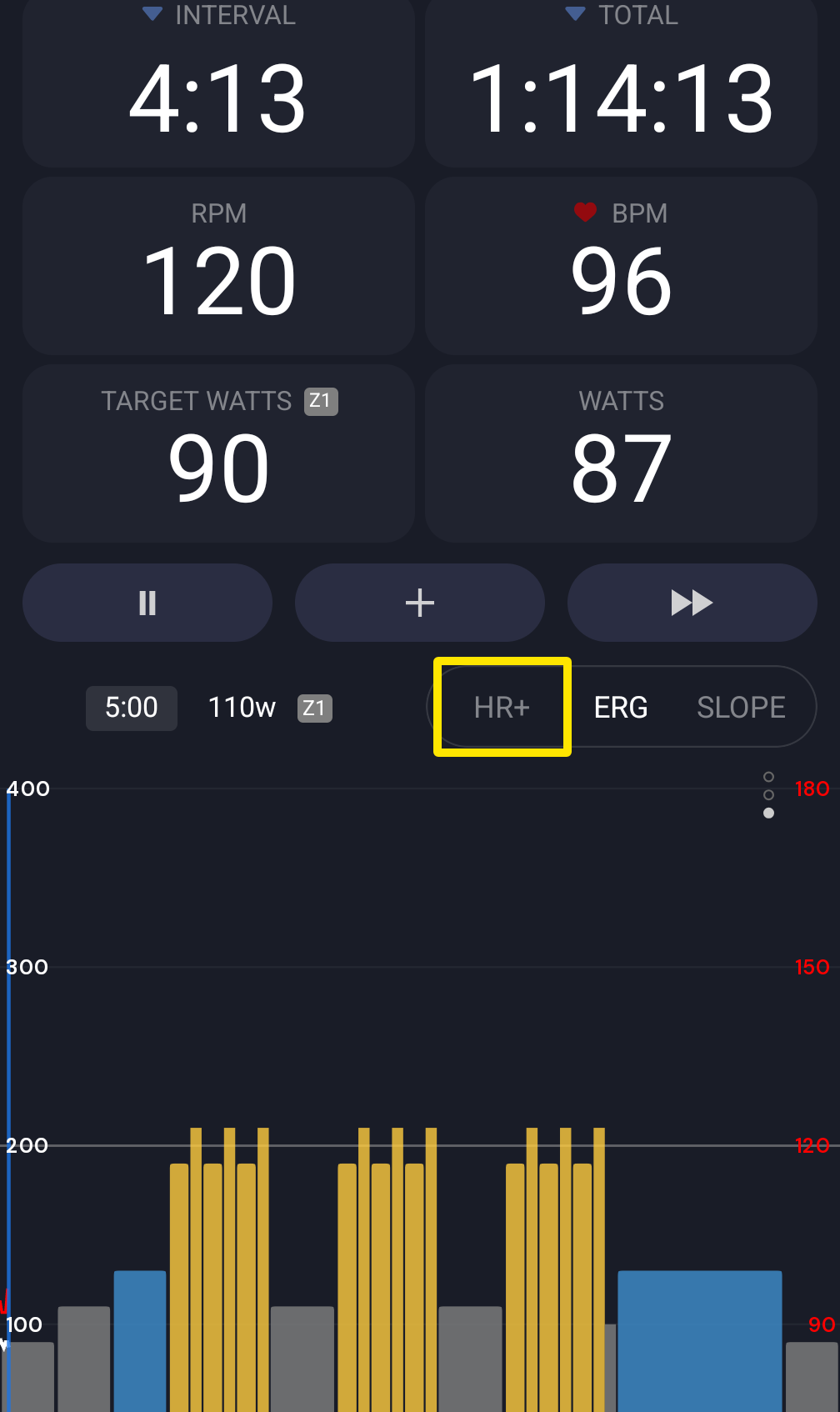 Where: Mobile app · the workout screen during a ride
- Press + to raise the target BPM or - to lower it. In the mobile app, these buttons are beside the target in the toolbar. In the desktop app, use the buttons in the bottom bar or the Up and Down arrow keys.
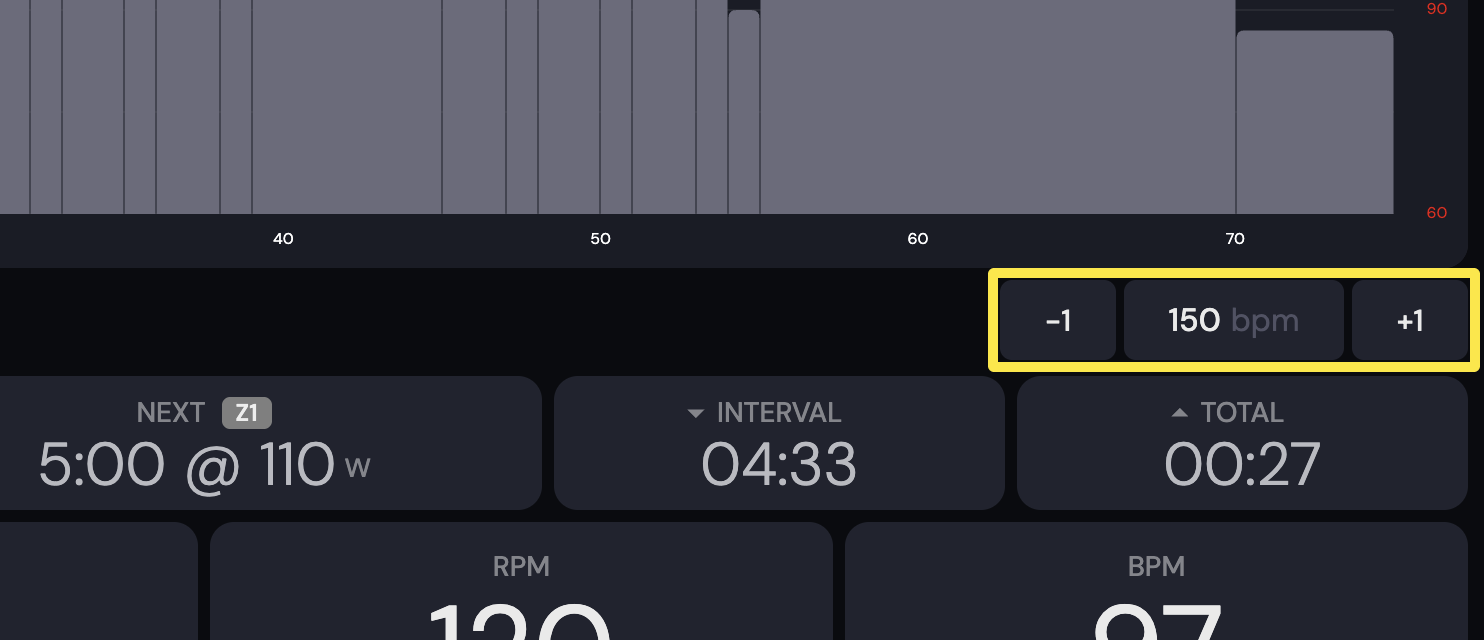 Where: Desktop app · the workout screen during a ride (Today tab → Ride Now)
Good to know: The target stays between 50 and 220 bpm. The app remembers it for your next HR+ ride.
Works on: Mobile app and desktop app. The website does not run rides.