

Why do my watts go down when I pedal faster in HR+ mode?
Your watts drop because HR+ lowers the power target whenever your heart rate stays above its target, and pedaling faster raises your heart rate; to keep the watts up, raise the heart rate target or switch to ERG on the workout screen.
- Start a ride in the mobile app and open the workout screen. Tap HR+ in the mode buttons. Every 20 seconds, HR+ checks your heart rate. If it stays above the target, the power target drops by 1% to 3% of FTP.
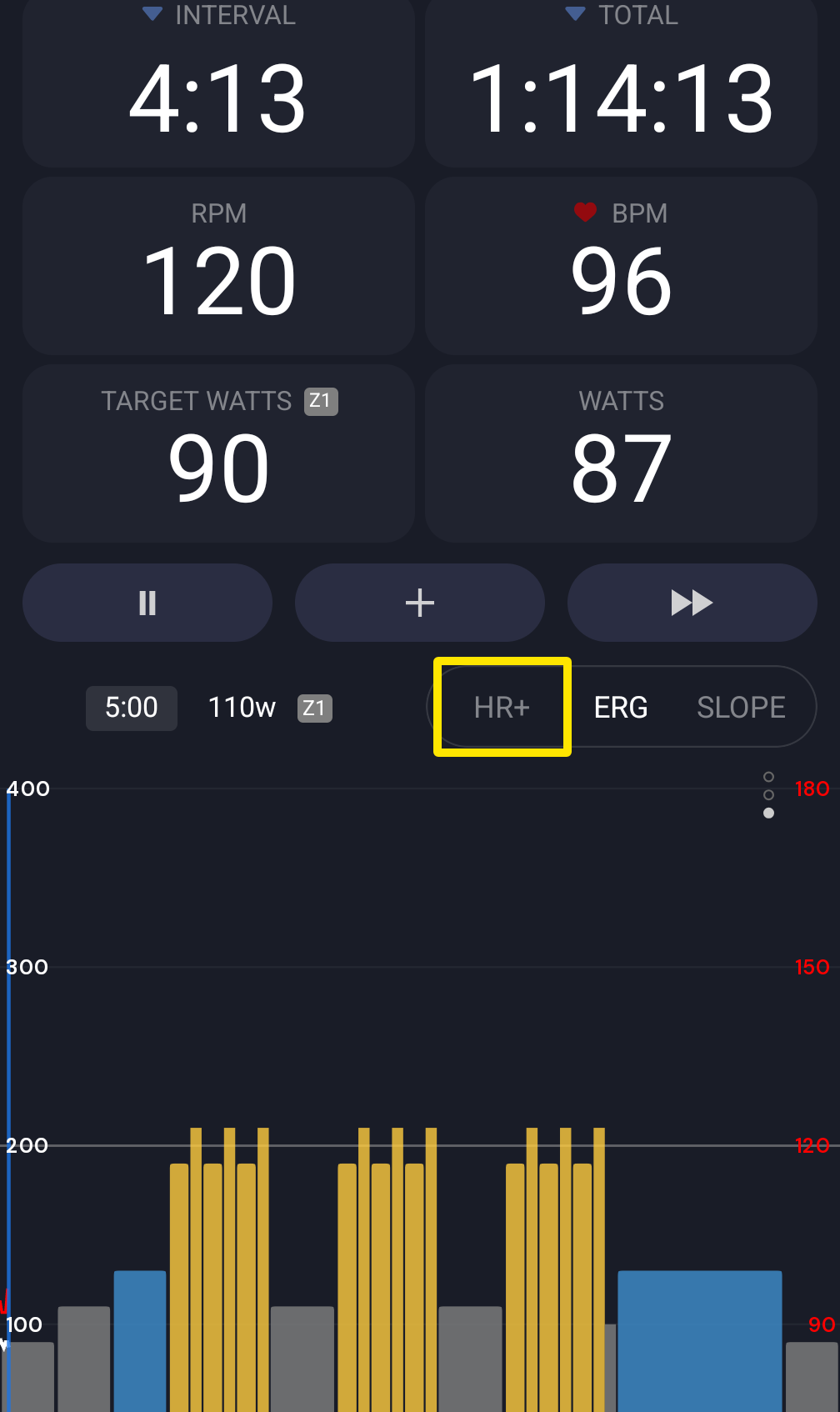 Where: Mobile app · the workout screen during a ride
- In the desktop app, on the same workout screen during a ride, use -1 or +1 next to the bpm target to change the heart rate target.
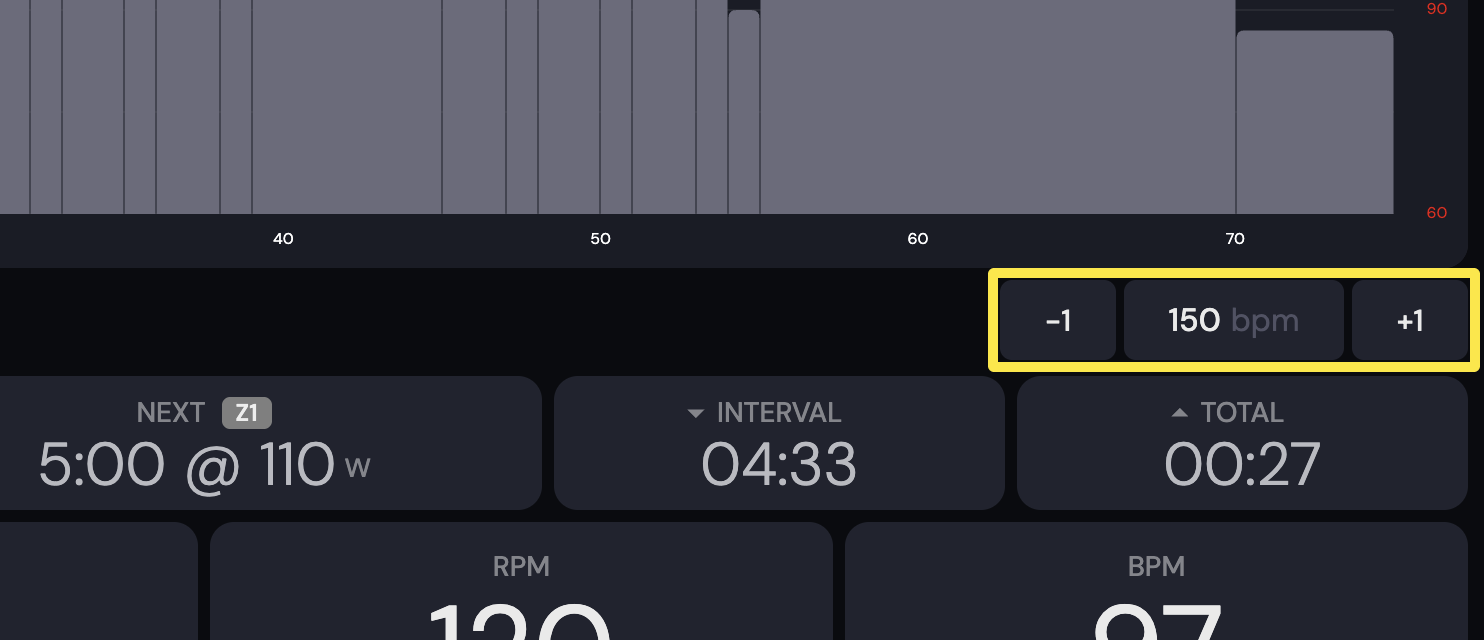 Where: Desktop app · the workout screen during a ride (Today tab → Ride Now)
Good to know: HR+ sends your trainer one watt target, the same as ERG. Cadence does not change that target, so your trainer is working normally.
Works on: Mobile and desktop apps (desktop checks every 15 seconds with HR+ Averaging on).