

How do I make HR+ change power faster or slower?
Change how fast HR+ adjusts power with the HR+ Averaging switch in the TrainerDay desktop app's Settings > HR+. On mobile, the HR+ reaction speed is fixed.
- In the TrainerDay desktop app, click the Settings tab in the top tabs. The picture shows these tabs on the workout screen during a ride.
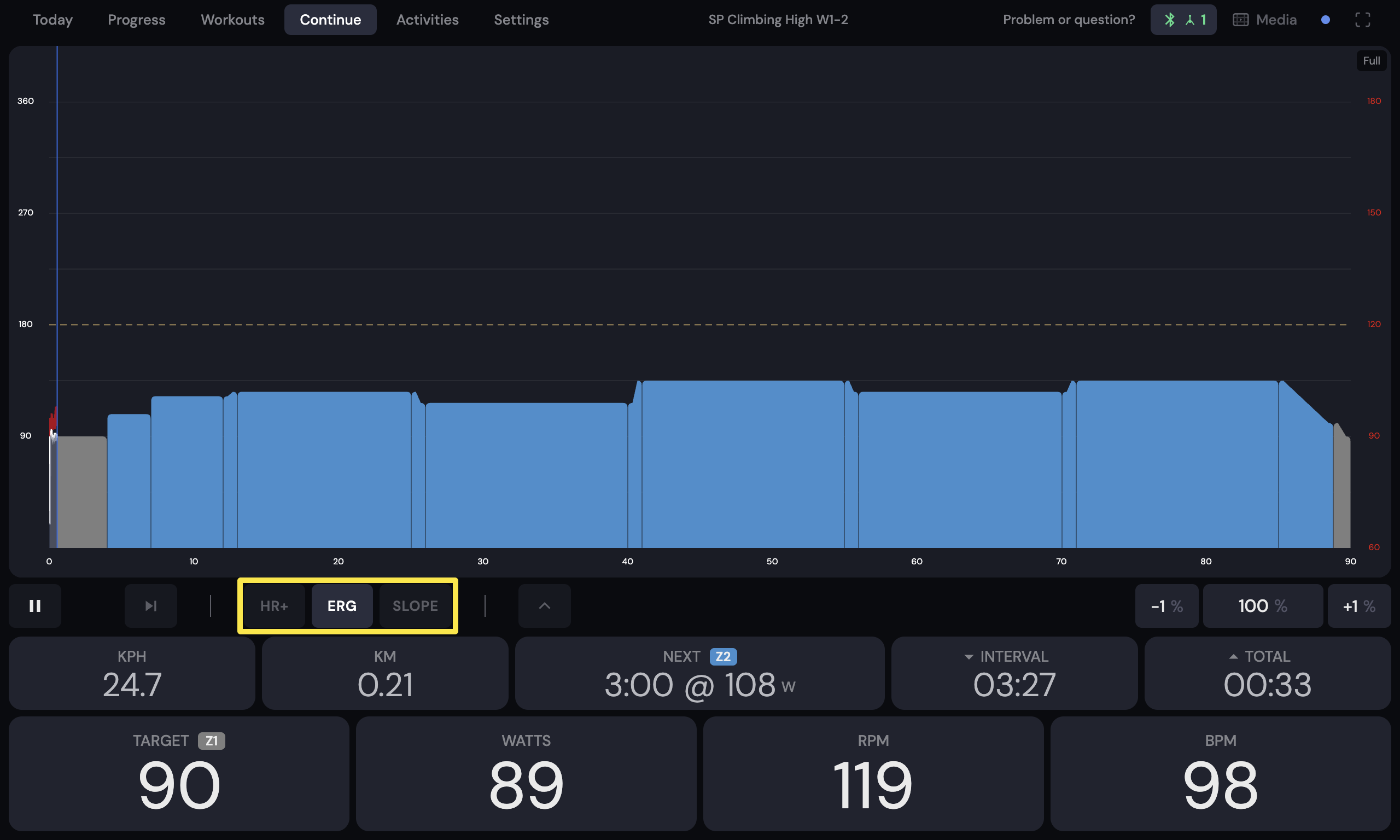 Where: Desktop app · the workout screen during a ride (Today tab → Ride Now)
- In Settings, open the HR+ section.
- Choose how HR+ reacts:
- Turn HR+ Averaging on for faster corrections. HR+ checks power every 15 seconds and makes small 2-watt changes near the target. This keeps your heart rate centered on the target.
- Leave it off (Limit Mode) for slower corrections. HR+ checks every 20 seconds, allows a wider range and treats the target as a ceiling.
Good to know: The mobile app has no speed setting. HR+ always checks every 20 seconds and changes power by 1% to 3% of FTP each time.
Works on: Desktop app (adjustable speed). Mobile app (fixed speed). Riding modes are not on the website.