

How do I set the lowest power HR+ can drop to?
Set the lowest power HR+ can drop to in the TrainerDay mobile app under Settings → Other Options → HR+ Minimum Power, by picking 20%, 30%, 40% (default) or 50% of your FTP.
- In the TrainerDay mobile app, tap Settings in the bottom tabs.
- Tap Other Options.
- Tap HR+ Minimum Power. This is a paid feature, so free accounts are taken to the subscription page.
- Pick 20% FTP, 30% FTP, 40% FTP (Default) or 50% FTP.
- Leave Settings and start a workout. On the workout screen, tap HR+.
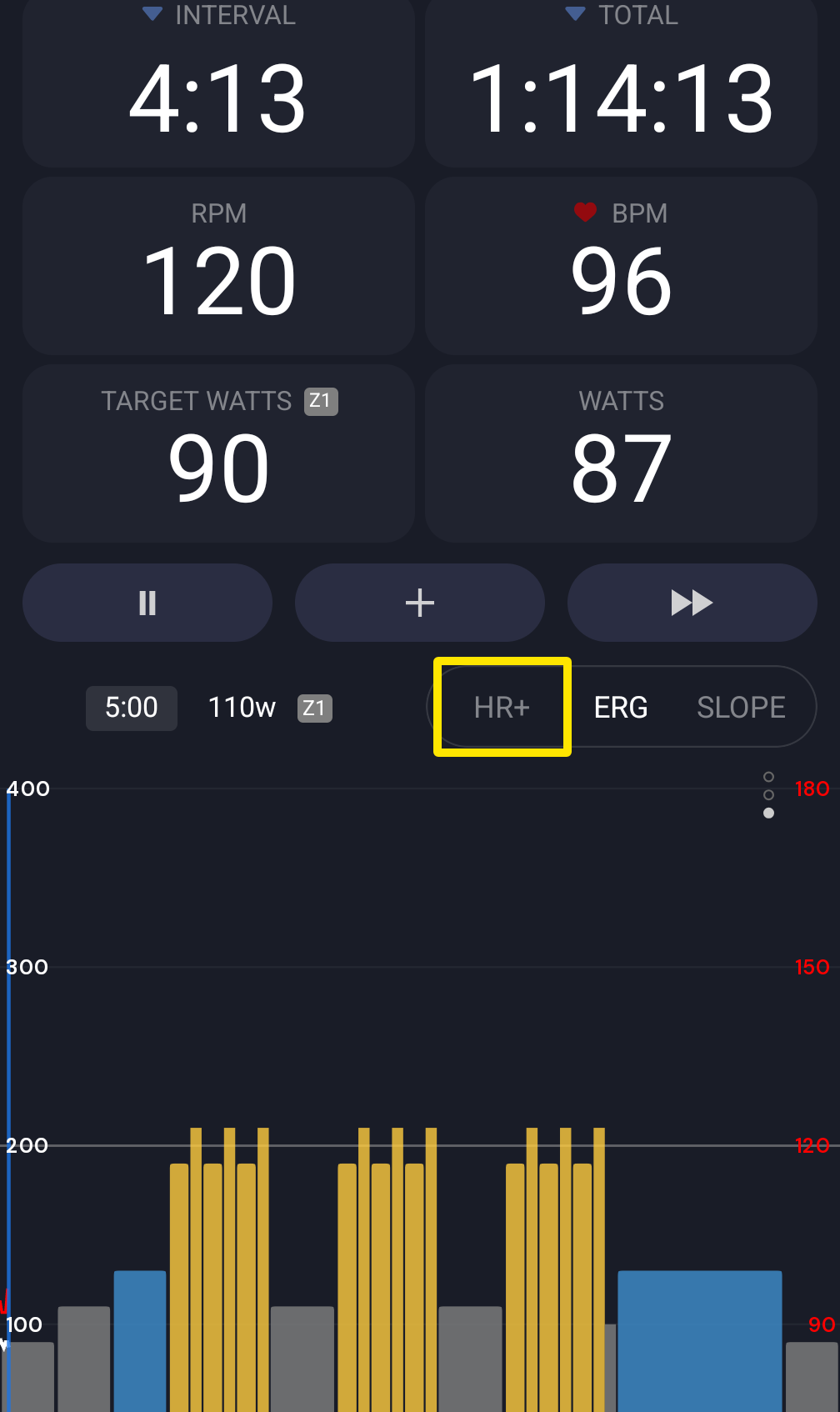 Where: Mobile app · the workout screen during a ride
Good to know: HR+ never sets your trainer below this minimum, and it starts at this power when a workout begins in HR+. A higher minimum keeps power from dropping very low.
Works on: Mobile app (paid accounts) and desktop app (Settings → HR+ → HR+ Min Power, same choices). The website has no HR+ settings.