

How do I ride a workout in HR+ mode so power follows my heart rate?
In the TrainerDay desktop or mobile app, start a workout with Ride Now and turn on HR+, and TrainerDay adjusts your smart trainer's power to help you reach your target heart rate.
- Open the TrainerDay desktop app and connect your smart trainer with Control on, plus a heart rate strap.
- On the Today tab, click Ride Now on a workout.
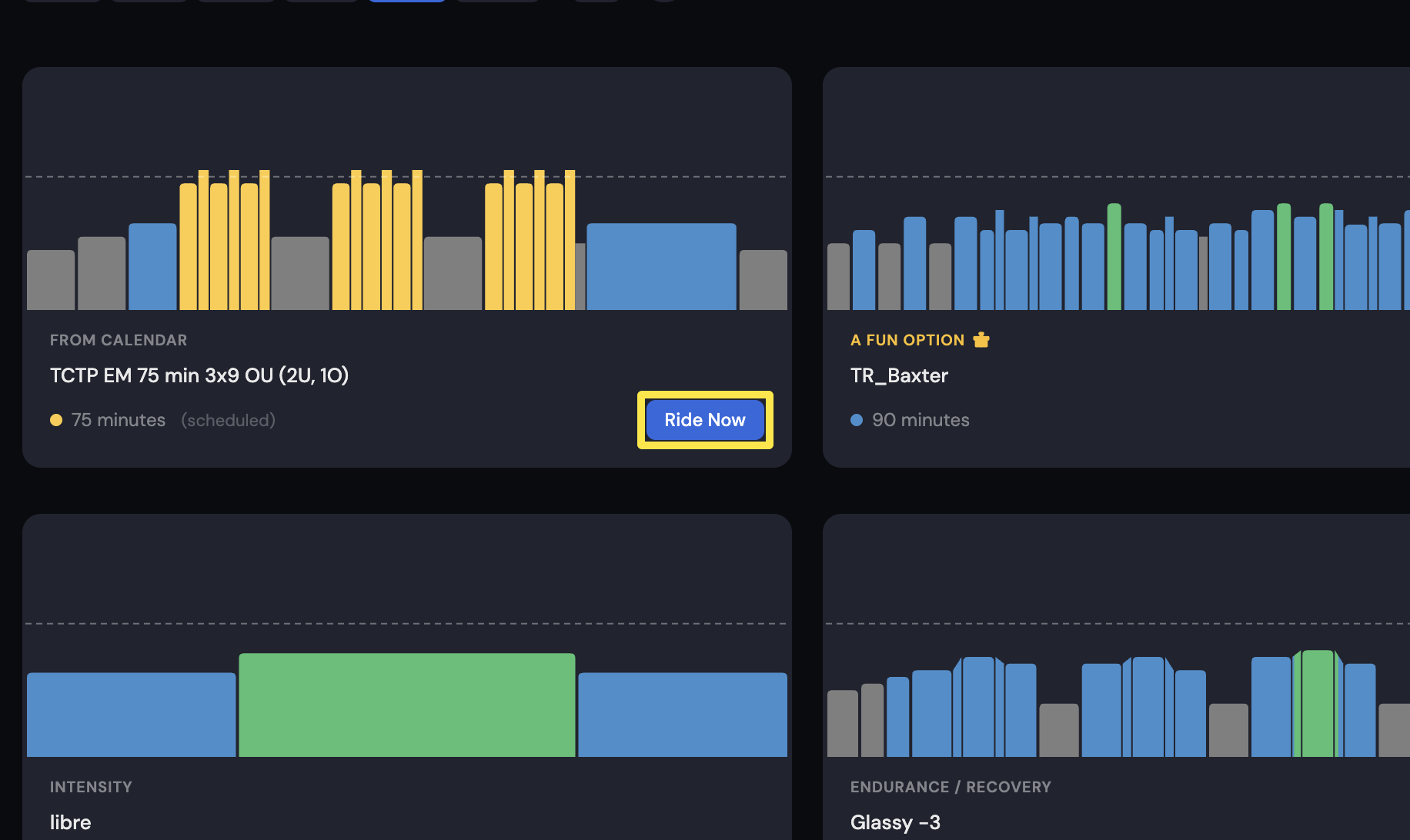 Where: Desktop app · Today tab
- On the workout screen, click HR+, the first mode button in the bottom bar, or press M.
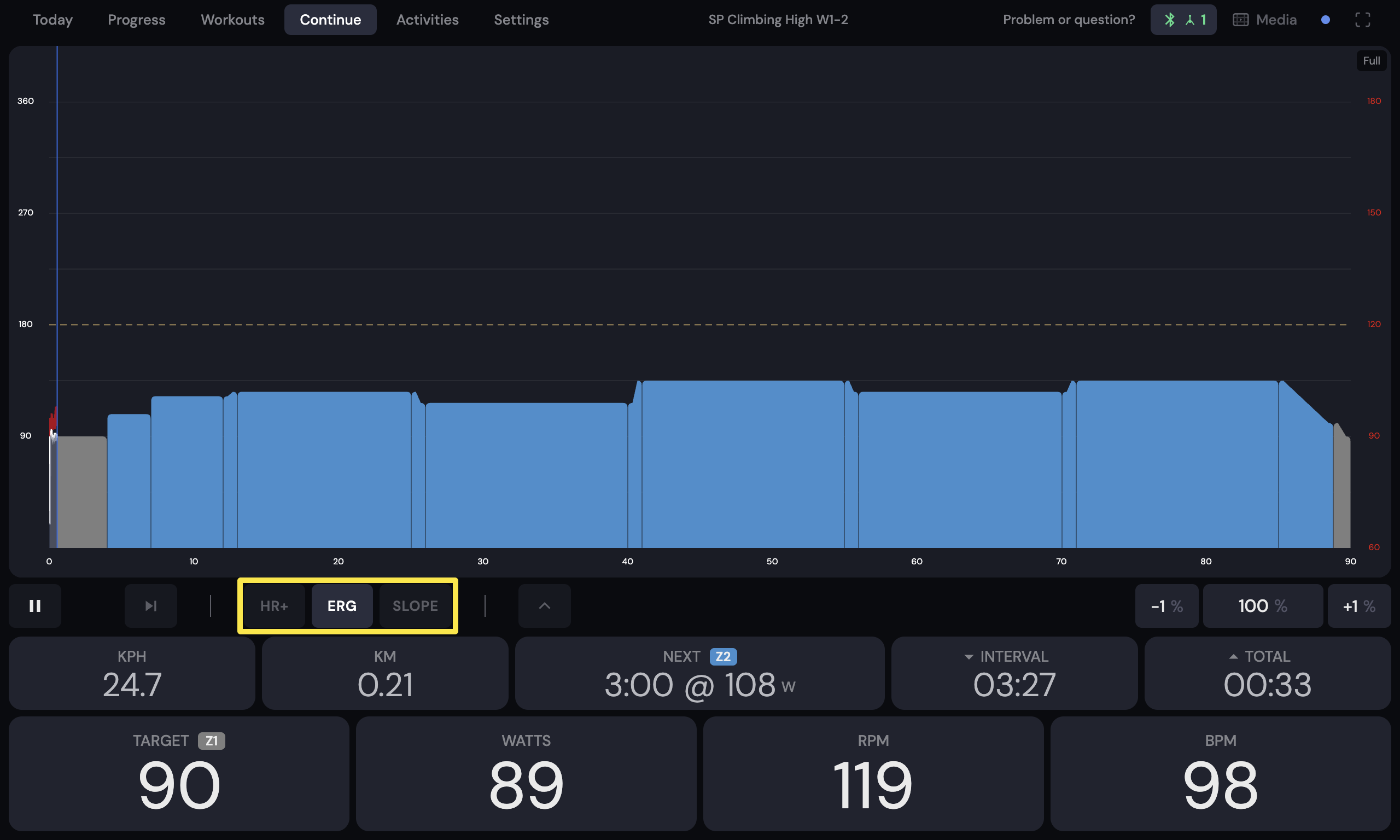 Where: Desktop app · the workout screen during a ride (Today tab → Ride Now)
- Use − / + to change your BPM target. The first time, it starts at your threshold heart rate.
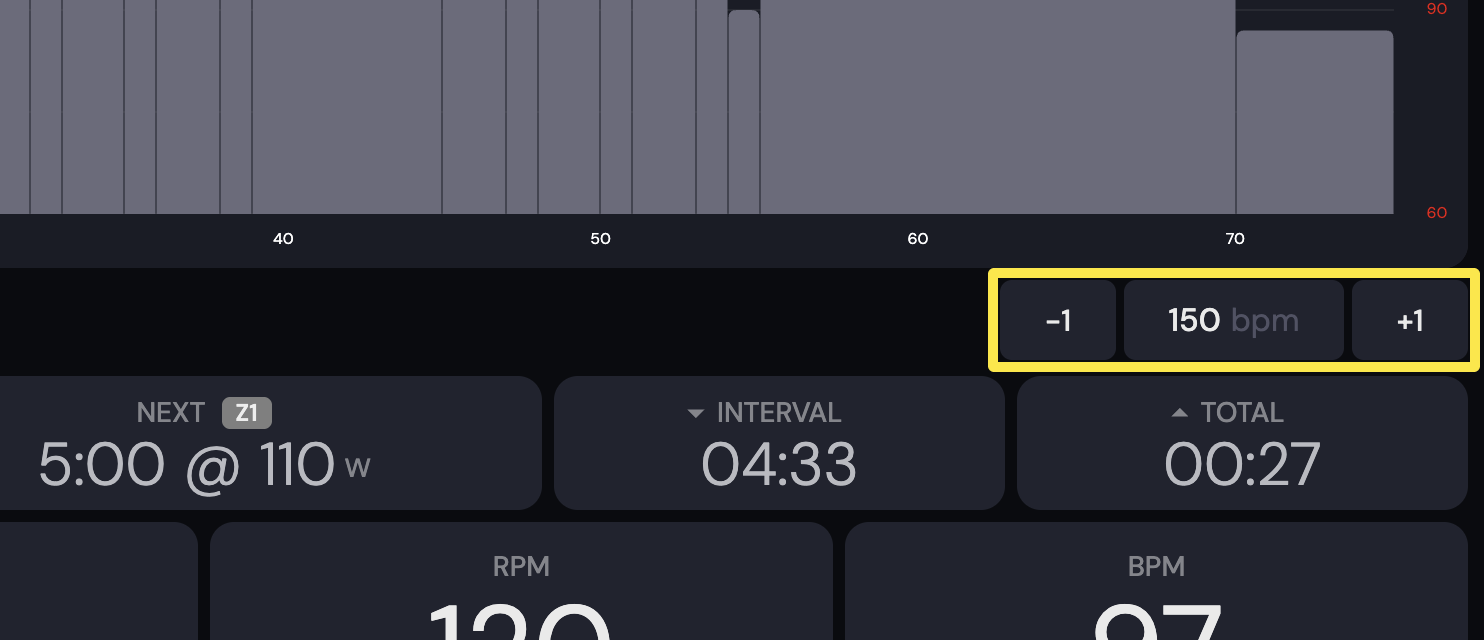 Where: Desktop app · the workout screen during a ride (Today tab → Ride Now)
Good to know: HR+ is a paid feature and needs a smart trainer with ERG. A power meter alone is not enough.
Works on: desktop app (Mac, Windows) and mobile app (iPhone, Android). In the mobile app, tap HR+ at the left of the mode row and use the arrows to change the BPM TARGET. The website has no workout player.