

PayPalで支払うには?
TrainerDay ProはウェブサイトのサブスクリプションページからPayPalで支払えます。支払いボタンの下にあるPaypalリンクをクリックし、年間または4か月プランを選んで、PayPalで承認してください。
- TrainerDayのウェブサイトにログインし、trainerday.com/subscribeを開きます。
- 支払いボタンの下にある「Or you can use Paypal or Stripe for 4-month or 12-month plans」のPaypalをクリックします。
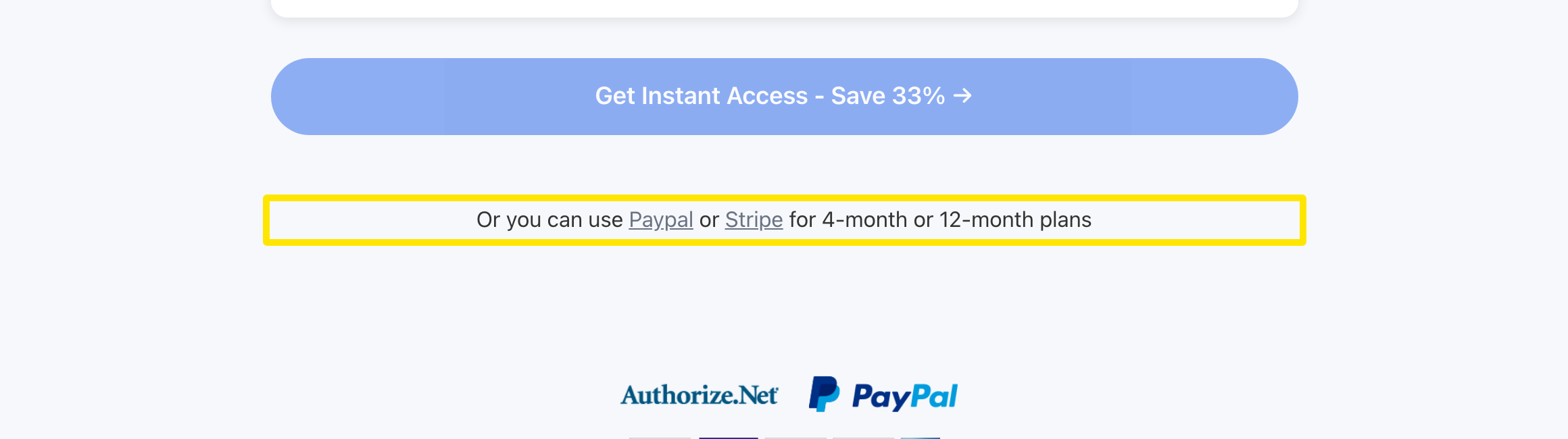 場所:ウェブサイト · trainerday.com/subscribe
- 年間プラン($39.99)または4か月プラン($19.39)を選び、PayPalを選択したままにします。
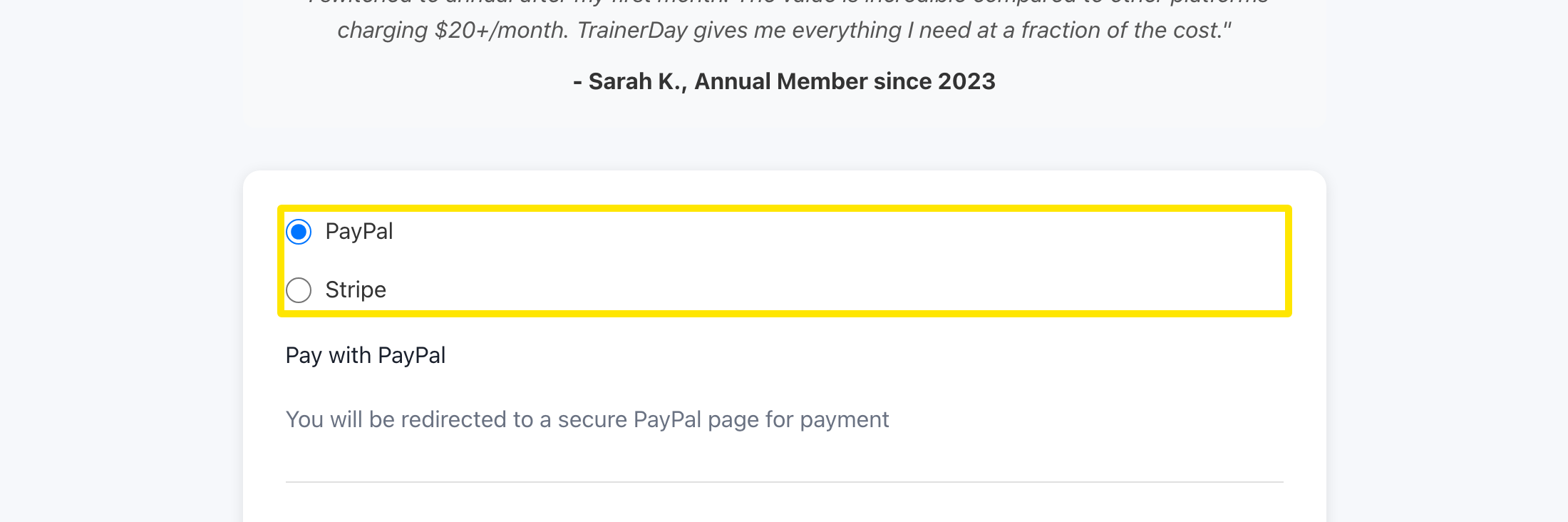 場所:ウェブサイト · trainerday.com/subscribe
- フォームの下のボタン(年間プランならGet Instant Access - Save 33% →)を押します。PayPalが開くのでサブスクリプションを承認すると、TrainerDayに戻ります。
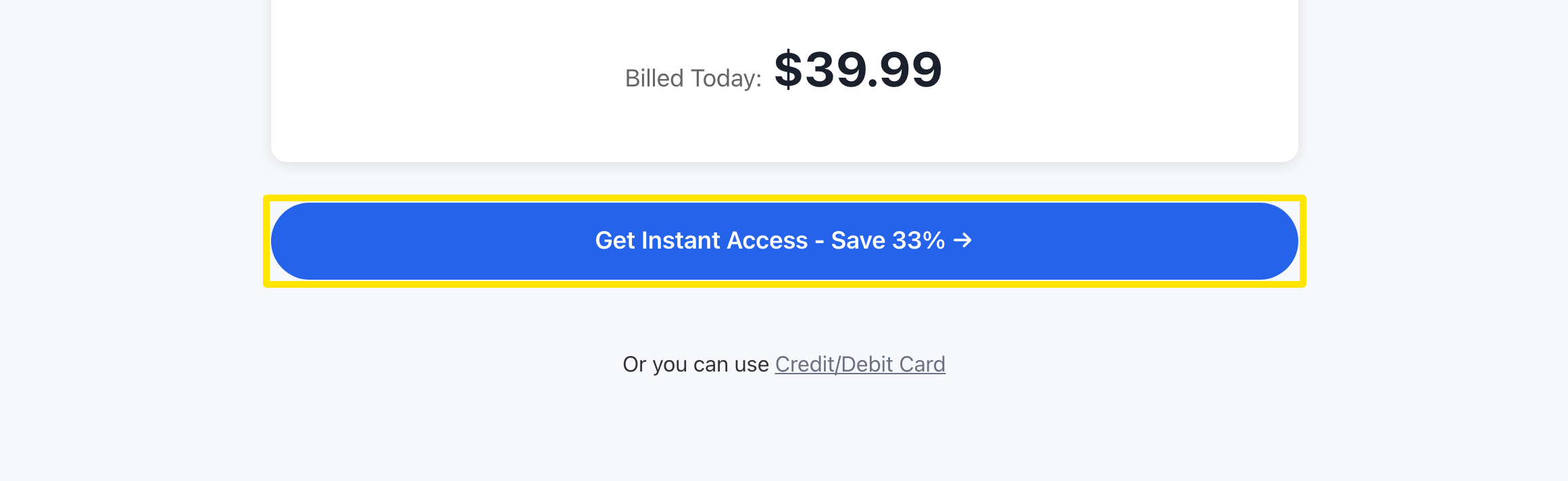 場所:ウェブサイト · trainerday.com/subscribe
- サブスクリプションを確認するには、アカウントのサブスクリプションの状態ページを開いてください。
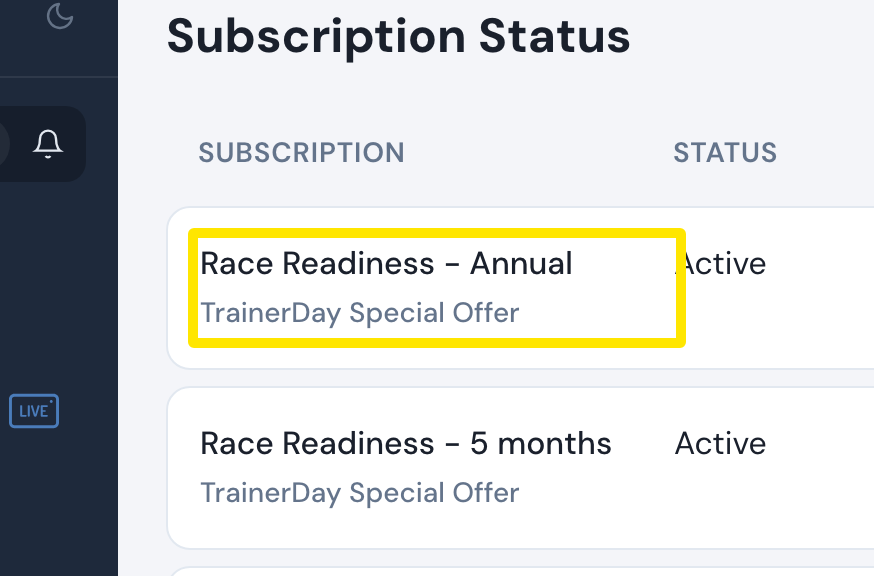 場所:ウェブサイト · app.trainerday.com/account/subscription · 開く
補足: PayPalでの請求は米ドルです。選べるのは年間プランと4か月プランのみで(月間プランはカードのみ)、プロモコードは使えません。
対応: ウェブサイトのみ。スマホアプリでは、ProはApp StoreまたはGoogle Playで購入します。