

サブスクリプションの支払い方法を選ぶには?
TrainerDayでは、ウェブサイトでのクレジットカード・デビットカード、PayPal、Stripe、またはApple App Store・Google Playでのアプリ内課金が使えます。銀行振込、口座引き落とし、暗号資産には対応していません。
TrainerDayは銀行振込、口座引き落とし、暗号資産には対応していません。ウェブサイトではカード、PayPal、Stripeで、スマホアプリではApp StoreまたはGoogle Playで支払えます。
- ウェブサイトにログインし、trainerday.com/subscribeを開きます。trainerday.com/pricingを開いて、Proの下にある今すぐアップグレードをクリックしてもOKです。
- 年間または月間を選びます。カードで支払う場合は、プランの下にあるPay with Cardフォームに入力します。Use existing cardを選ぶか、Use new cardを選んでカード情報を入力してください。
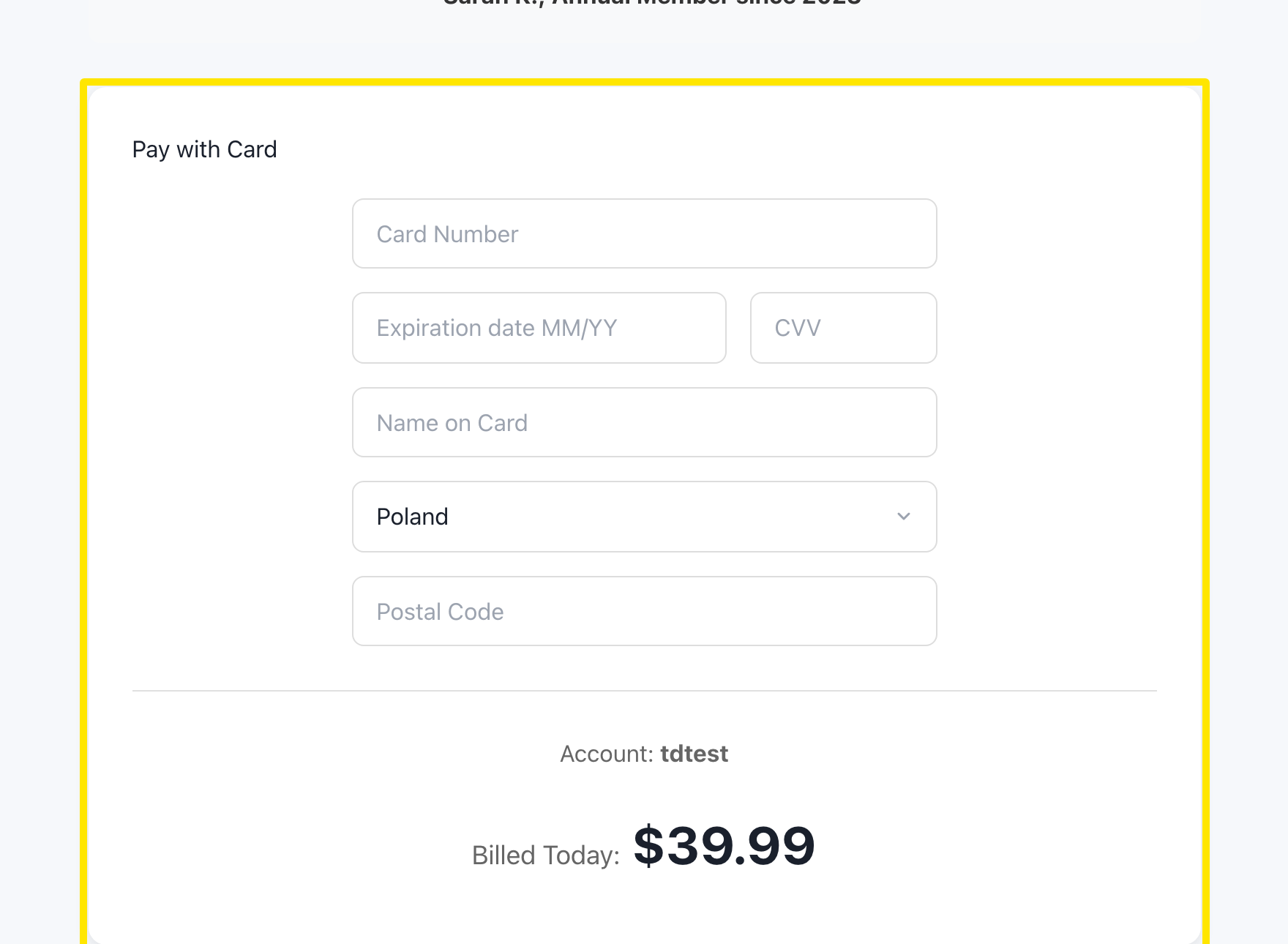 場所:ウェブサイト · trainerday.com/subscribe
- PayPalやStripeで支払う場合は、ボタンの下にある「Or you can use Paypal or Stripe for 4-month or 12-month plans」のPaypalまたはStripeをクリックします。
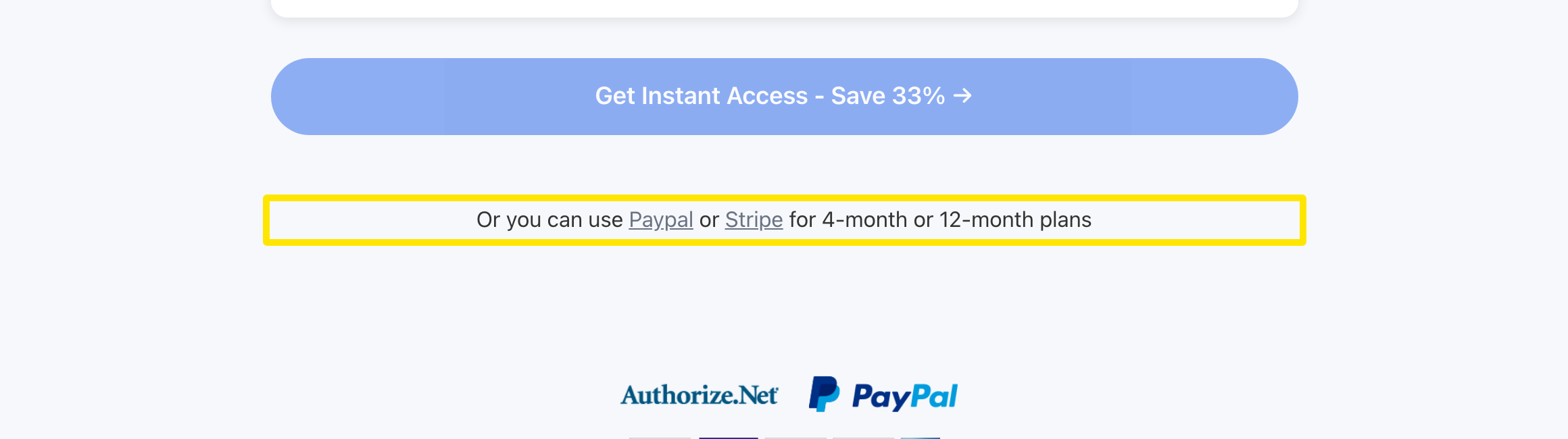 場所:ウェブサイト · trainerday.com/subscribe
- プランのカードが表示されます。年間またはPro - 4 monthsを選び、PayPalまたはStripeを選択します。
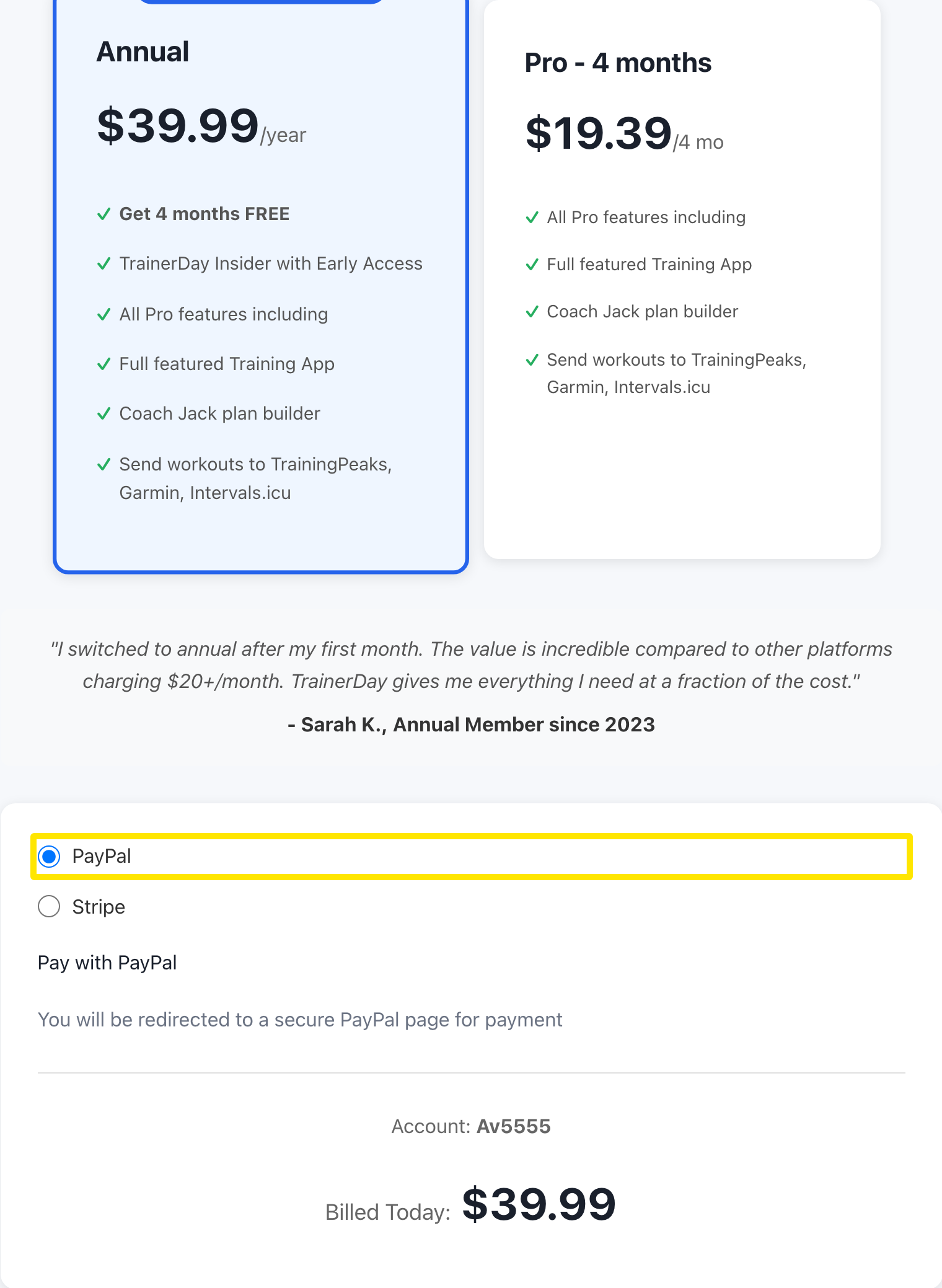 場所:ウェブサイト · trainerday.com/subscribe
- フォームの下のボタンを押します(例:年間プランならGet Instant Access - Save 33% →)。PayPalの場合はPayPalのページが開くので、サブスクリプションを承認してください。その後、TrainerDayに戻ります。
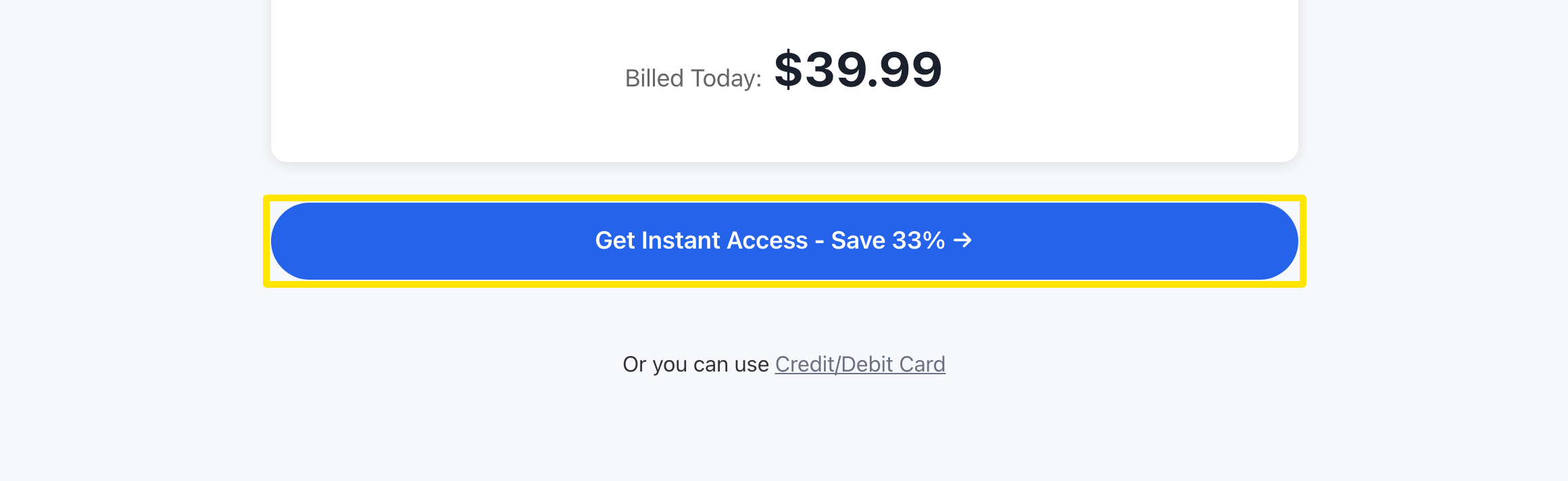 場所:ウェブサイト · trainerday.com/subscribe
補足: ウェブサイトで購入するほうがApp StoreやGoogle Playより安く、価格には付加価値税(VAT)が含まれています。銀行やカードでうまくいかない場合は、スマホアプリから購入してください。
対応: ウェブサイト(カード、PayPal、Stripe)、iPhoneとAndroid(App StoreまたはGoogle Play)