

怎样把蓝牙测试报告发给客服?
在 TrainerDay 的 BLE 测试页面(trainerday.com/ble.htm)连接骑行台,运行测试,点击 Download Report,然后把保存的文件发邮件到 [email protected]。
- 在 Android、Mac 或 Windows 上用 Chrome 打开 trainerday.com/ble.htm。连接设备并运行测试:点击 Request Control,然后点击 Set Power 或 Set Slope。
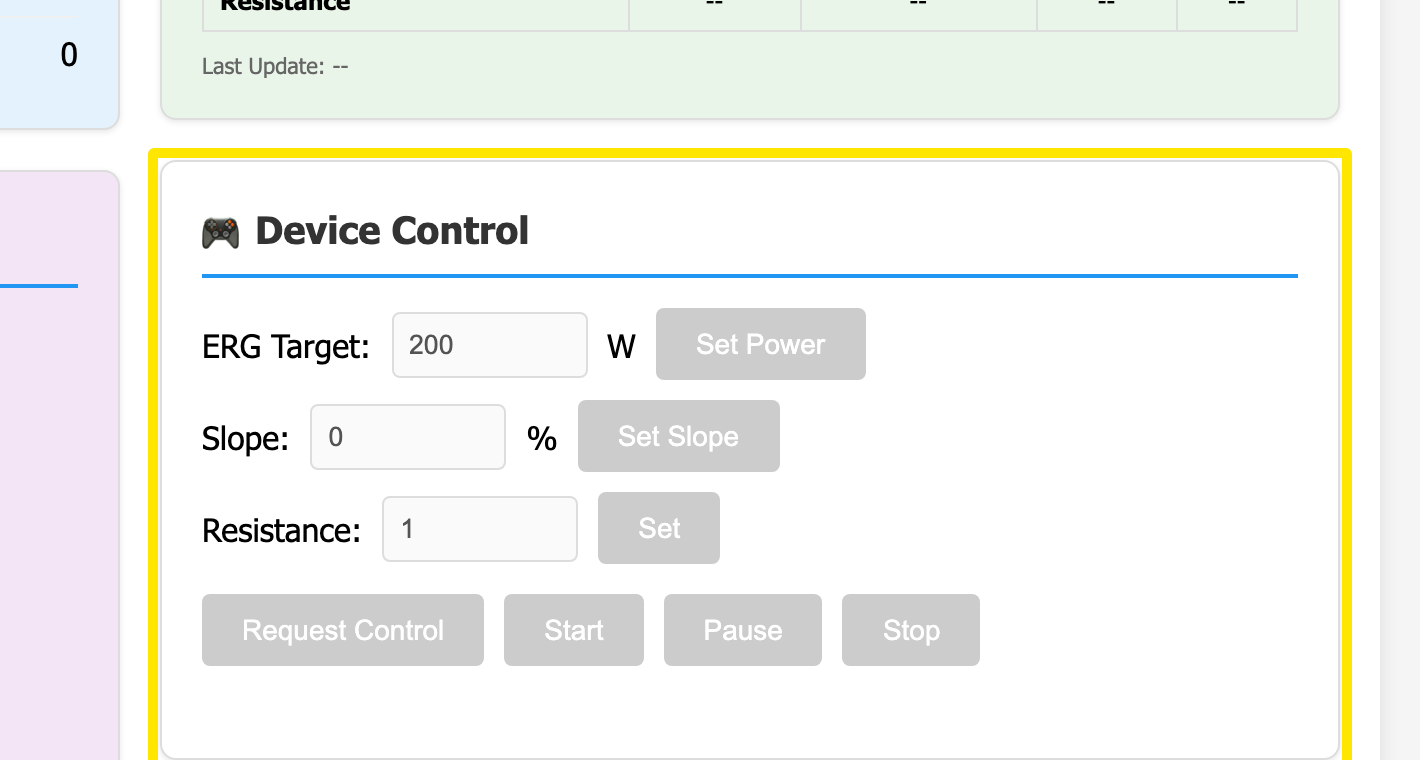 位置:网站 · BLE 测试页面(trainerday.com/ble.htm)
- 点击右上角的 Download Report。系统会保存一个名为 BLE-Diagnostic-Report-<device>-<time>.txt 的文件。
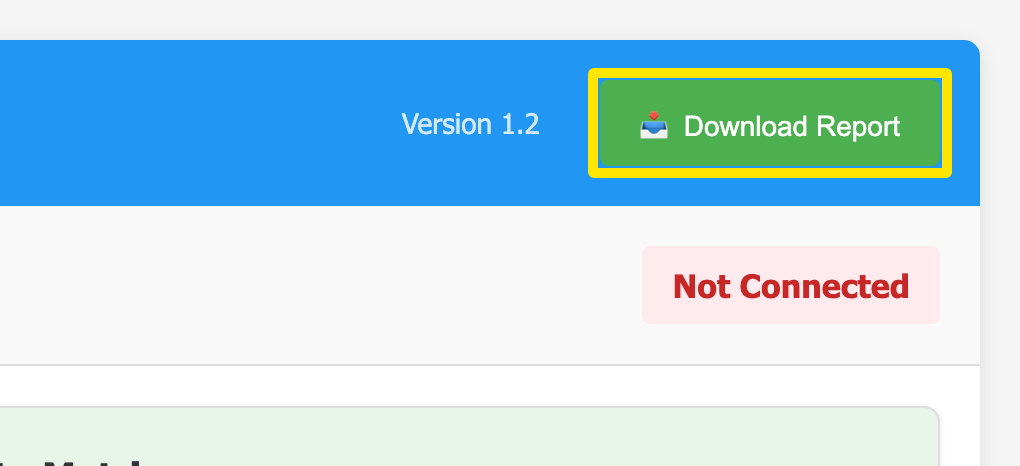 位置:网站 · BLE 测试页面(trainerday.com/ble.htm)
- 把这个文件发邮件到 [email protected],简单说说出了什么问题。
小提示: 设备连接之前下载的报告只有标题,所以请先连接设备并运行测试。
适用于: Android、Mac 和 Windows 上基于 Chrome 的浏览器;不支持 iPhone 或 Safari。