

要怎麼更改帳戶的 email?
在 TrainerDay 網站更改帳戶 email:打開「帳戶」,在「個人」底下的「電子郵件」輸入新地址,再點「更新個人資料」。
- 在 TrainerDay 網站(app.trainerday.com)上,點左側選單最上方的齒輪圖示,再點 帳戶。
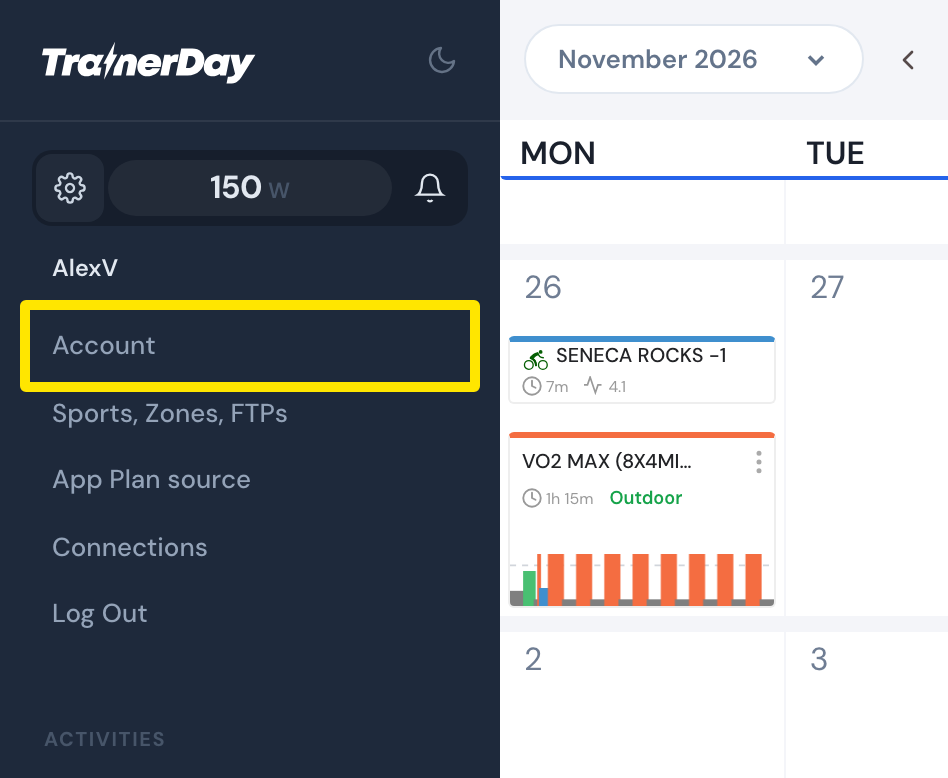 位置:網站 · My Calendar · 打開
- 在 個人 底下,於 電子郵件 輸入新的地址。
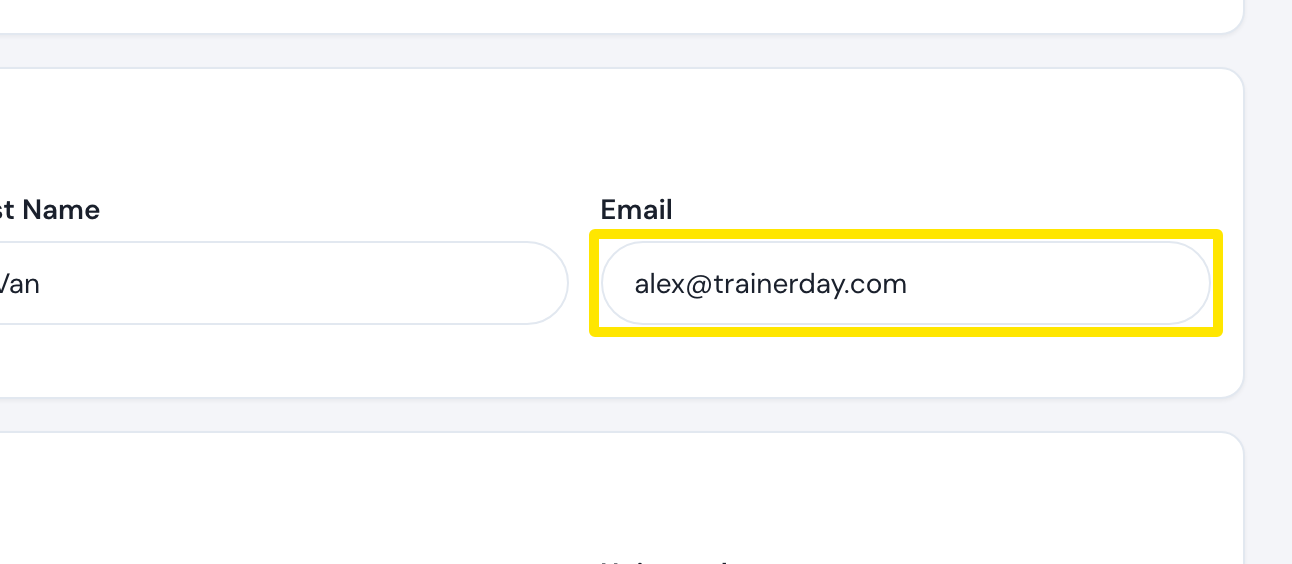 位置:網站 · 帳戶 · 打開
- 點 更新個人資料,再點 確認。
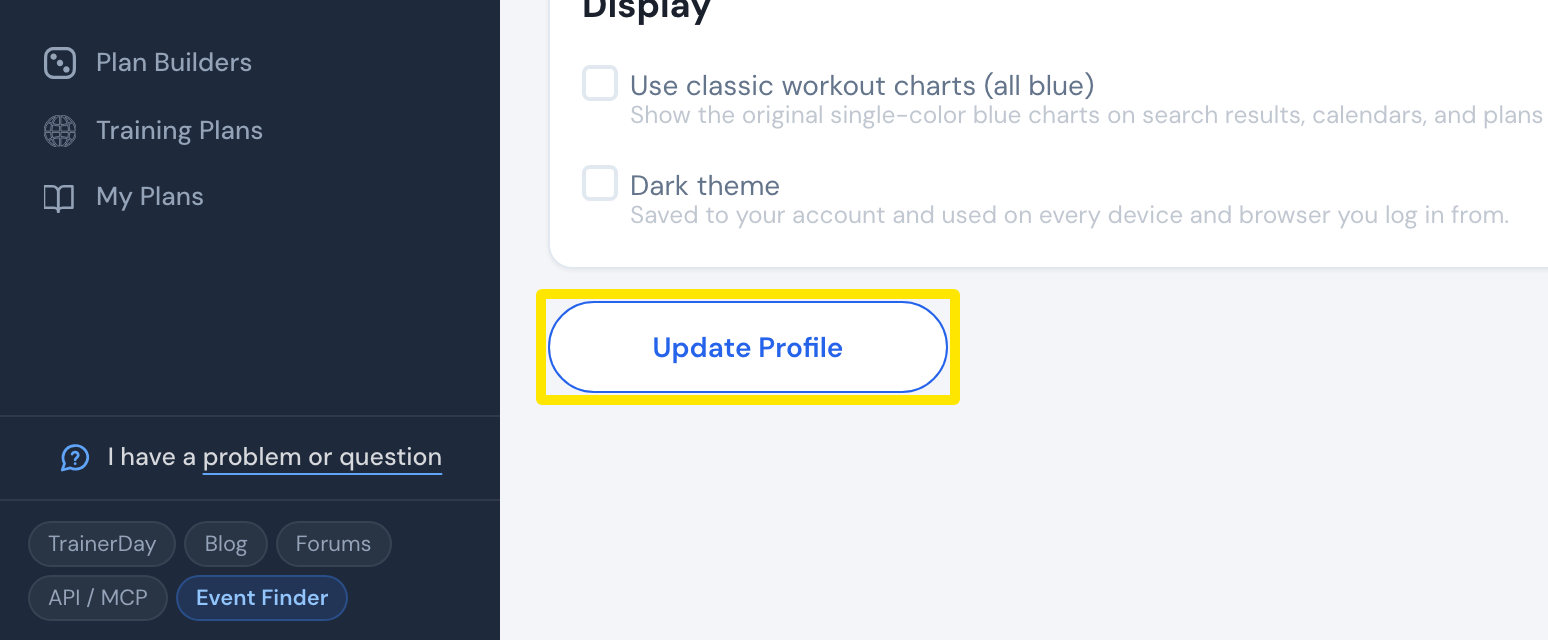 位置:網站 · 帳戶 · 打開
小提醒: 已經被其他帳戶使用的地址無法使用(會顯示「This email address already exists」)。可以使用像 [email protected] 這樣的加號別名。
適用於: 僅限網站。手機和桌面 App 不會顯示,也無法更改你的 email。