

怎麼在 TrainerDay 更新體重?
你可以在 TrainerDay 網站的「帳戶」裡、「速度與距離」底下更新體重,也可以在手機或桌面版 App 的「設定」裡更新。
- 在 TrainerDay 網站(app.trainerday.com)上,點左側選單頂端的齒輪圖示,再點 帳戶。
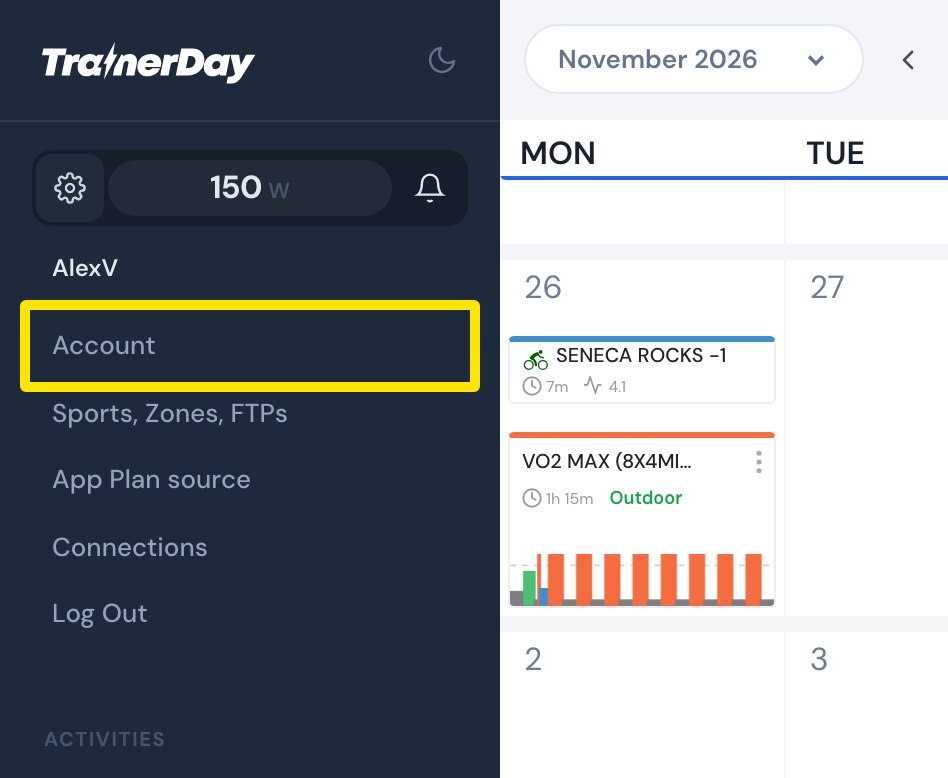 位置:網站 · 我的行事曆 · 前往
- 在 速度與距離 底下,於 體重 欄輸入你的體重(KG 或 LBS,依 偏好設定 中 Units of measurements 的設定而定)。
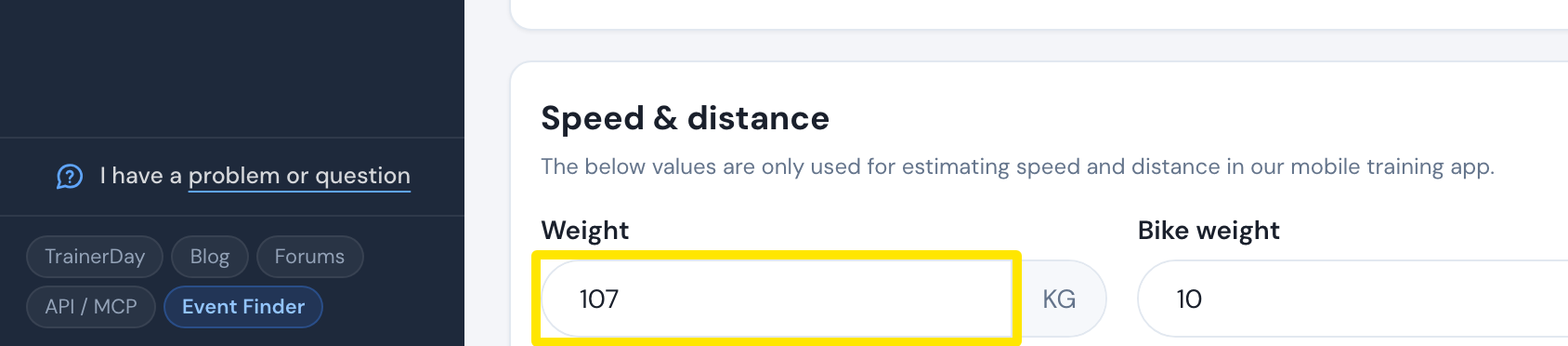 位置:網站 · 帳戶 · 前往
- 點選 更新個人資料,再按 確認。
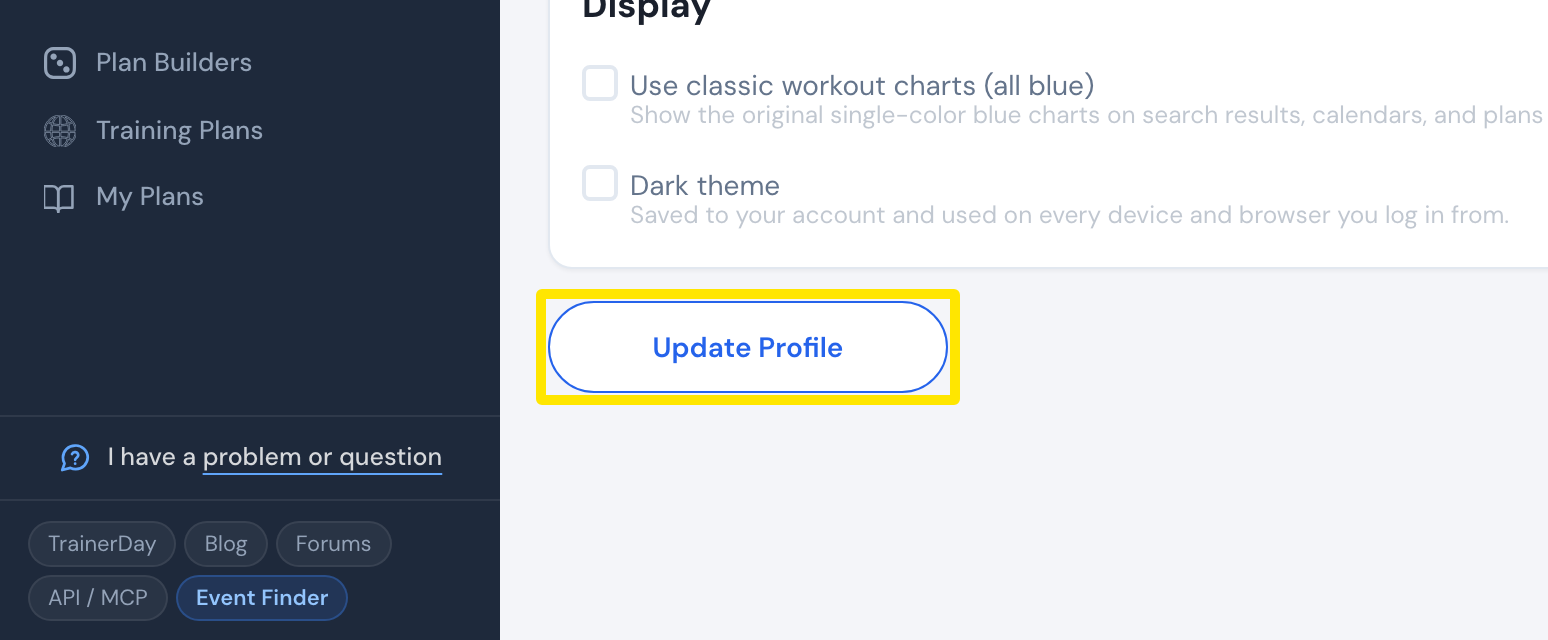 位置:網站 · 帳戶 · 前往
小提醒: 在手機 App 裡,Apple Health / Health Connect 也可以同步你的體重。
適用於: 網站(帳戶);手機 App(設定 → 用戶賬戶信息 → 騎手體重);桌面版 App(設定 → 重量與 CDA → 騎手體重)。