

怎麼建立 TrainerDay 帳戶?
在網站的註冊頁面 trainerday.com/register 建立免費的 TrainerDay 帳戶,或在行動版或桌面版 App 裡用「註冊」建立。
- 在網站上前往 trainerday.com/register(或在登入頁面點 Register here)。
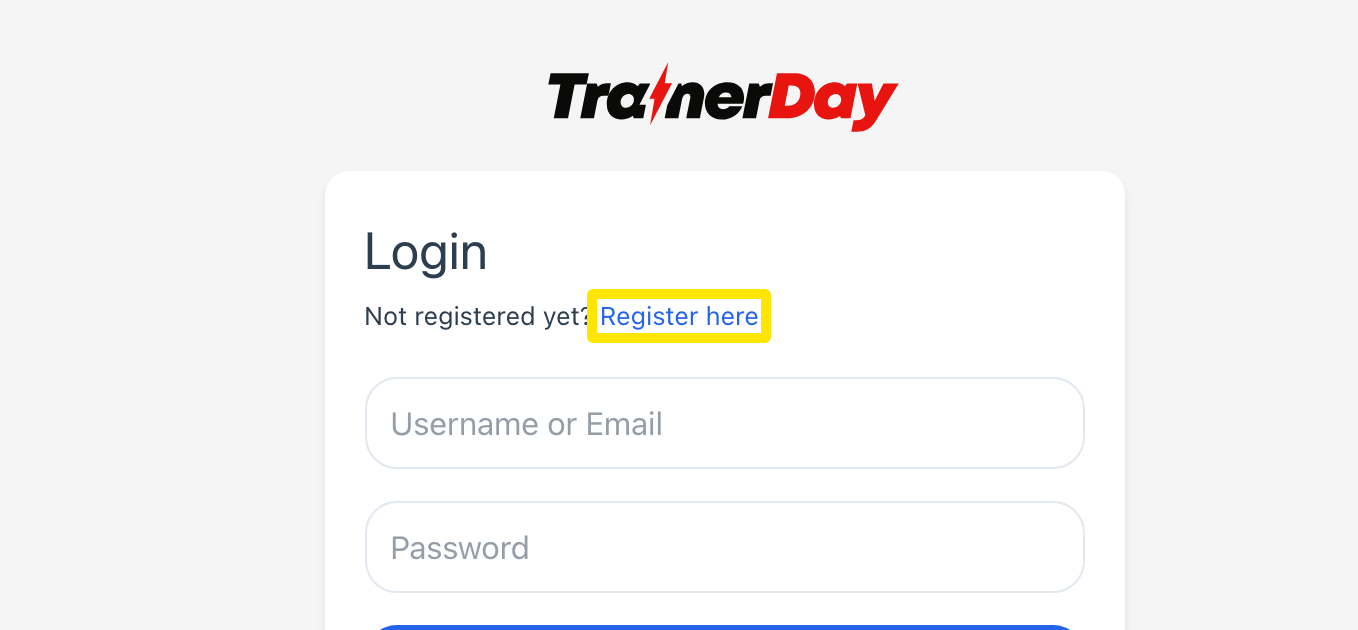 位置:網站 · 登入 · 打開
- 在 Create an account 下方填寫 電子郵件、用戶名 和 密碼,並勾選 I agree to the site Terms and Conditions and Privacy Policy。
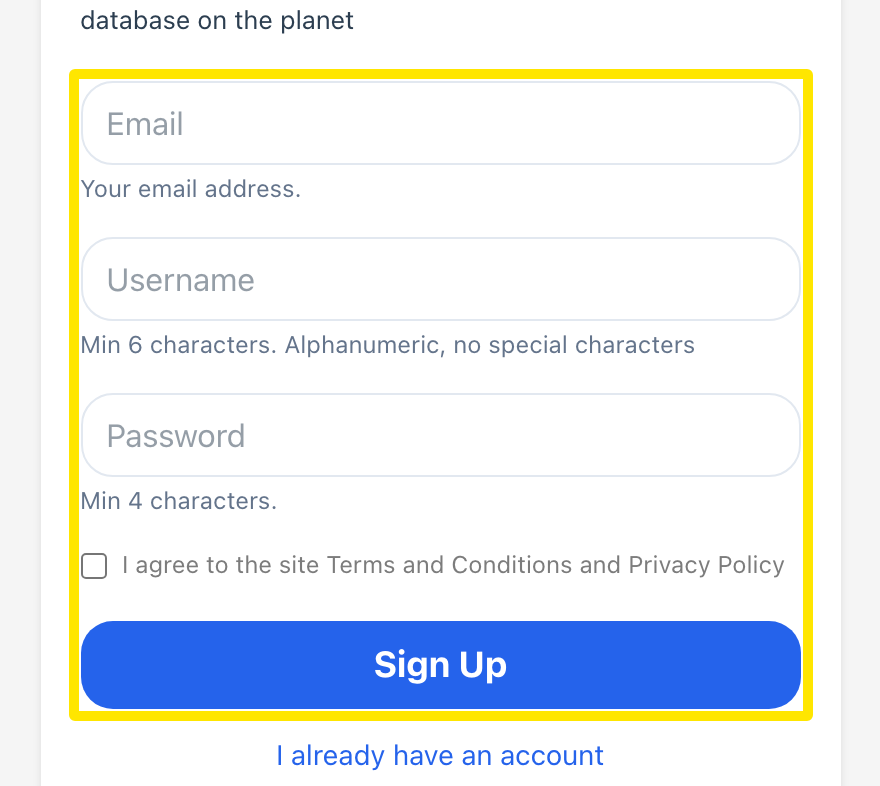 位置:網站 · 註冊頁面 · 打開
- 點 註冊。你會立刻登入並進入網頁版 App,不需要啟用信。
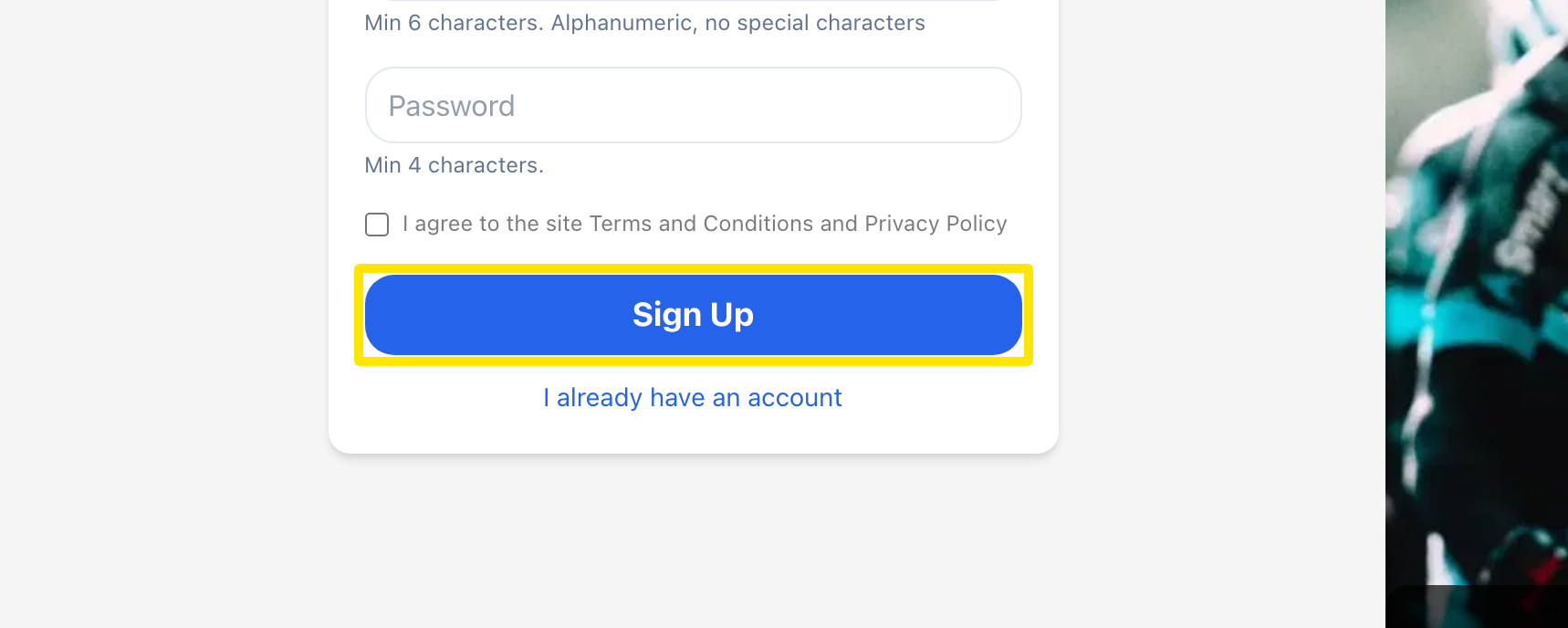 位置:網站 · 註冊頁面 · 打開
小提醒: 用戶名必須是 6 到 30 個字元,只能使用字母、數字、連字號或底線。電子郵件和用戶名不能已被其他帳戶使用。
適用於: 網站、行動版 App 和桌面版 App。在 App 裡,用開始畫面上的 註冊 建立同一個帳戶。