

怎麼續訂或重新啟用訂閱?
在 TrainerDay 網站的「帳戶 → 管理您的訂閱」中續訂或重新啟用訂閱:如果已取消但還沒到期,點「繼續」;如果已經到期,點「前往結帳」。
如果是續約扣款失敗,請改為更新付款方式:請看 訂閱續約扣款失敗怎麼辦?
- 在網站上,點左側選單頂端的齒輪圖示,選擇 帳戶。
- 在 帳戶資訊 下方點 管理您的訂閱。
 位置:網站 · 帳戶 · 開啟
- 查看訂閱的狀態和 到期日期。
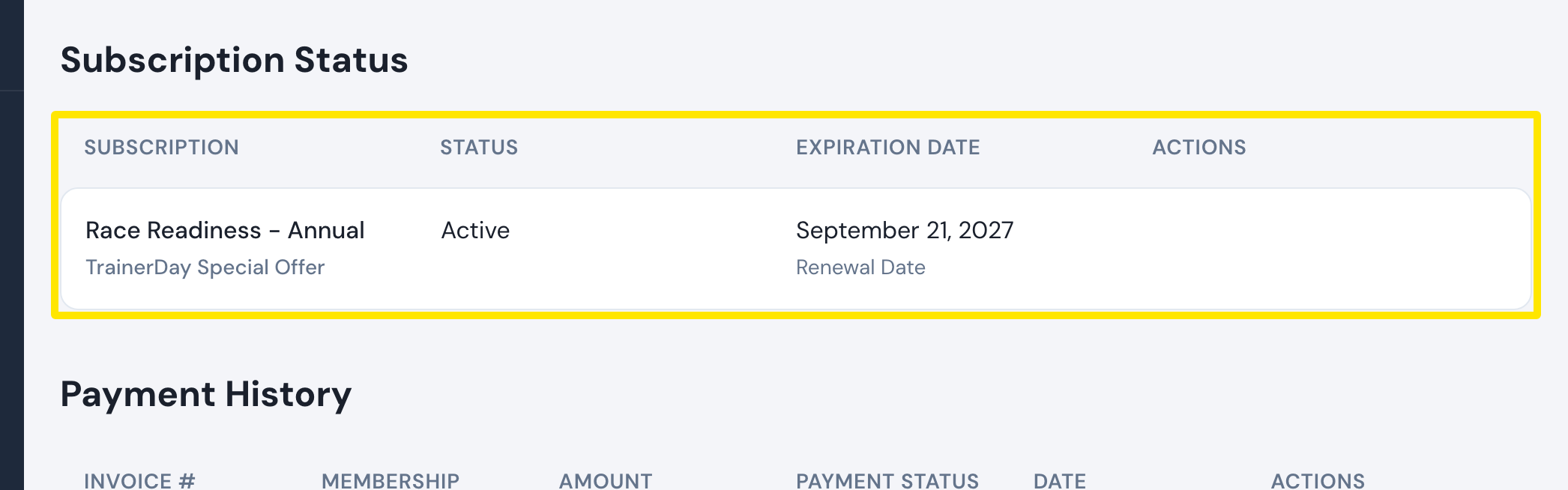 位置:網站 · 管理您的訂閱 · 開啟
- 如果狀態是 已取消 且日期還沒到,請在 操作 欄點 繼續。
- 如果已經到期,訂閱就不會再列出來,頁面會顯示「You don't have a subscription.」。請點 前往結帳。
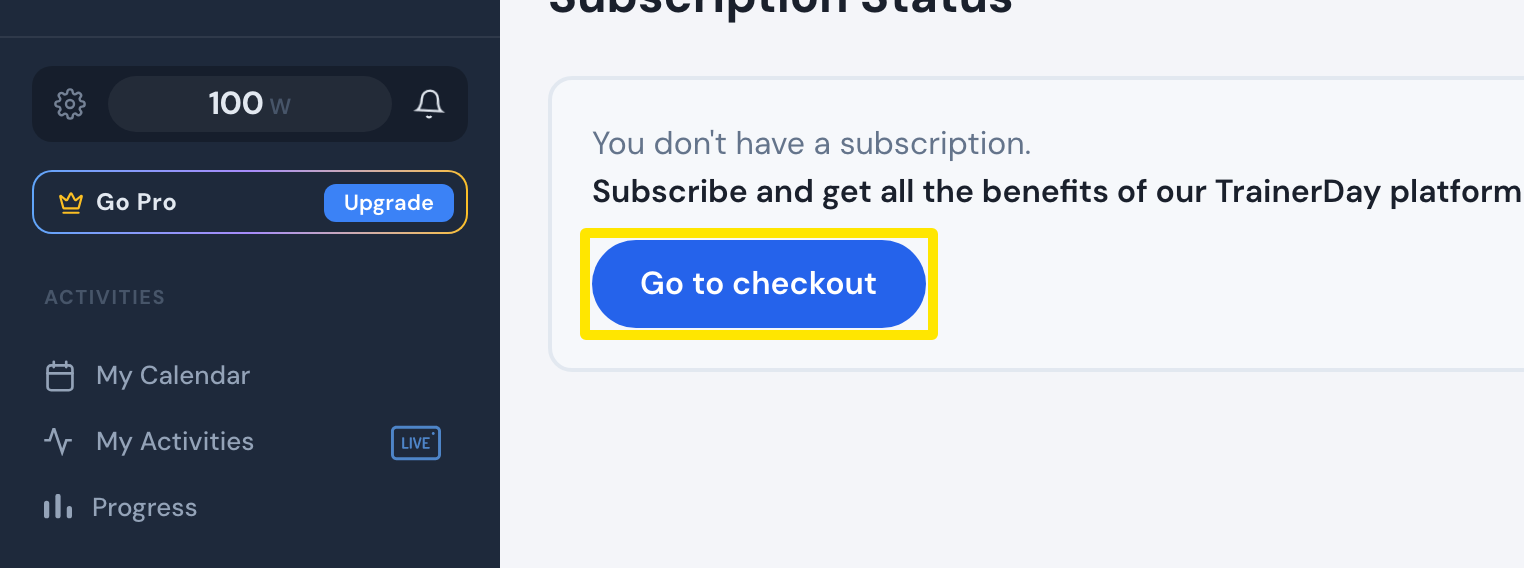 位置:網站 · 訂閱狀態 · 開啟
- 在訂閱頁面選擇 年度 或 月度,然後付款。
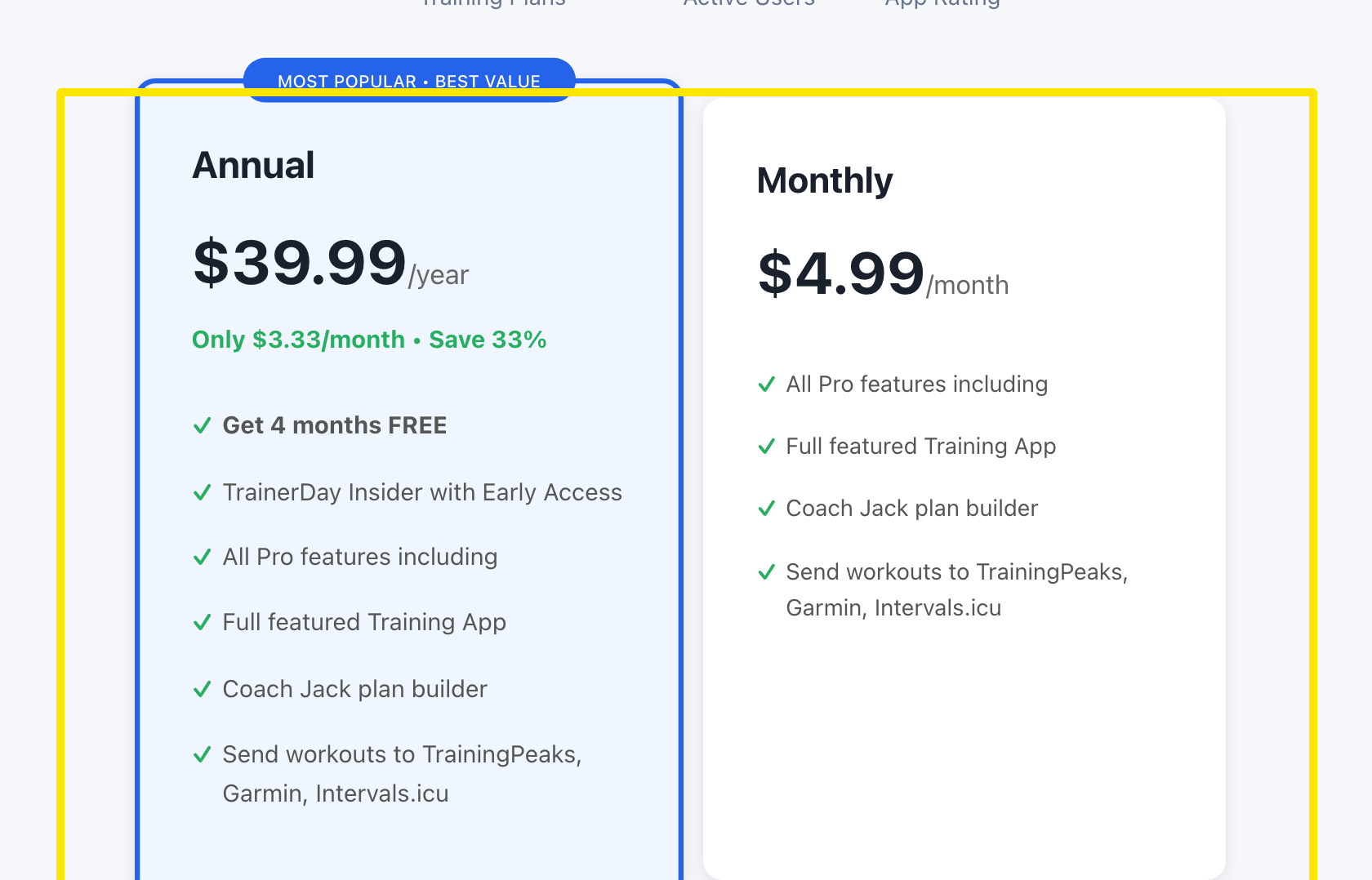 位置:網站 · trainerday.com/subscribe
小提醒: 繼續 只會在付費期間還沒結束時出現。期間結束後,請從步驟 5 重新訂閱。
適用於: 網站訂閱請在網站操作。App Store 和 Google Play 的訂閱要在商店裡重新啟用:在手機 App 中打開 Settings → 訂閱狀態。桌面 App 不需要做任何事。