

如何在網站上以最低價格訂閱?
在網站上登入,開啟 trainerday.com/pricing,在 Pro 下方點立即升級,選擇年度方案就能享有最低價格;網站價格比 App Store 或 Google Play 便宜。
- 在網站上登入,然後開啟 trainerday.com/pricing。
- 在 Pro 下方點 立即升級。
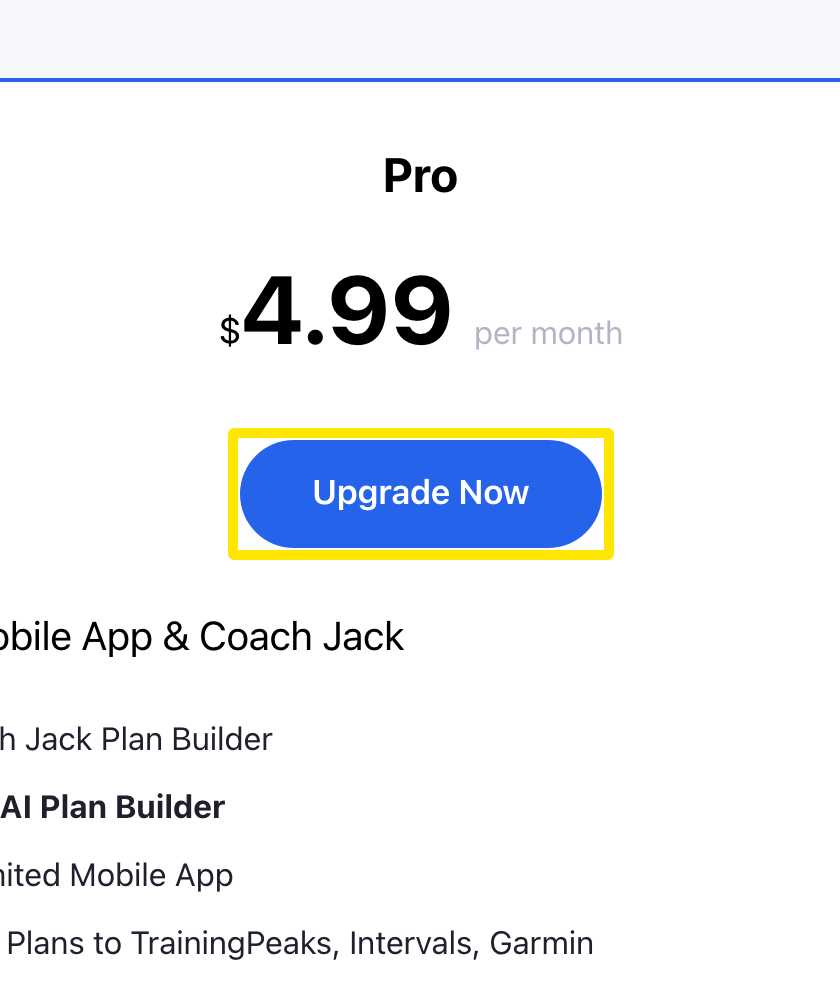 位置:網站 · trainerday.com/pricing
- 在訂閱頁面上,選擇 年度(每年 $39.99,「Save 33%」)享有最低價格,或選擇 月度($4.99)。
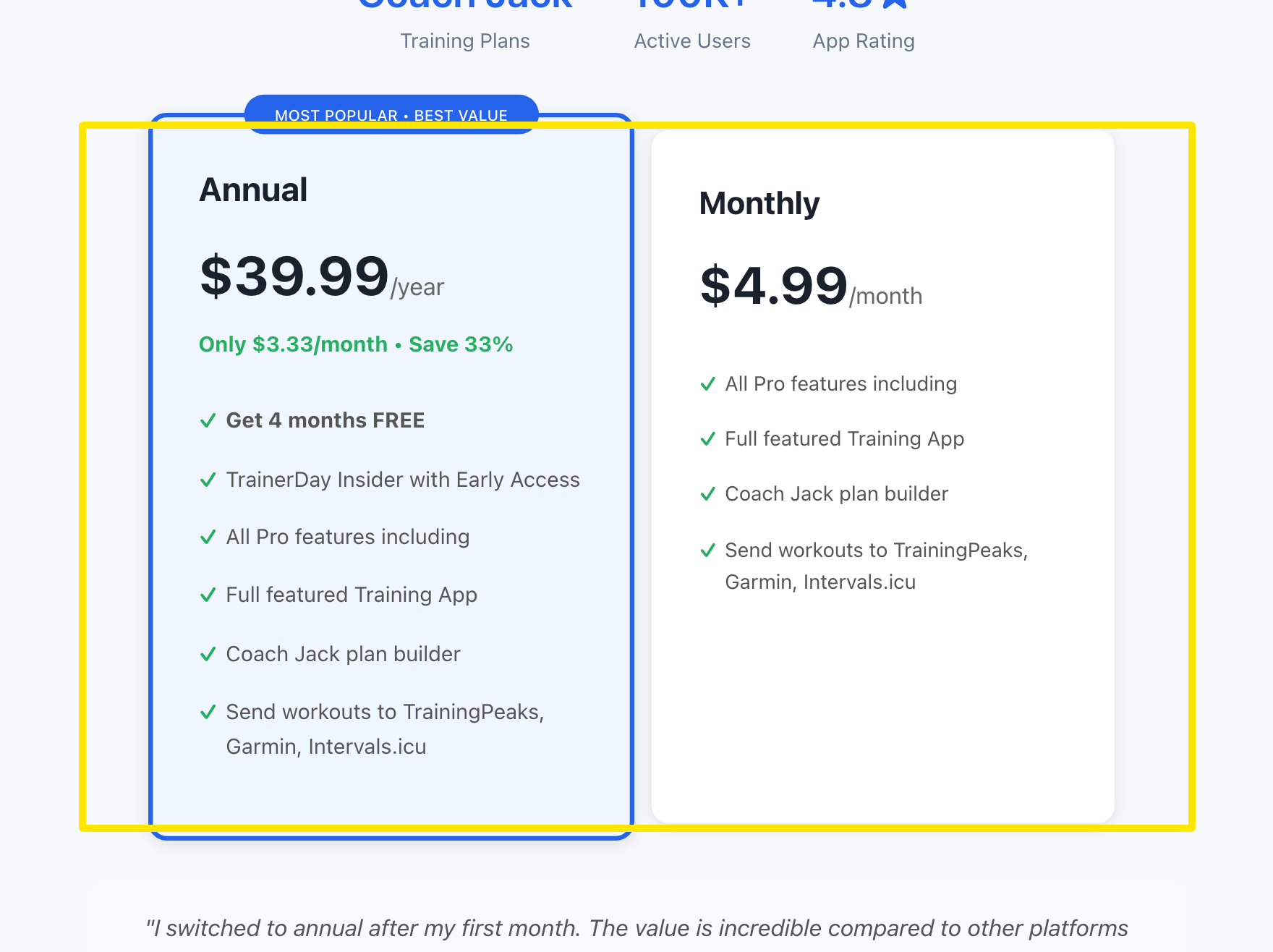 位置:網站 · trainerday.com/subscribe
- 輸入你的信用卡資料,然後按表單下方的藍色按鈕:年度方案是 Get Instant Access - Save 33% →。如果想改用 PayPal 或 Stripe 付款,請點按鈕下方的 Paypal 或 Stripe 連結。
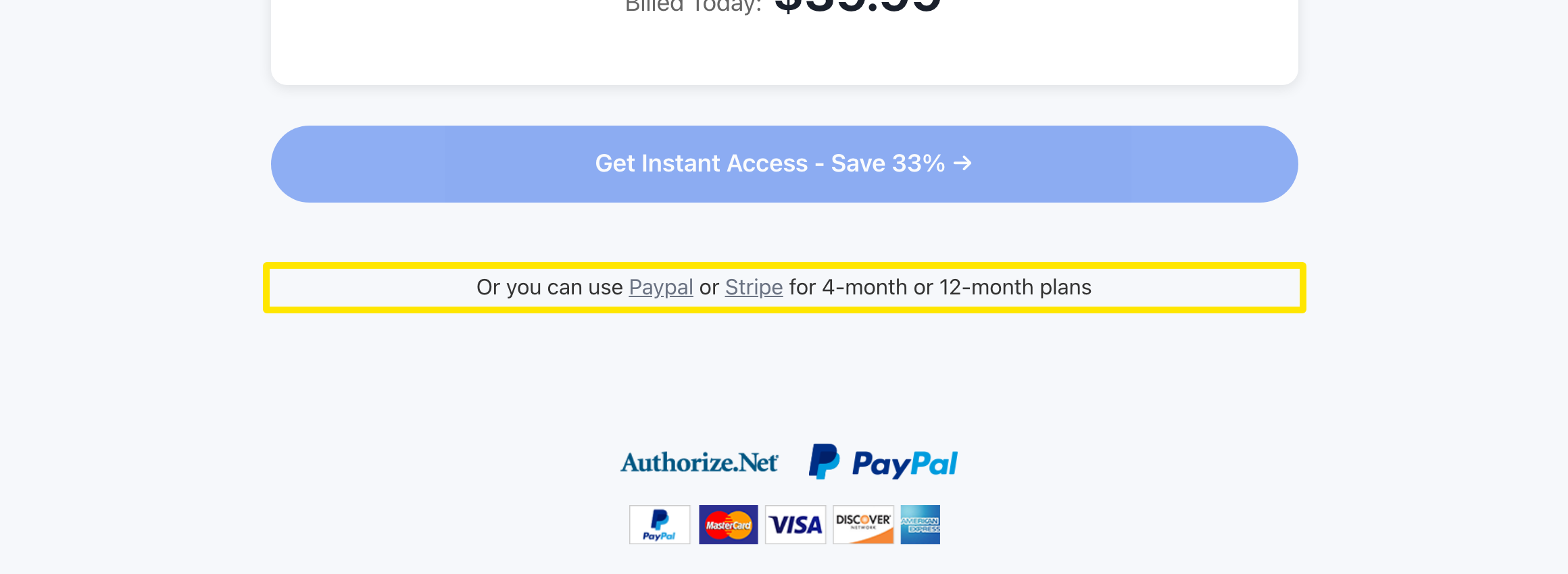 位置:網站 · trainerday.com/subscribe
小提醒: 在網站訂閱一次,你的帳戶在所有裝置和網頁上都能使用進階功能。
適用: 網站。手機 App 透過 App Store 或 Google Play 以它們的價格購買,電腦版 App 則沒有購買畫面。