

怎麼選擇月度方案而不是年度方案?
在 TrainerDay 網站的訂閱頁面選擇月度方案而不是年度方案,或在行動 App 裡用年度/月度切換開關選擇。
- 在網站登入後打開 trainerday.com/pricing,然後點 Pro 下方的 立即升級。
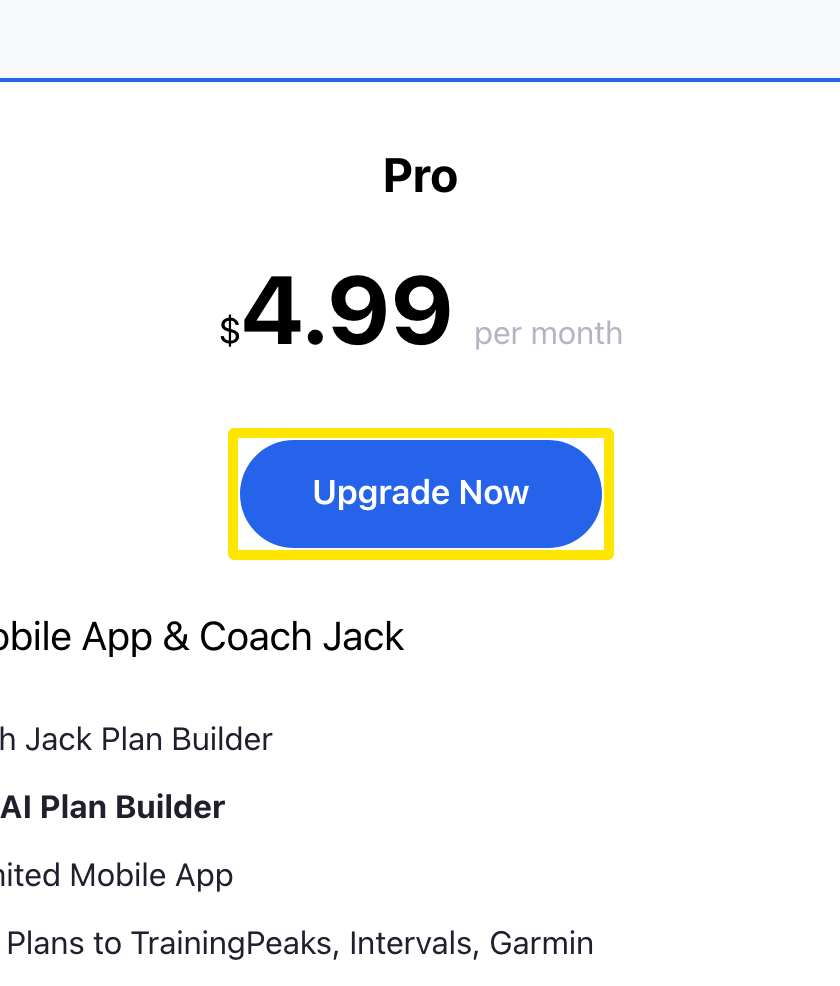 位置:網站 · trainerday.com/pricing
- 在訂閱頁面點 月度 卡片($4.99/月)。預設選的是年度方案。
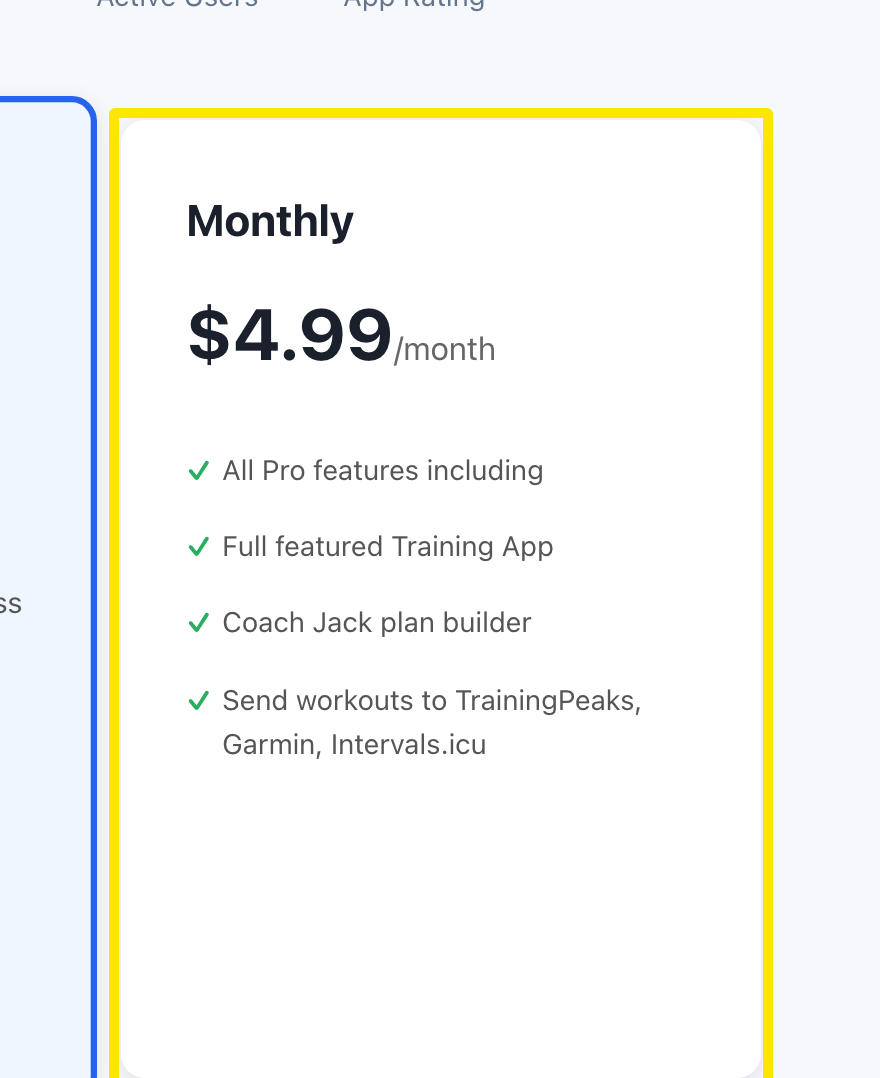 位置:網站 · trainerday.com/subscribe
- 輸入你的信用卡(或使用已儲存的卡片),然後按 Continue to Secure Checkout →。
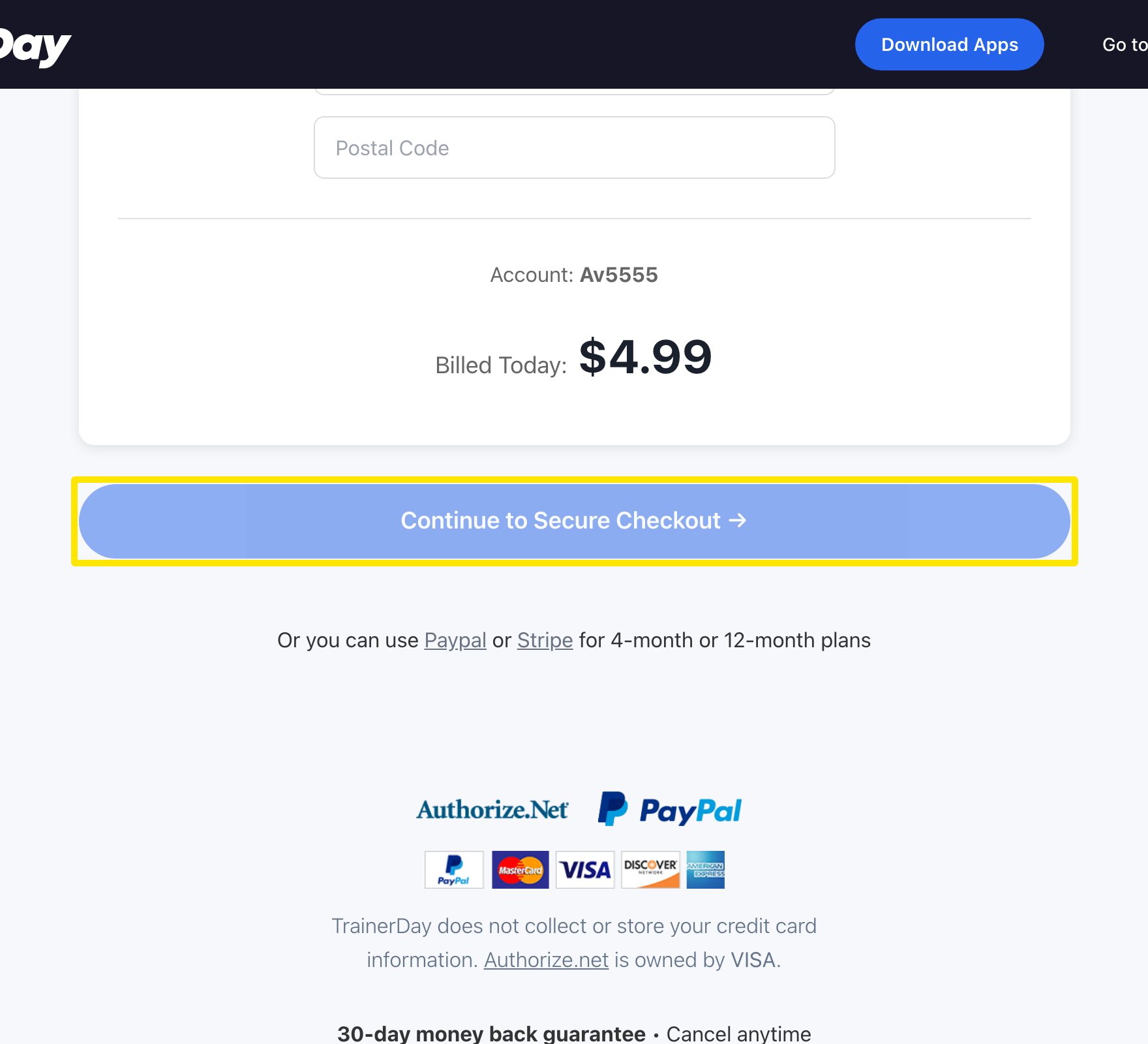 位置:網站 · trainerday.com/subscribe
小提醒: 月度方案只能用信用卡付款。PayPal 和 Stripe 連結只適用於 4 個月或 12 個月方案。
適用於: 網站。行動 App:前往 Settings → Subscription Options,點 月度,再點 Start Monthly Plan(透過 App Store/Google Play,以當地價格計費)。桌面版 App 沒有購買畫面。