

如何把訂閱從 App Store 或 Google Play 轉到網站?
取消你的 App Store 或 Google Play 訂閱,然後在網站的管理您的訂閱頁面點訂閱。網站計費會從商店訂閱結束那天開始,你的資料也會保留。
- 在網站上,點左側選單頂端的齒輪圖示,選擇 帳戶,再點 管理您的訂閱(app.trainerday.com/account/subscription)。
- 在你的 App Store 或 Google Play 訂閱下方,點 Want to save money? 查看如何轉換。
- 取消商店訂閱:
- Google Play: 在同一個頁面,使用它 操作 中的 取消訂閱。
- App Store: 在 iPhone 上前往 設定 → 你的名字 → 訂閱項目,在那裡取消 TrainerDay。
- 回到網站,再次開啟齒輪圖示 → 帳戶 → 管理您的訂閱。在已取消的訂閱下方點 訂閱,然後在 trainerday.com/subscribe 付款。
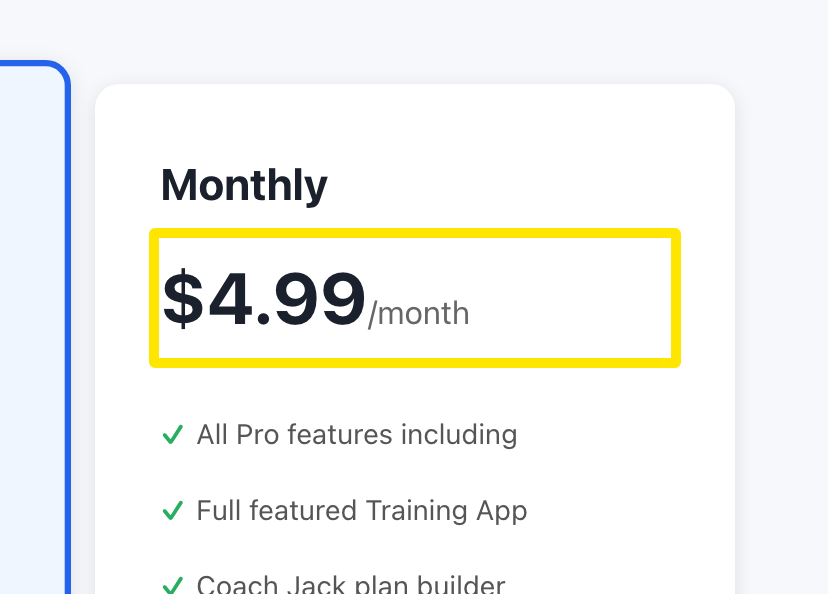 位置:網站 · trainerday.com/subscribe
小提醒: 你現在就可以取消並重新訂閱。商店訂閱會持續到到期日,網站計費則從它結束那天開始。不會重複扣款,你的資料也會保留。