

結帳時信用卡被拒絕怎麼辦?
信用卡被拒絕,代表你的銀行拒絕了訂閱頁面信用卡表單上的這筆扣款。解決方法:換一張卡試試、透過同一頁的 Paypal 或 Stripe 連結付款,或是在 TrainerDay 行動 App 裡購買。
- 在網站的訂閱頁面上,信用卡被拒絕時會顯示 Payment failed("Your transaction was declined")。在 Pay with Card 表單中,選擇 Use existing card 或 Use new card,然後輸入另一張卡。
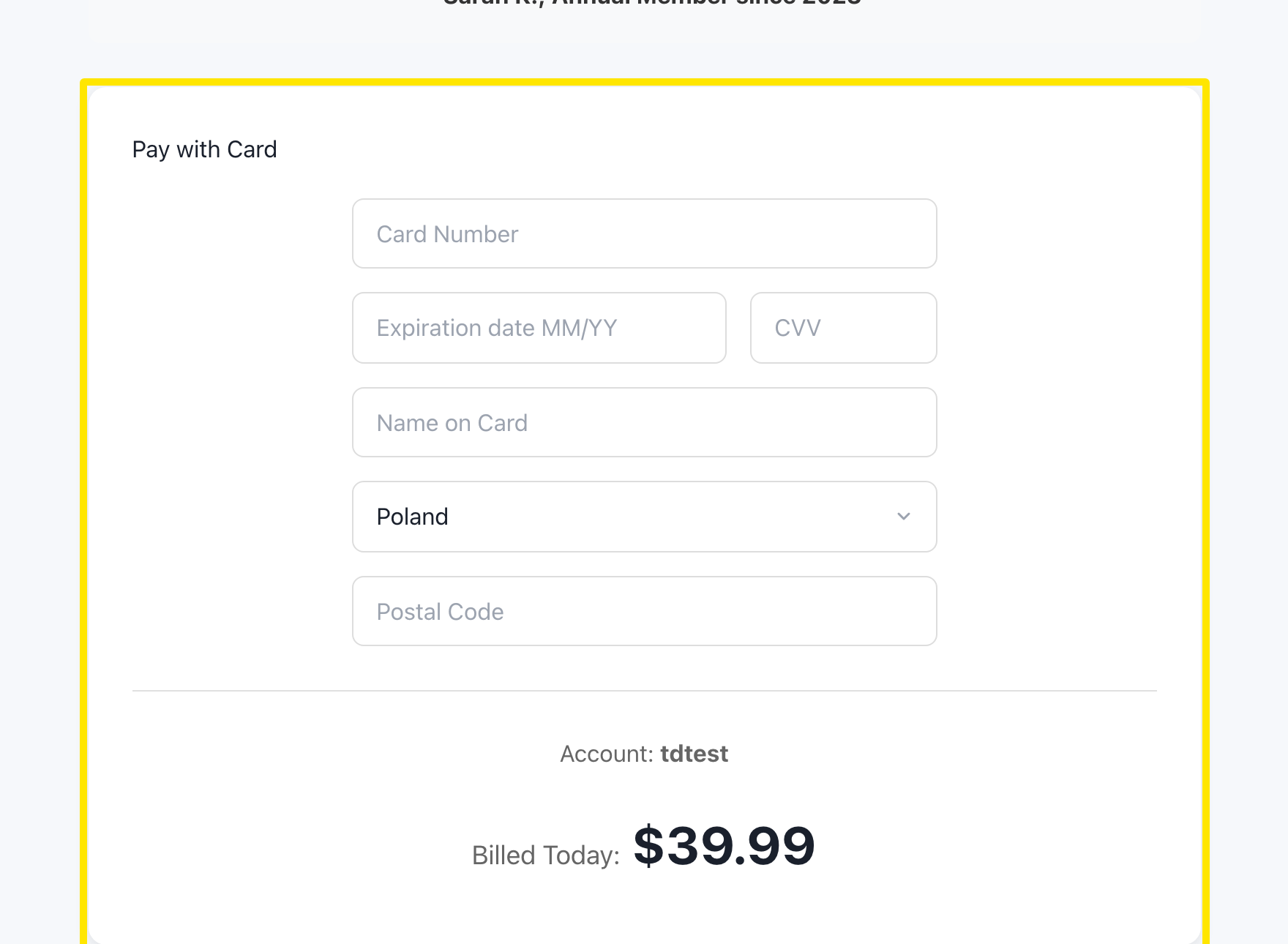 位置:網站 · trainerday.com/subscribe
- 或者,在 Get Instant Access 按鈕下方點選 Paypal 或 Stripe。
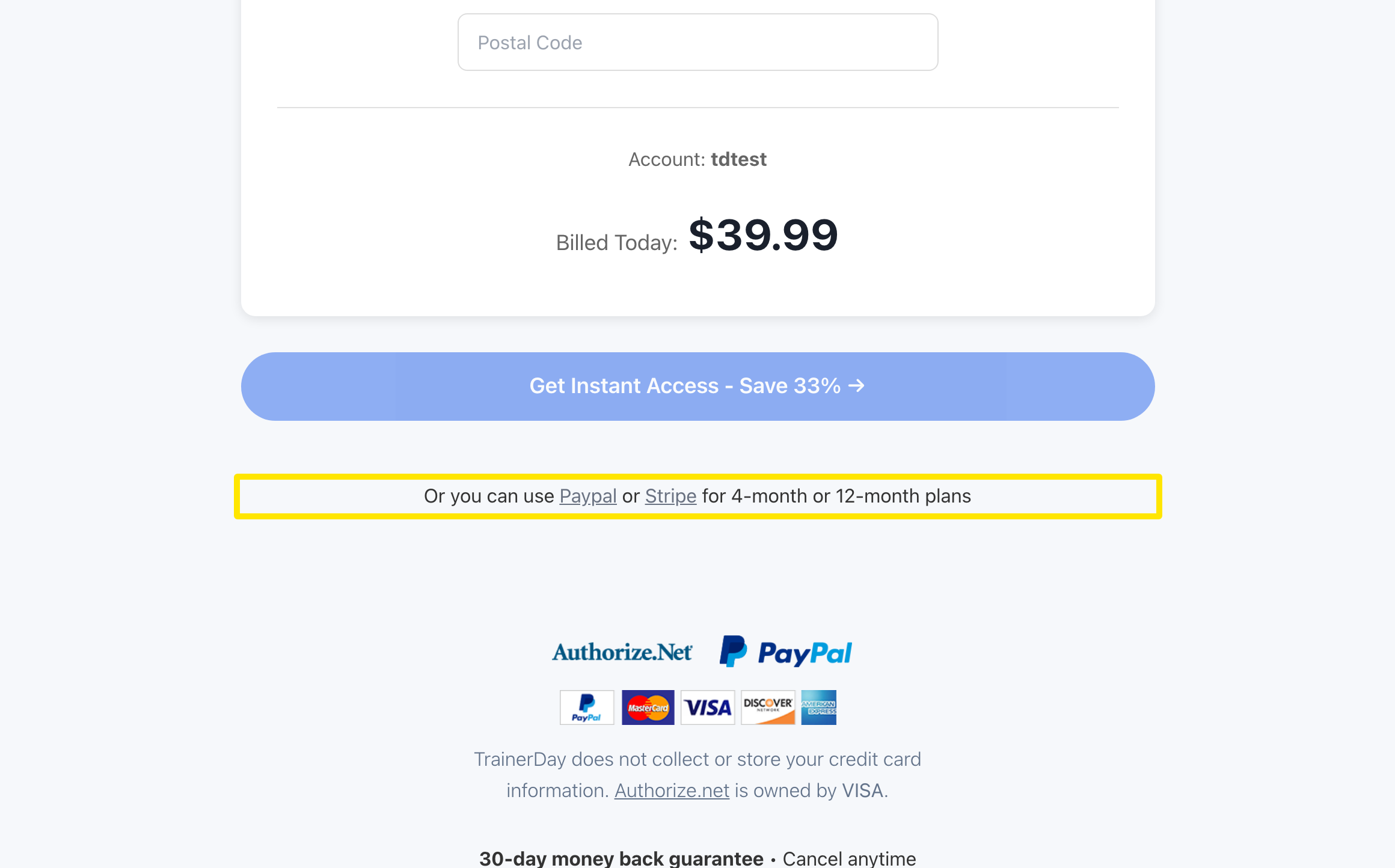 位置:網站 · trainerday.com/subscribe
- 選擇 PayPal 或 Stripe 並按下按鈕,接著在他們的安全頁面上完成付款。
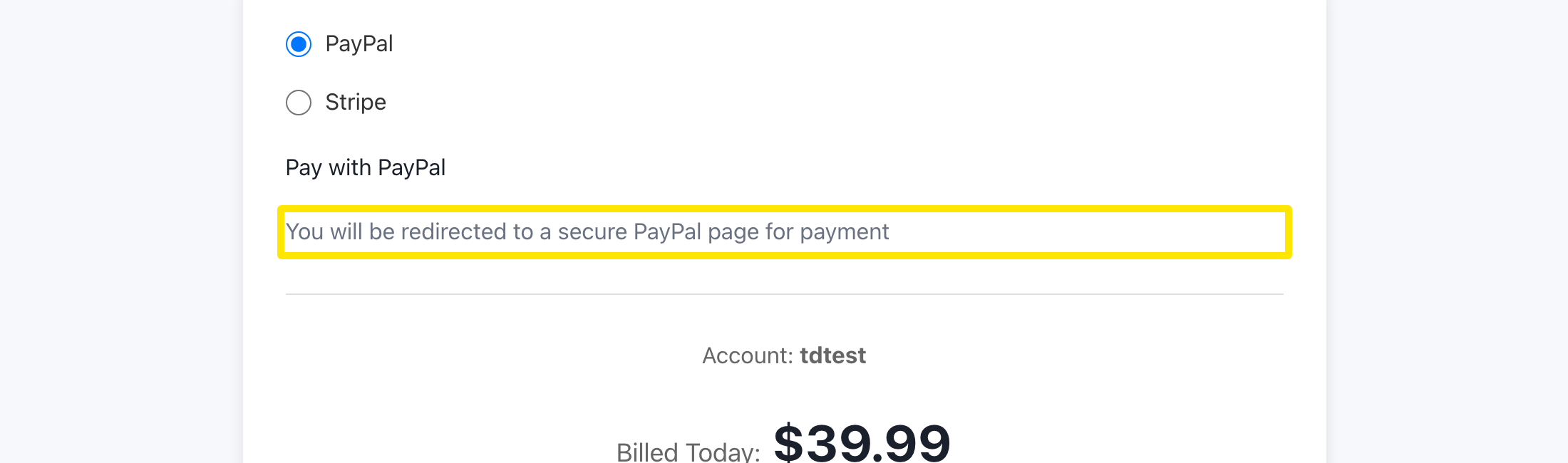 位置:網站 · trainerday.com/subscribe
- 如果網站還是不接受你的卡,可以在 iPhone 或 Android 的 TrainerDay App 裡訂閱。
小提醒: 信用卡表單本身沒有 3D 驗證步驟,而 Stripe 的頁面會執行你銀行的驗證。一次性虛擬卡無法用於月訂閱。
適用於: 網站(信用卡、PayPal、Stripe)· iPhone 和 Android(App 內購買)