

怎麼下載騎乘的 FIT 或 TCX 檔案?
從網站的我的活動,或手機、桌面 app 的活動分頁,下載在 TrainerDay 記錄的騎乘 FIT 或 TCX 檔案。
- 在網站上,點左側選單的 我的活動(app.trainerday.com/activities)。
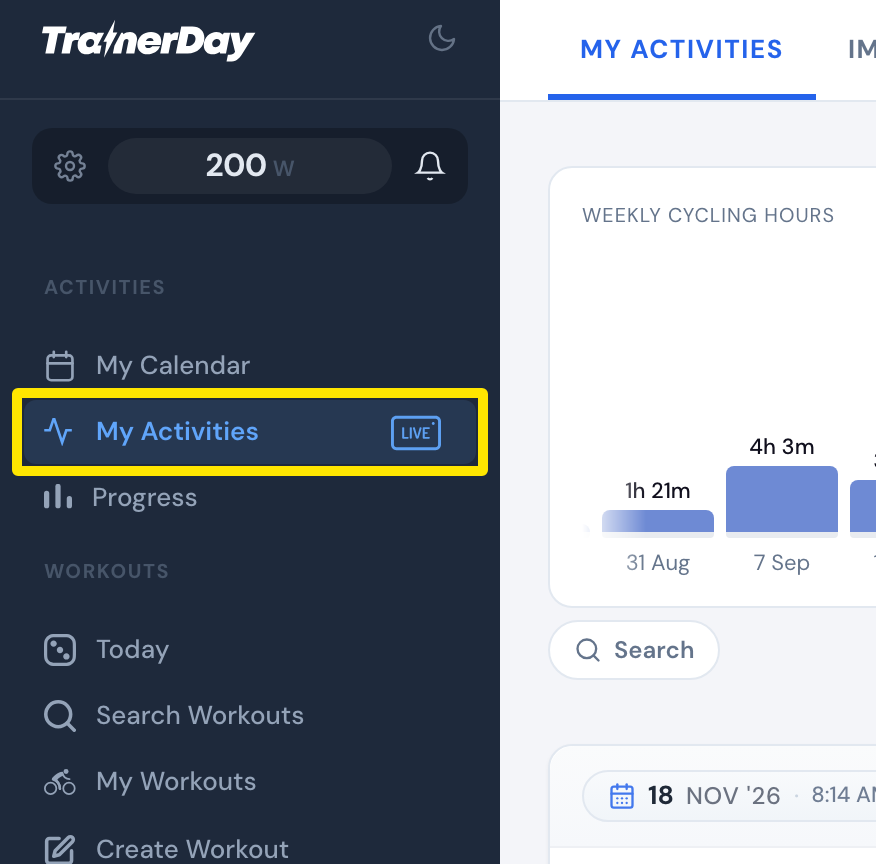 位置:網站 · 我的活動 · 開啟
- 點一下騎乘的名稱。
- 點騎乘右上角的三點選單。
- 點 Download FIT file(標示「Use for Garmin」)或 下載 TCX 檔案。
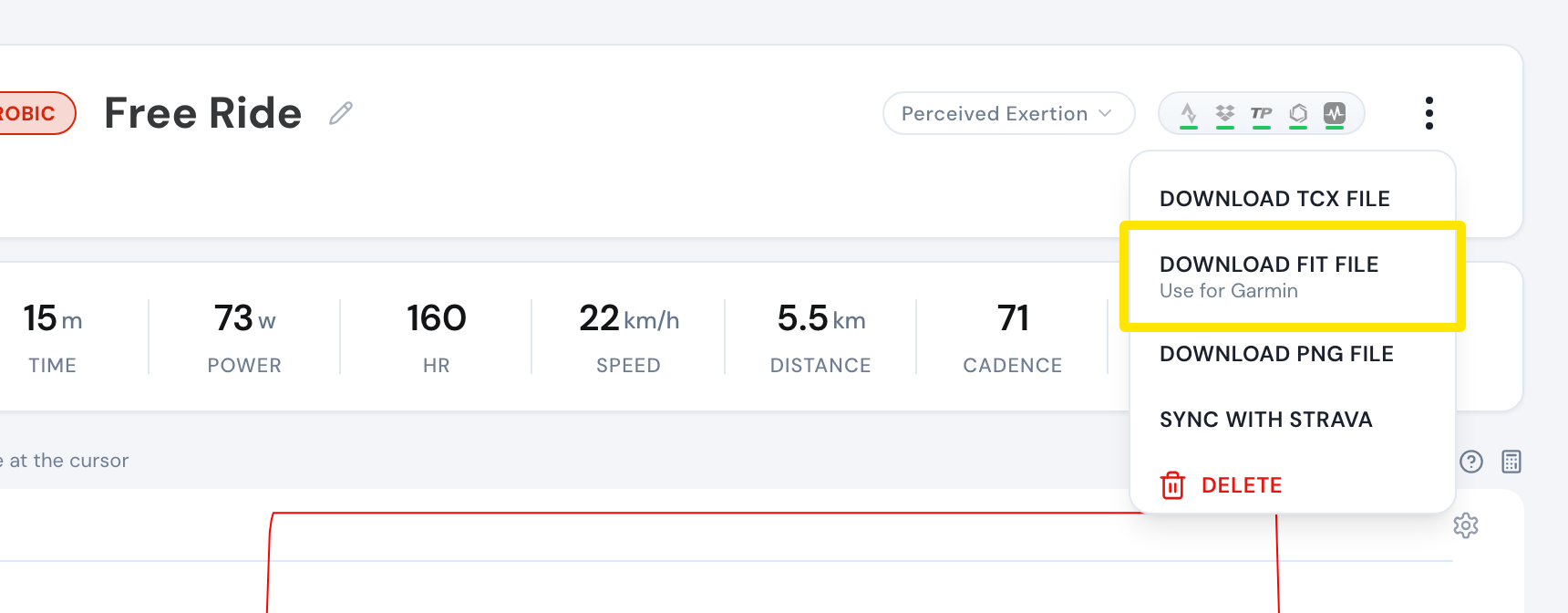 位置:網站 · 我的活動 → 點活動名稱 · 開啟
- 改用手機 app:打開 活動 分頁,點騎乘,點分享圖示,再選 TCX 或 FIT。
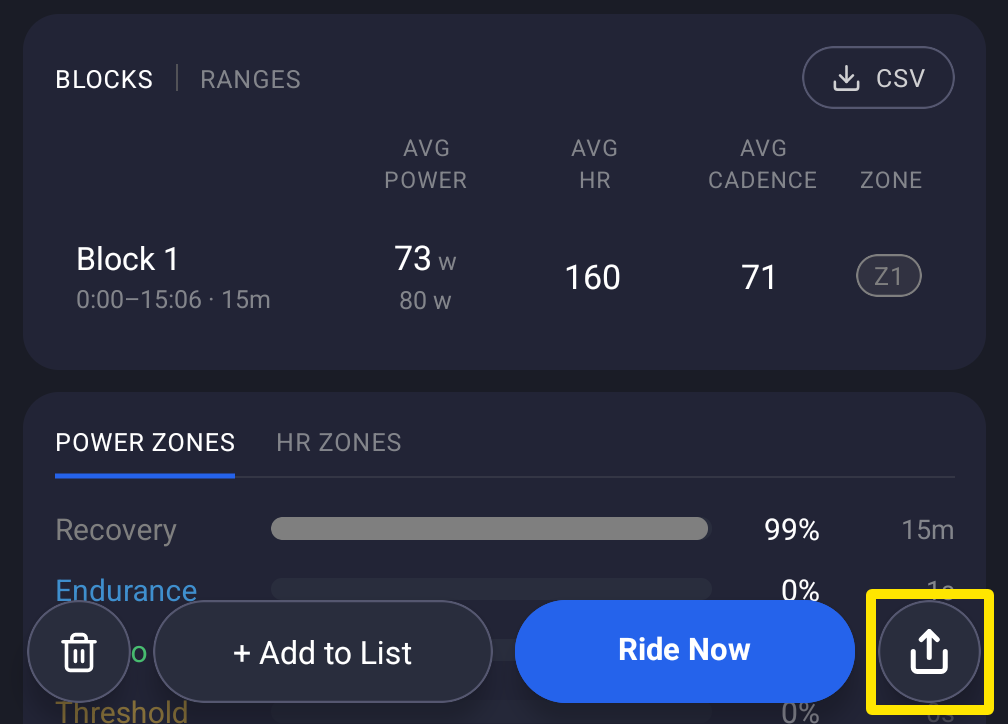 位置:手機 app · 活動分頁 → 點一筆騎乘
- 改用桌面 app:打開 活動 分頁,打開騎乘,點 TCX 或 FIT,然後儲存(預設存到「下載」資料夾)。
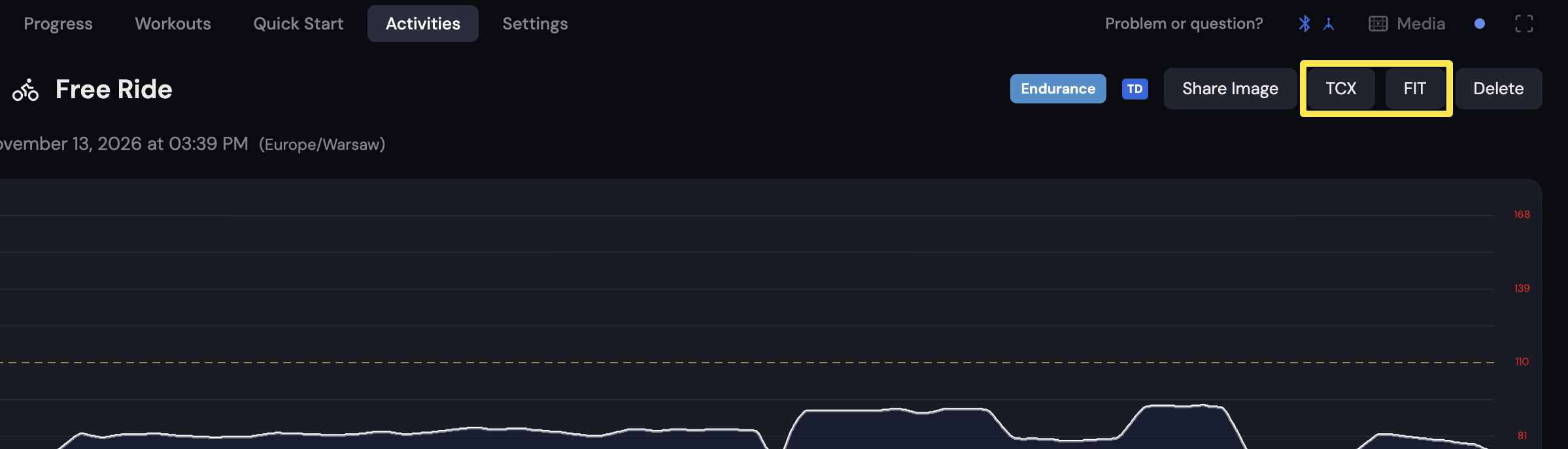 位置:桌面 app · 活動分頁
小提醒: 只有在 TrainerDay 記錄的騎乘可以下載,匯入的(Strava、Garmin)不行。在手機 app 裡,下載 FIT 需要登入並連上網路。
適用於: 網站、手機 app、桌面 app。