

怎麼查看我用的是哪個版本的 TrainerDay App?
在設定裡就能找到已安裝的 TrainerDay 版本:桌面版 App 在「更多資訊 → App 版本」,手機 App 則在設定分頁最下面的「TrainerDay 應用程式版本」那一行。
如果你想確認是不是最新版,請看 怎麼更新 TrainerDay App?
桌面版 App(Mac 或 Windows)
- 在 TrainerDay 桌面版 App 中,點上方列的 設定。
- 在 更多資訊 下方,App 版本 這一行會顯示你安裝的版本。測試版還會多一個 Beta 或 內部 標籤。
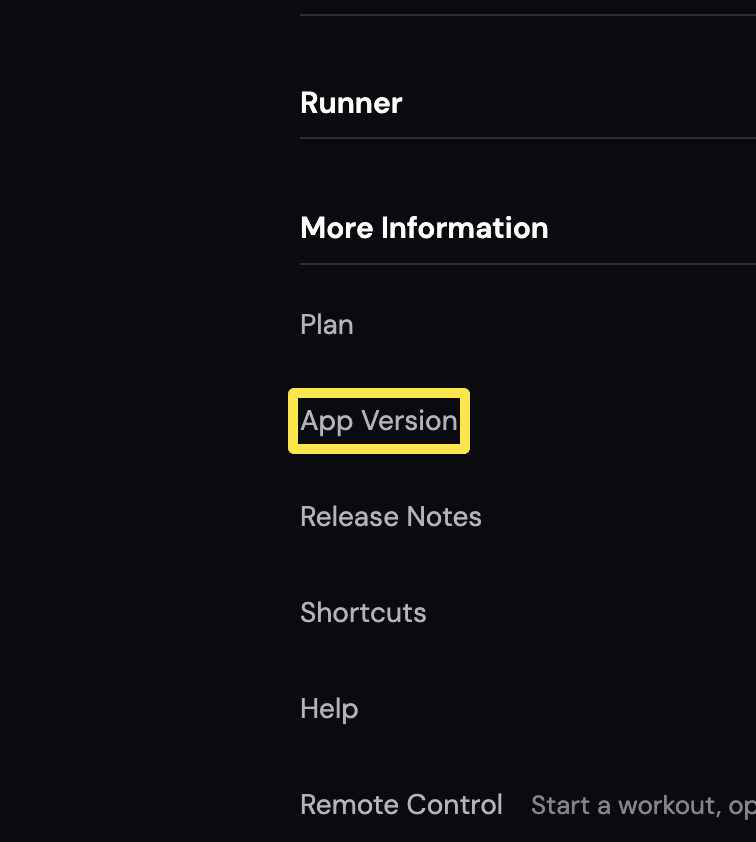 位置:桌面版 App · 設定分頁 → 更多資訊
手機 App(iPhone 或 Android)
- 在 TrainerDay 手機 App 中,打開 設定 分頁並捲到最下面。TrainerDay 應用程式版本 這一行會顯示你安裝的版本。
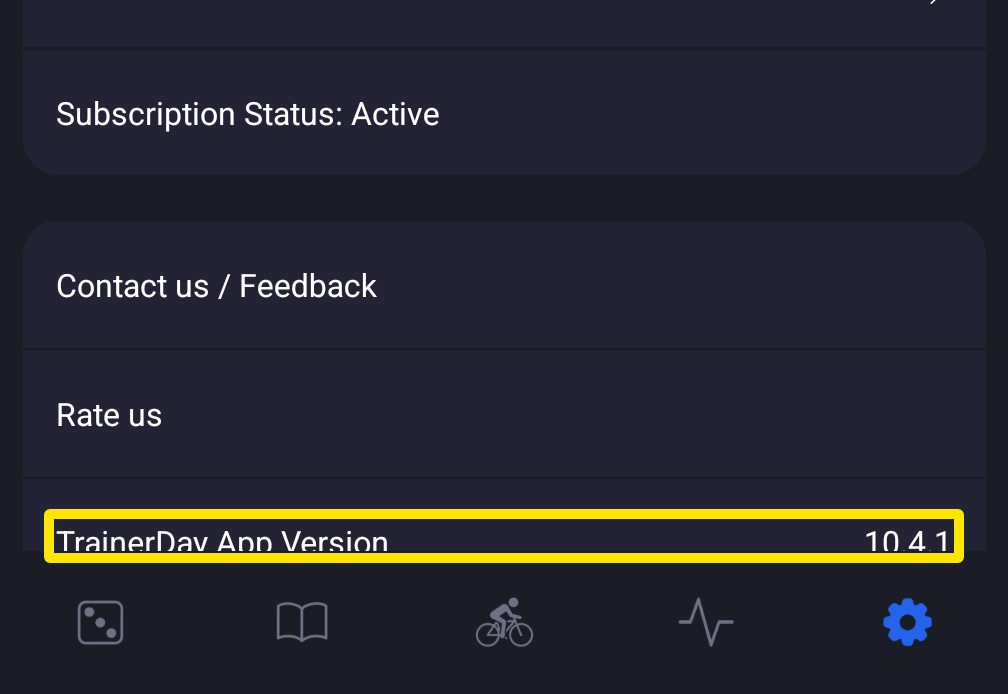 位置:手機 App · 設定分頁
小提醒: 網頁版(app.trainerday.com)沒有版本號,它永遠是最新版。