

怎麼加入 Android 版的 TrainerDay Beta?
Google Play 上沒有公開的 Android Beta;想測試新版本,請透過網站上的「I have a problem or question」聯絡 TrainerDay。
- 打開網站 app.trainerday.com,點側邊欄最下方的 I have a problem or question。
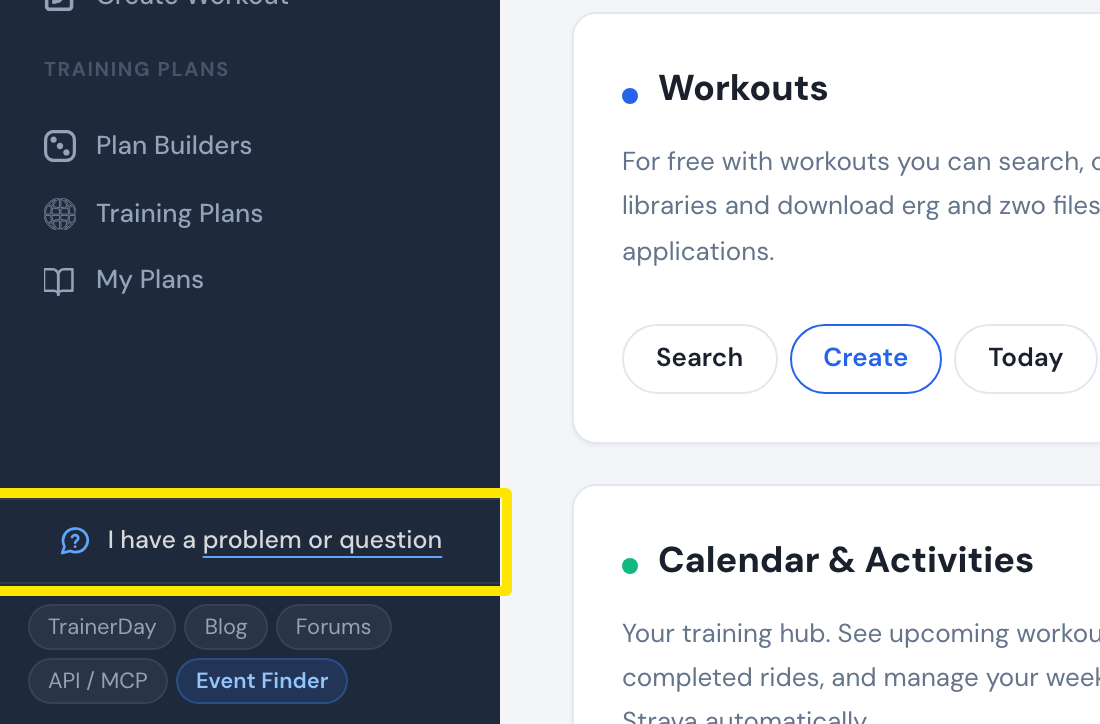 位置:網站 · 首頁 · 開啟
- 寫下你想測試新的 Android 版本,然後點 傳送。
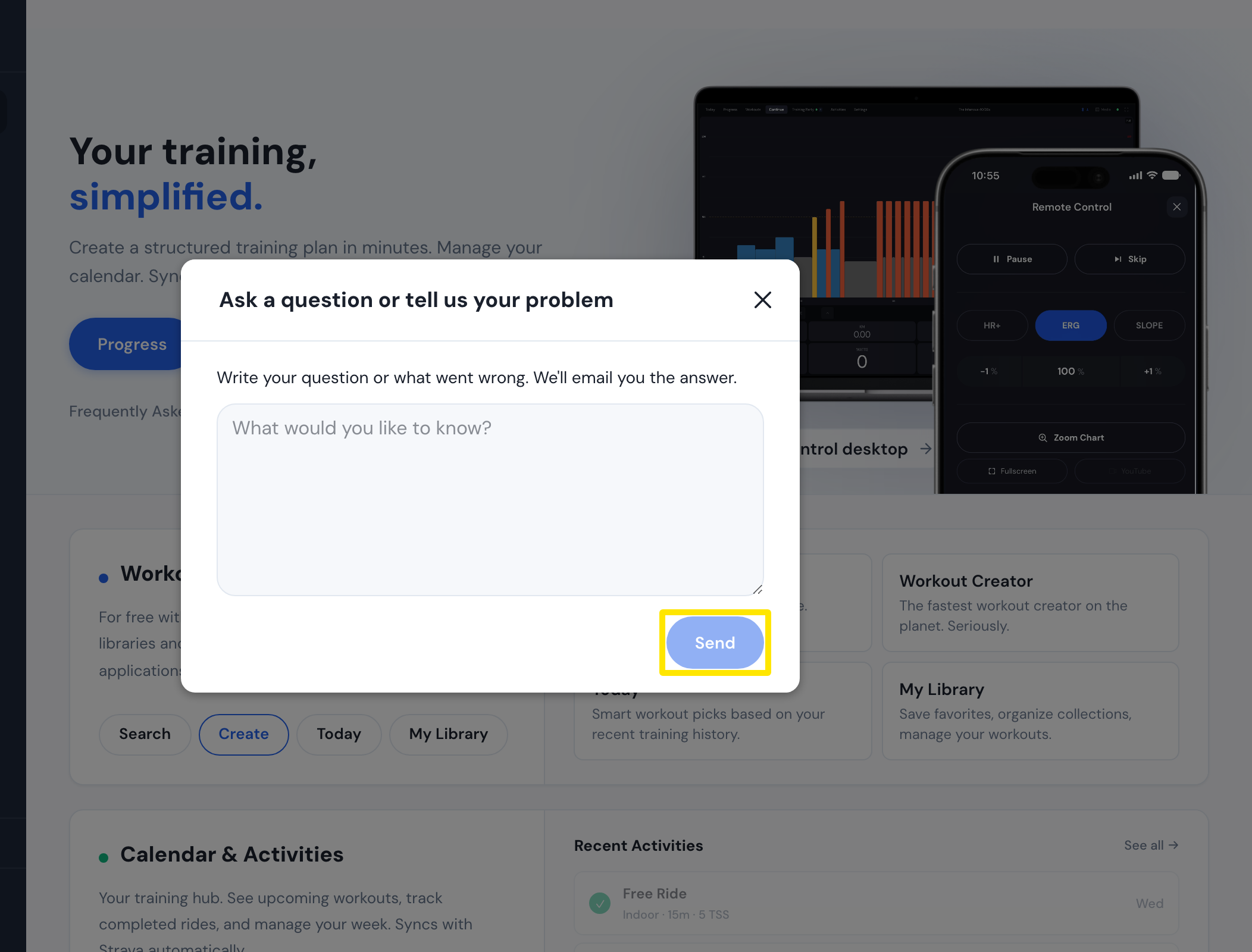 位置:網站 · 首頁 · 開啟
**小提醒:**Google Play 上沒有可以加入的公開 Android Beta,TrainerDay 的 App 和 trainerday.com 上也沒有 Beta 連結。
**適用於:**Android:聯絡 TrainerDay。iPhone/iPad:TestFlight 測試版,請索取邀請。桌面版:目前沒有 Beta 版本。