

在測試版發現問題該怎麼回報?
在 TrainerDay 網站側邊欄最下方點「I have a problem or question」回報測試版問題。透過 TestFlight App 送出的意見不會送到開發者手上。
- 在網站(app.trainerday.com)上,點選側邊欄最下方的 I have a problem or question。
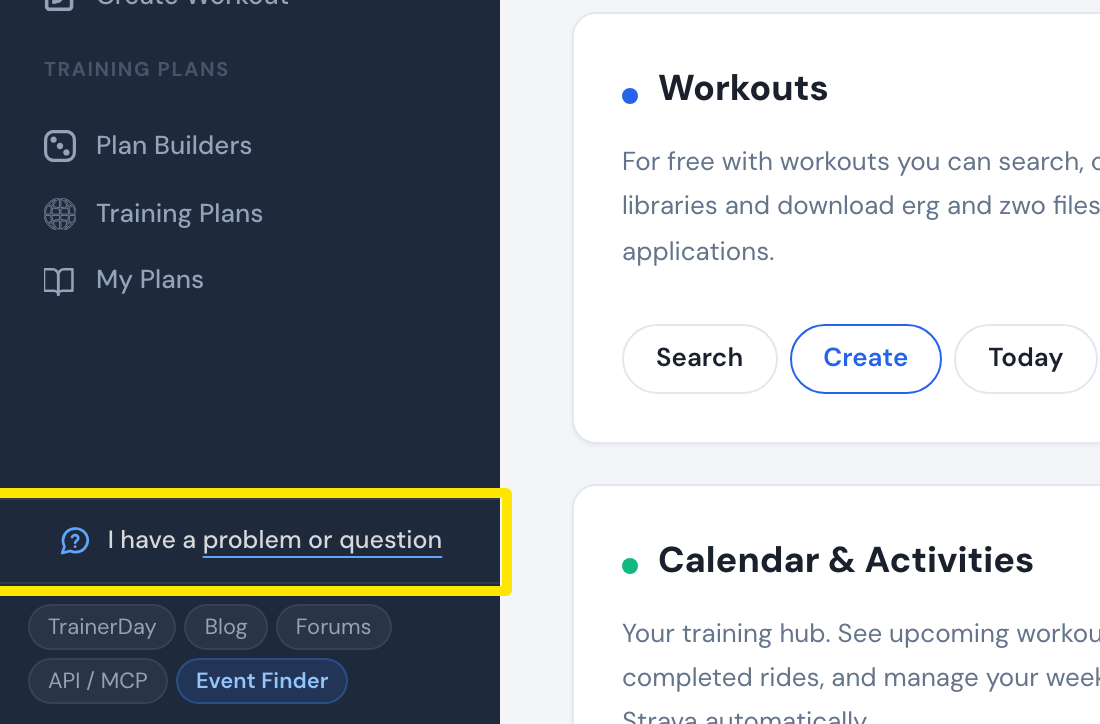 位置:網站 · 首頁 · 開啟
- 在 Ask a question or tell us your problem 裡寫下哪裡出了問題,註明是測試版以及你用的版本,然後點選 傳送。
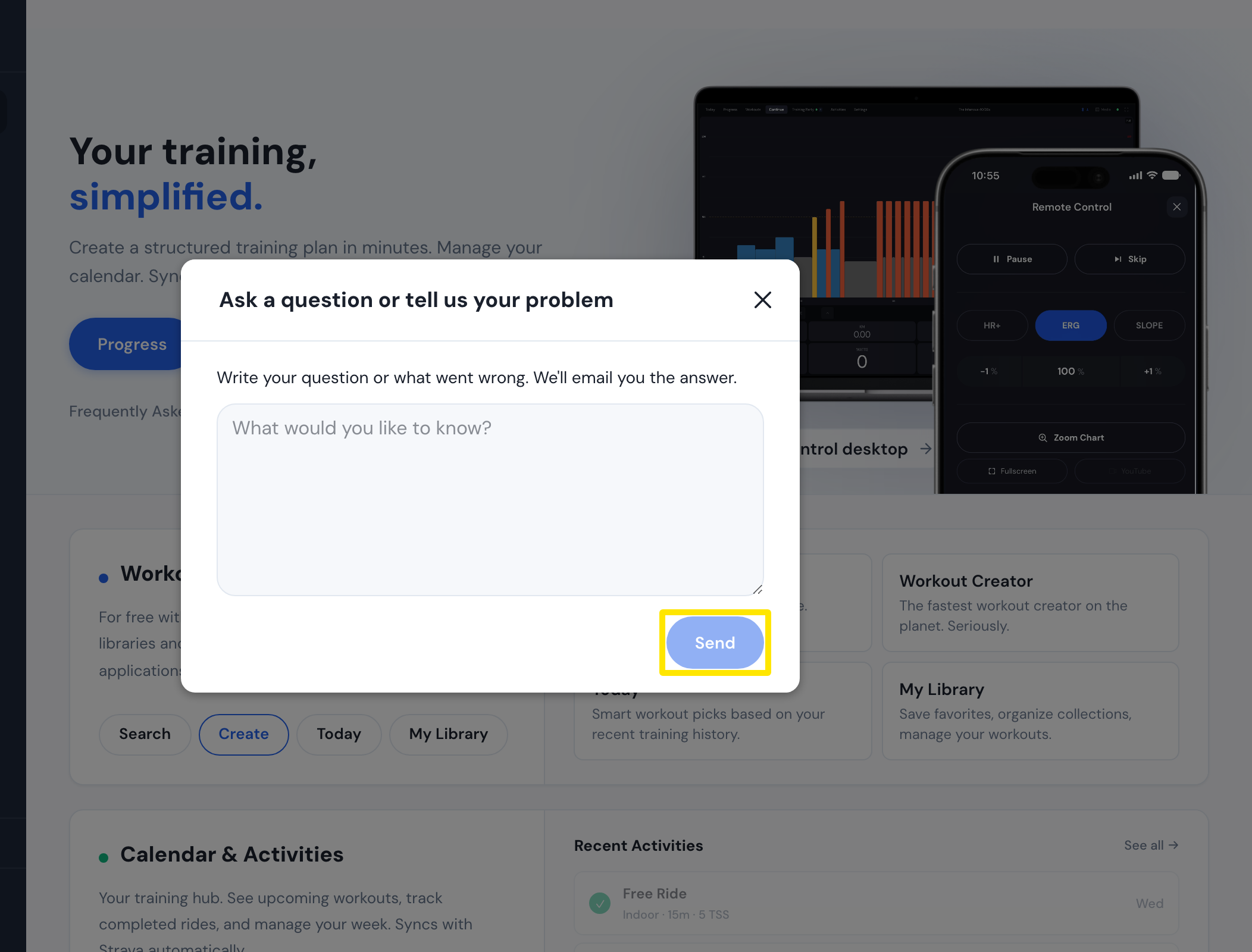 位置:網站 · 首頁 · 開啟
- 等候 email 回覆。Alex 通常會在 4 小時內回覆。
小提醒: 透過 TestFlight App 送出的意見不會送到開發者手上,所以請改用這些方式。
適用於: 網站。桌面版 App:點選上方列的 Problem or question?,再點 其他。行動 App:在 設定 分頁點選 I have a problem or question 或 聯繫我們/反饋,會寄 email 到 [email protected]。