

如何把訓練嵌入我的網站?
在 TrainerDay 網站的訓練頁面複製嵌入代碼,貼到你網頁的 HTML 裡。
- 在網站上打開 app.trainerday.com 的訓練頁面。
- 點右上角的 分享。
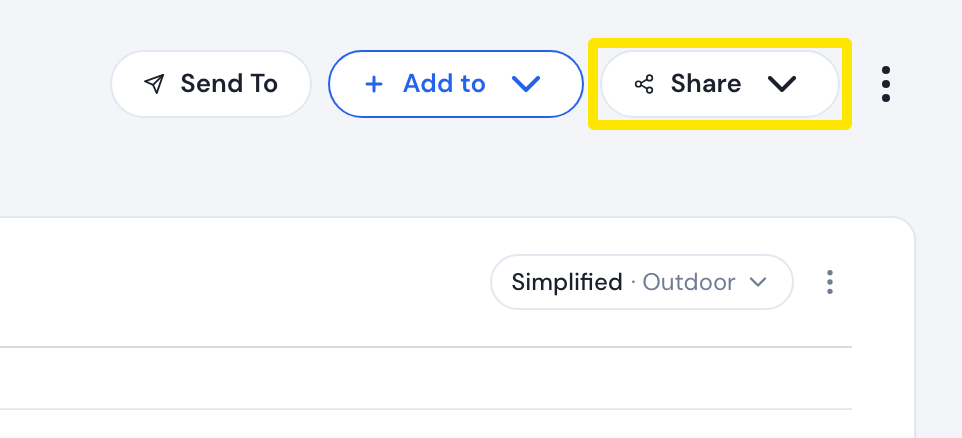 位置:網站 · 訓練頁面(在「搜尋訓練」或「我的運動」中點選訓練)
- 點 嵌入代碼。Workout Embedding 視窗會顯示預覽。
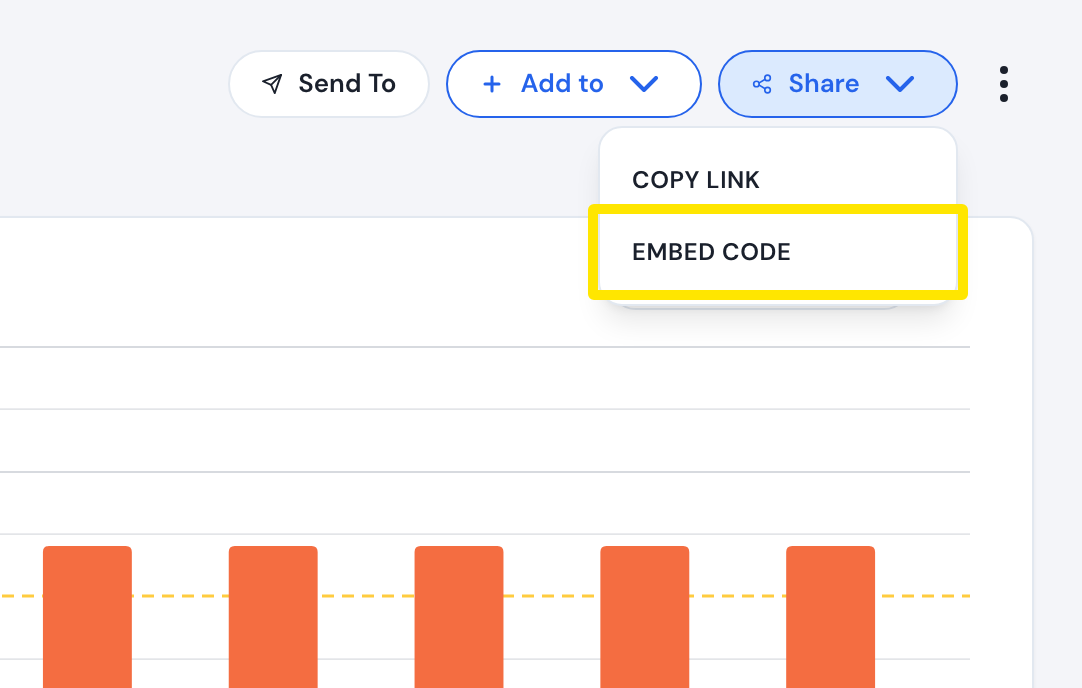 位置:網站 · 訓練頁面
- 在 嵌入選項 底下,設定 陰影、灰色、圓形 和尺寸(600x300 或 800x320)。
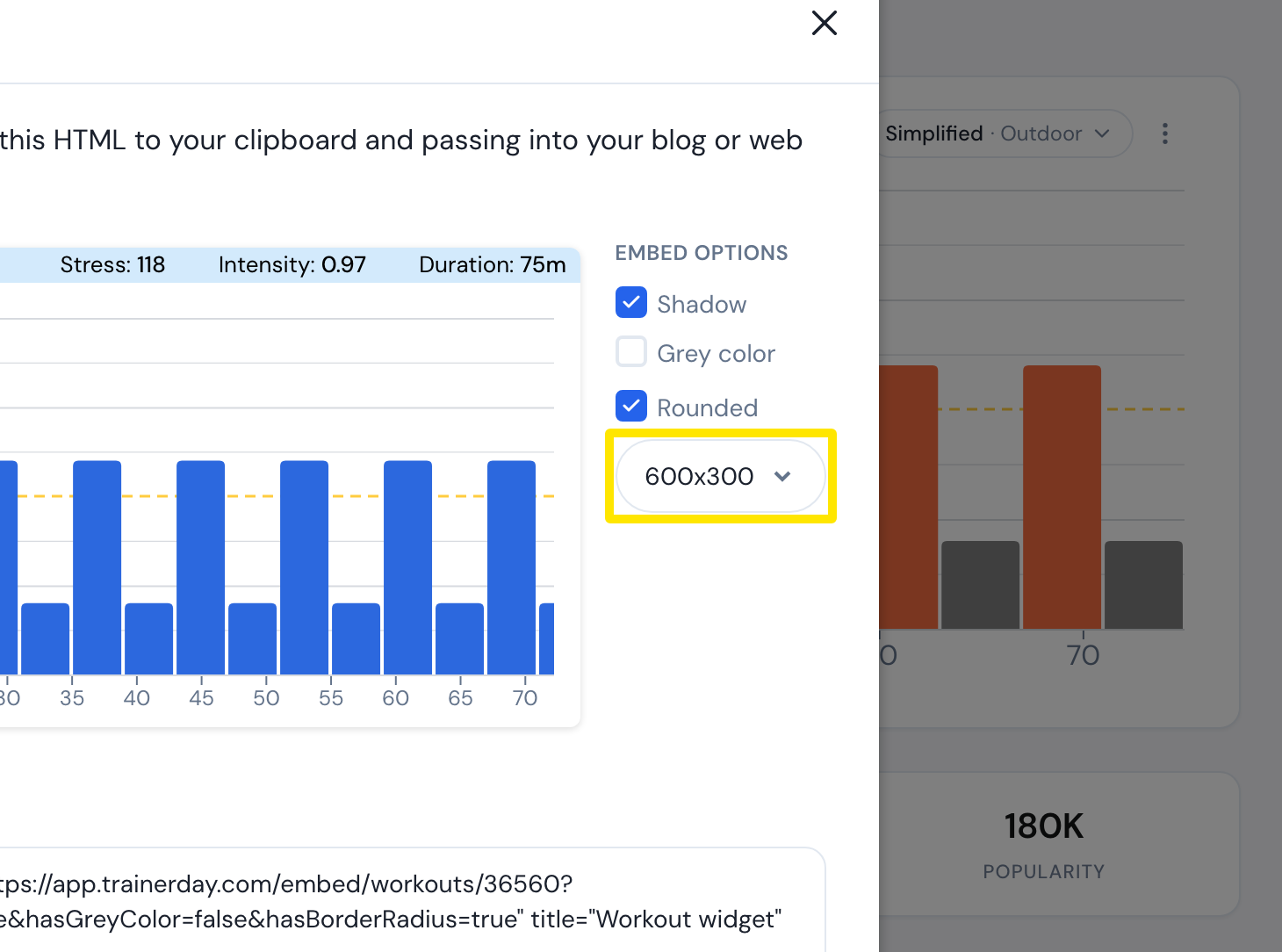 位置:網站 · 訓練頁面 → 分享 → 嵌入代碼
- 點 複製,把程式碼(iframe)貼到你網頁的 HTML 裡。
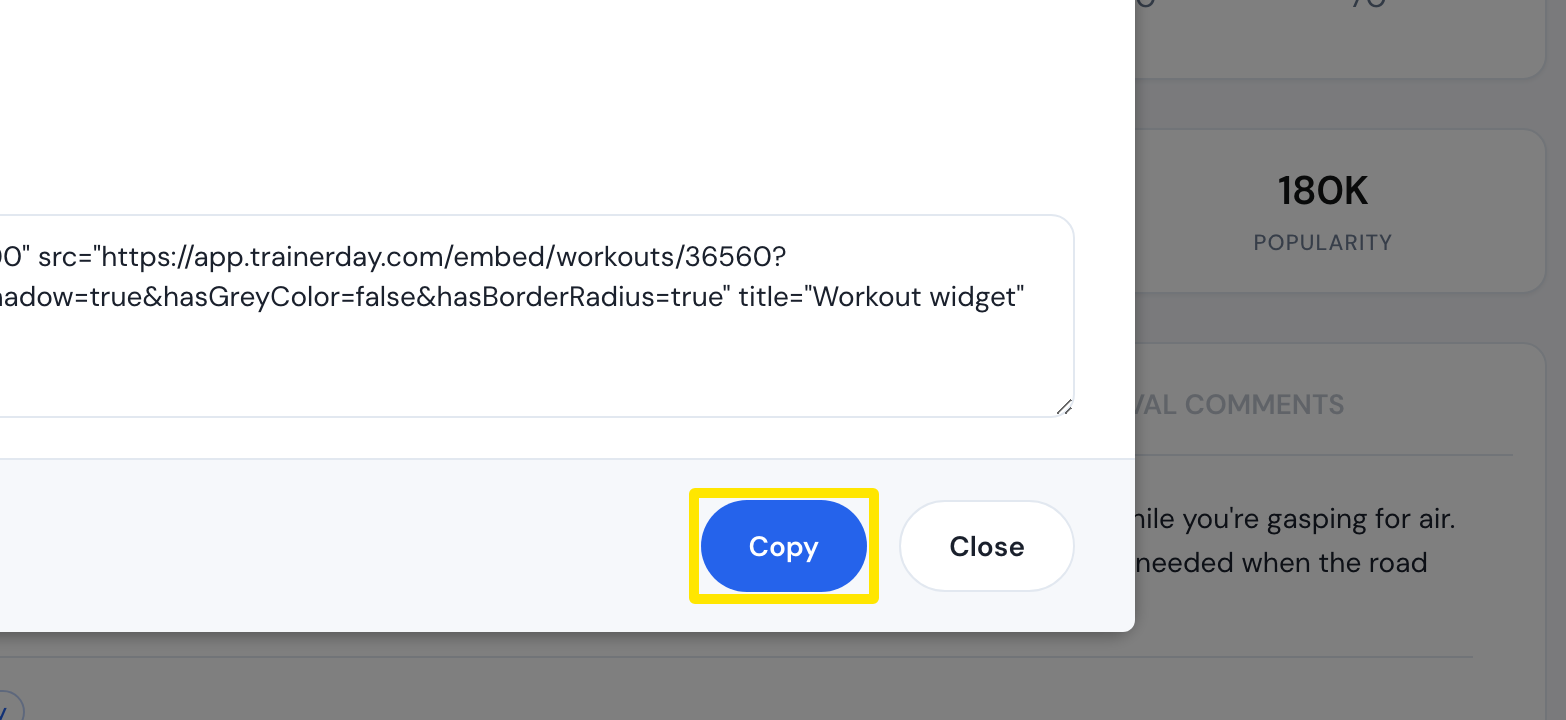 位置:網站 · 訓練頁面 → 分享 → 嵌入代碼
適用於: 僅限網站。手機和桌面版 App 沒有嵌入代碼。