

怎麼把訓練加入收藏或從收藏移除?
在 TrainerDay 網站上,從我的運動開啟訓練,再用 增加 按鈕把它加入收藏或移除。
- 在網站上點左側欄的 我的運動(app.trainerday.com/library)。
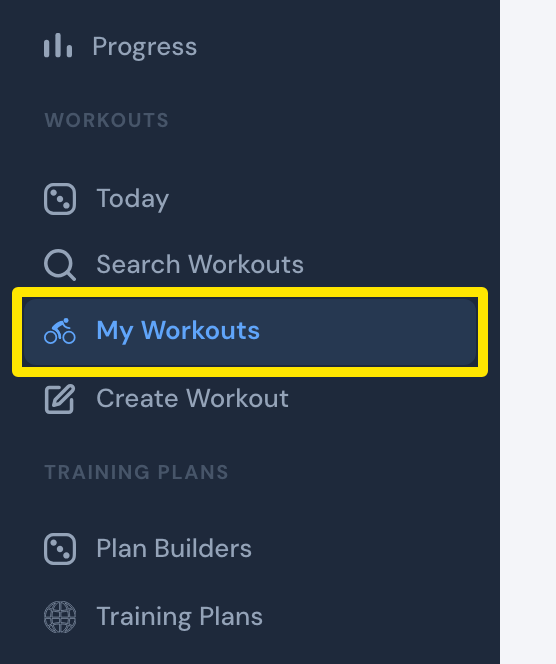 位置:網站 · 我的運動 · 開啟
- 點訓練名稱開啟頁面。
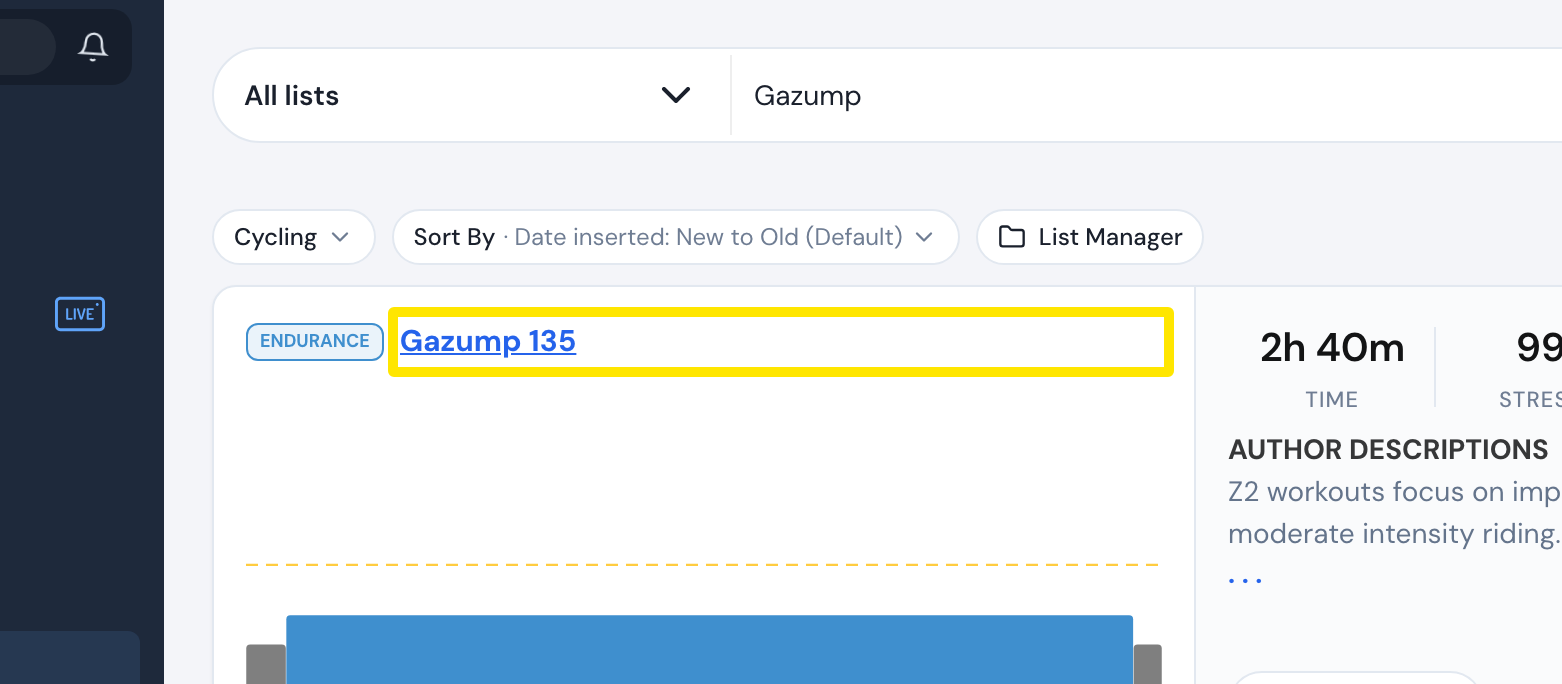 位置:網站 · 我的運動 · 開啟
- 在訓練頁面點 增加。訓練加入列表後,按鈕會顯示 已添加。
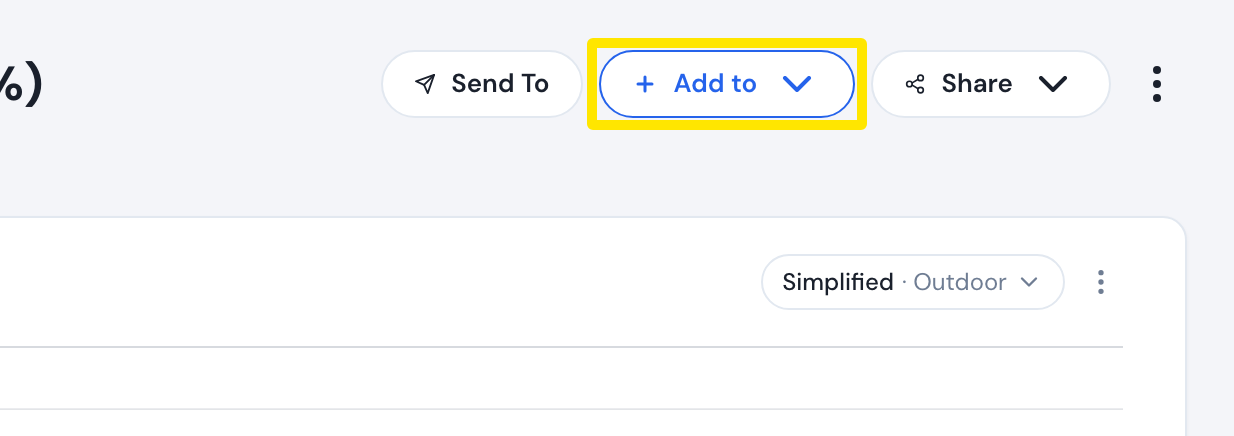 位置:網站 · 訓練頁面
- 點 Add to Favorites;如果已經在收藏裡,就點 Remove from Favorites。
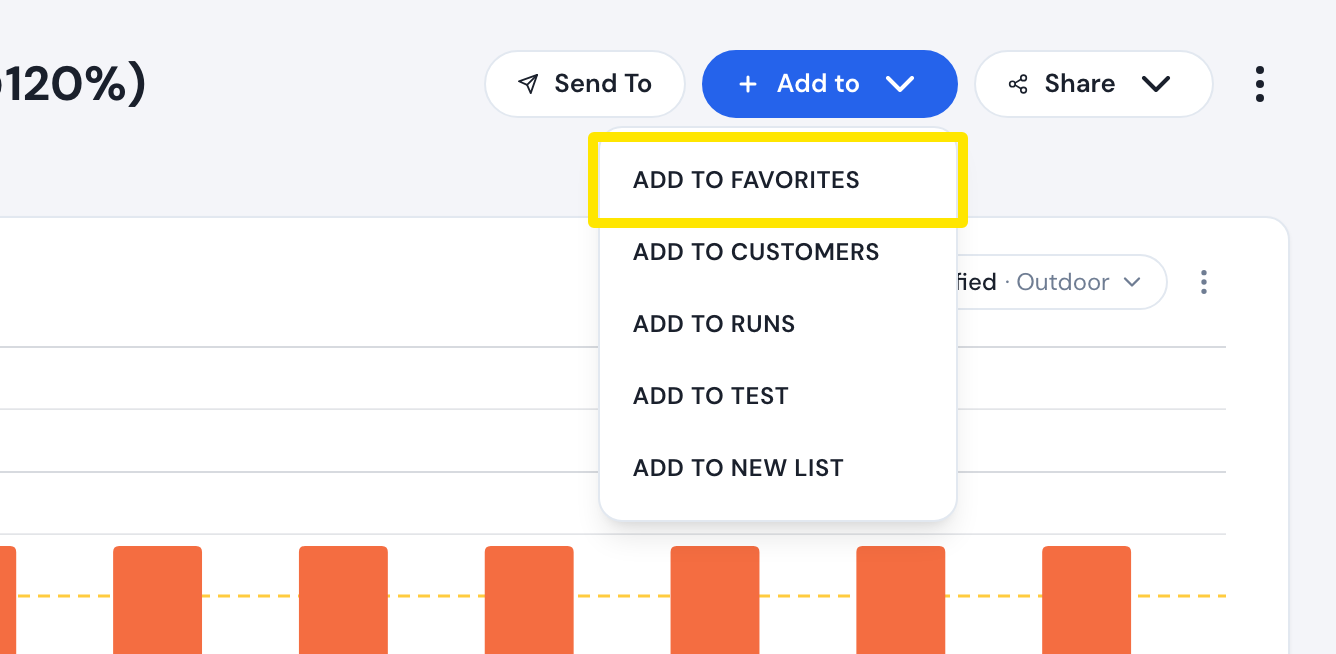 位置:網站 · 訓練頁面
- 想查看收藏,再點一次側欄的 我的運動。列表下拉選單的第一個選項就是 收藏。
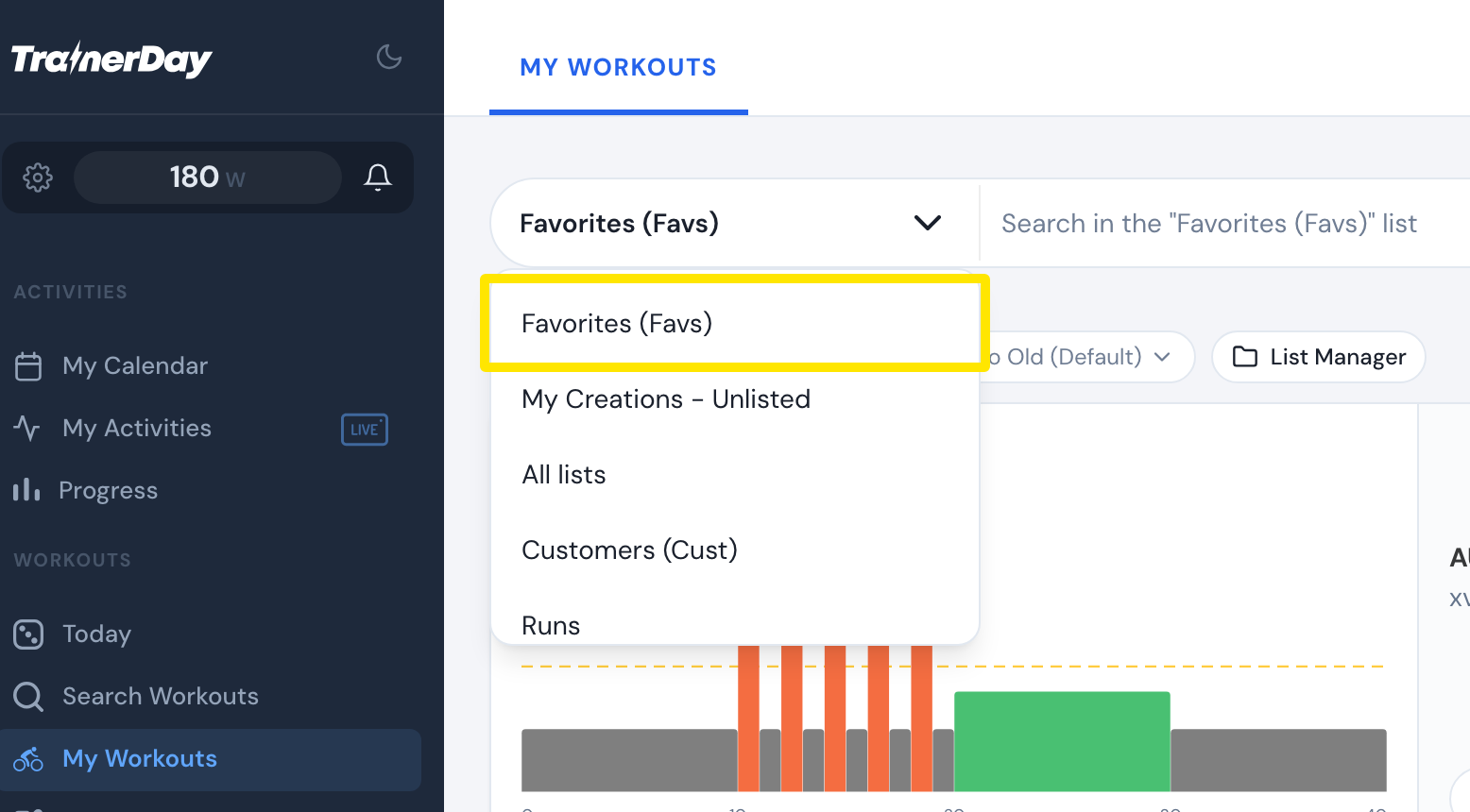 位置:網站 · 我的運動 · 開啟
小提醒: 免費用戶也能在網站上加入收藏。在免費和付費方案之間切換,收藏都會保留。
適用: 網站,所有已登入用戶皆可使用。手機 App 僅限付費用戶:開啟訓練資訊彈出視窗,點 + 添加到列表,再點 Add Favorites 或 Remove Favorites。桌面版 App 僅限付費用戶:在 搜尋 分頁選取訓練,點 加入訓練庫,再選 收藏。桌面版 App 無法把訓練從列表中移除。