

怎麼找到斜坡測試?
在 TrainerDay 網站的「搜尋訓練」搜尋「ramp test」或直接打開它的頁面,就能找到 TD Ramp Test;手機 App 則在第二個分頁的最上方。
- 在網站上,點左側邊欄的 搜尋訓練(app.trainerday.com/search)。
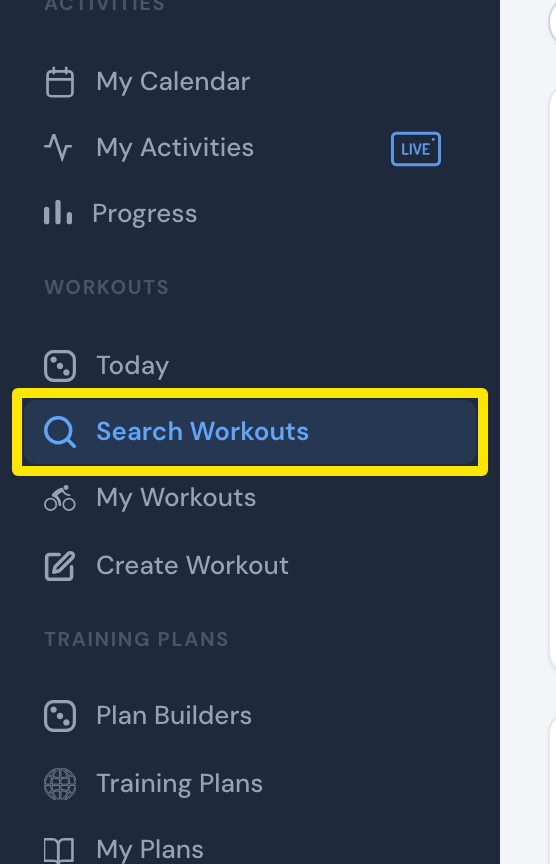 位置:網站 · 搜尋訓練 · 打開
- 在搜尋框輸入「ramp test」,然後按 Enter。
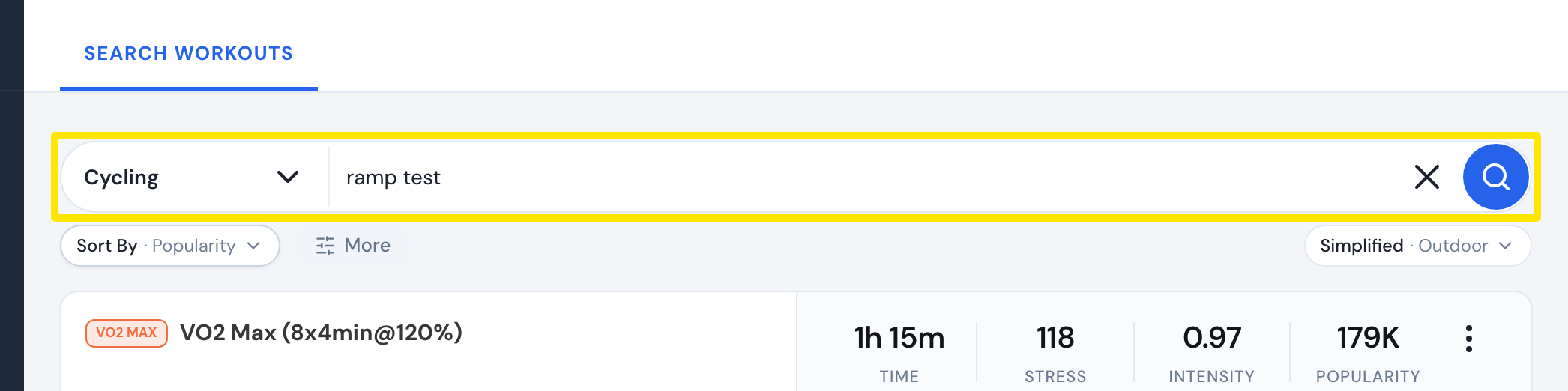 位置:網站 · 搜尋訓練 · 打開
- 選 TD Ramp Test (Automatic) 或比較慢的 6% 斜坡測試。兩個都會自動算出 FTP。
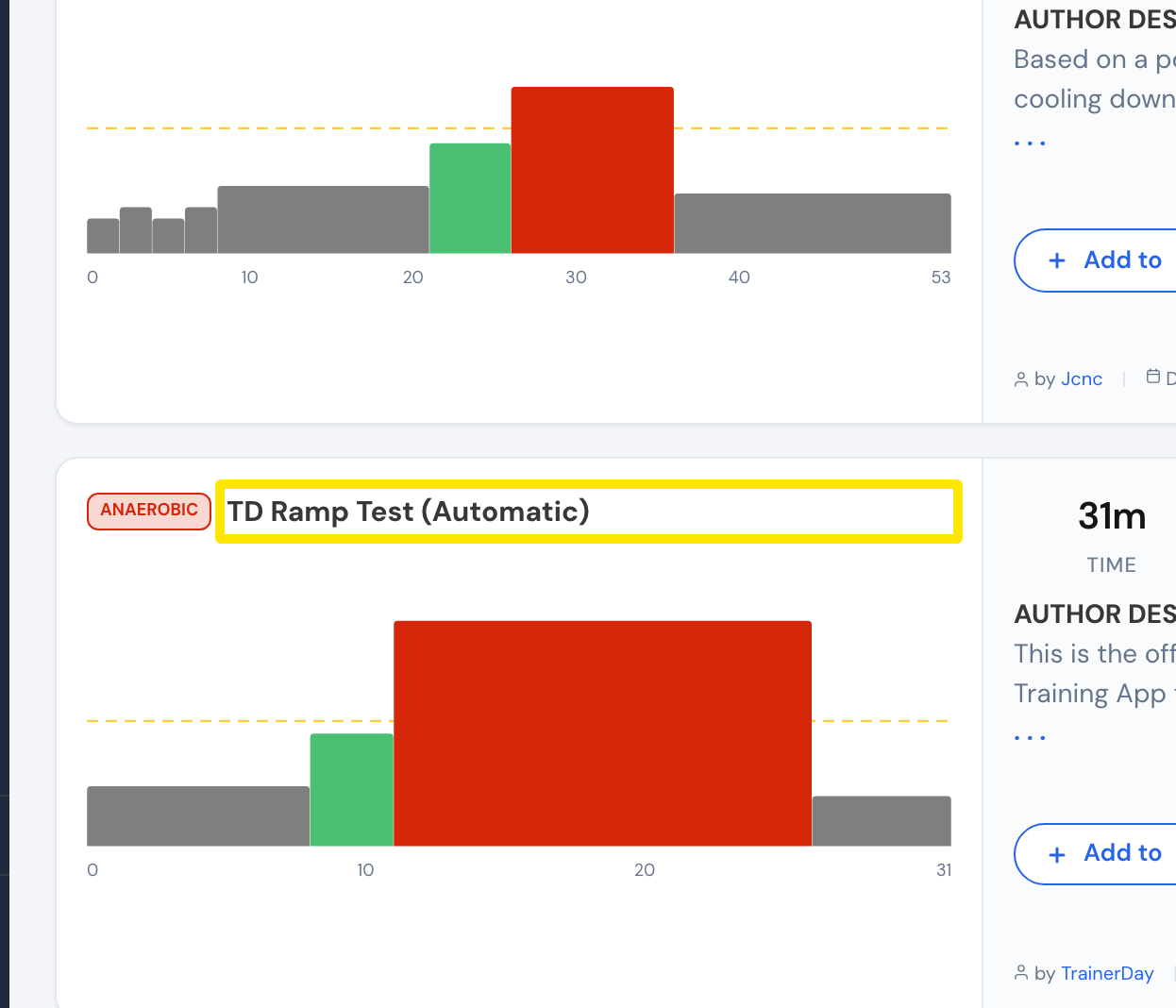 位置:網站 · 搜尋訓練 · 打開
小提醒: 我的運動 的搜尋只會在選定的清單裡找,所以找不到斜坡測試。你也可以直接前往 app.trainerday.com/workouts/trainerday-ramp-test。
適用於: 網站(搜尋);手機 App:第二個分頁的最上方,或 FTP 設定彈窗裡的 做斜坡測試;桌面 App:FTP 設定中 不知道 底下的 做斜坡測試(需要連接訓練台或功率計)。