

怎麼在行動版 App 搜尋訓練庫?
在 TrainerDay 行動版 App 的訓練分頁搜尋完整的公開訓練庫,可依區間、時長或訓練壓力篩選,並把訓練加到你的訓練庫。
- 在行動版 App 中打開訓練分頁。
- 點上方的搜尋圖示。
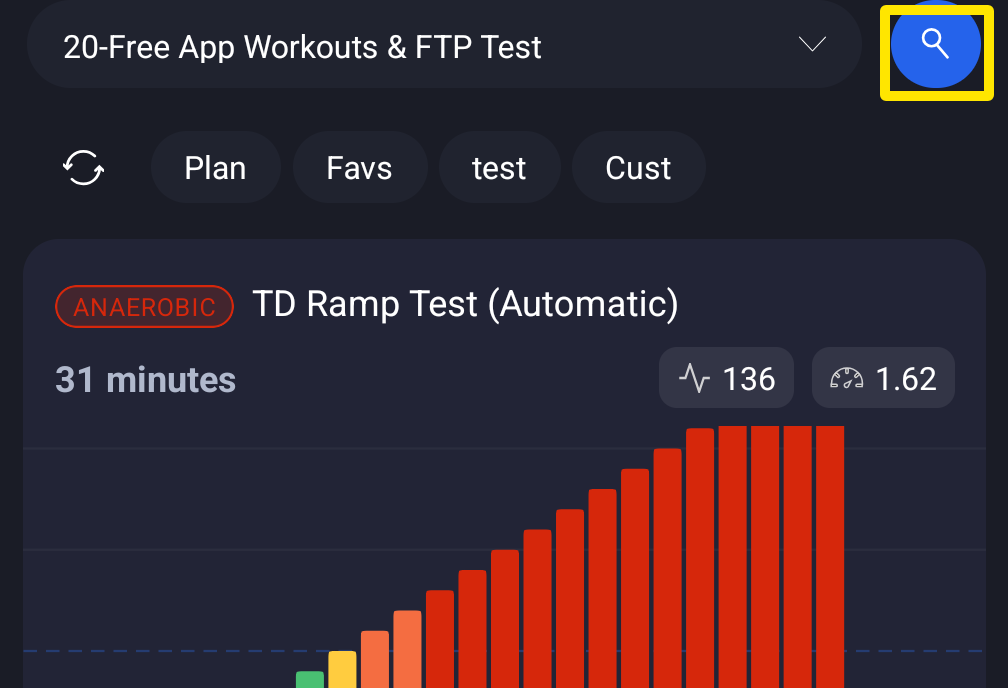 位置:行動版 App · 訓練分頁
- 輸入關鍵字。你也可以設定時長、區間或訓練壓力篩選條件。
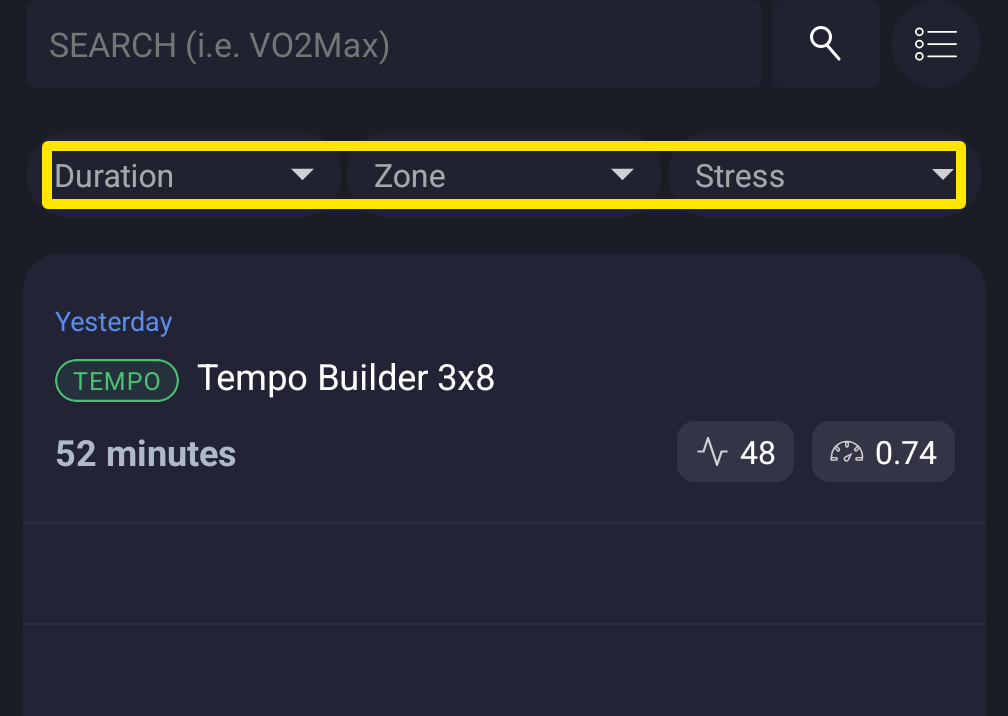 位置:行動版 App · 訓練分頁 → 搜尋按鈕
- 點一個結果就能打開,或把它加到你的訓練庫。
小提醒:App 會搜尋整個公開訓練庫,大約 40,000 個訓練。每次顯示 10 筆結果,一律依熱門度排序。想要更多排序方式和篩選條件,請使用網站上的搜尋訓練。
**適用於:**行動版 App(此搜尋)。網站和桌面版 App 各有自己的訓練搜尋。