

怎麼依作者搜尋訓練?
在網站的「搜尋訓練」欄位輸入 Author: 加上使用者名稱,就能找到特定作者的訓練。
- 在網站上,點側邊欄的搜尋訓練(app.trainerday.com/search)。
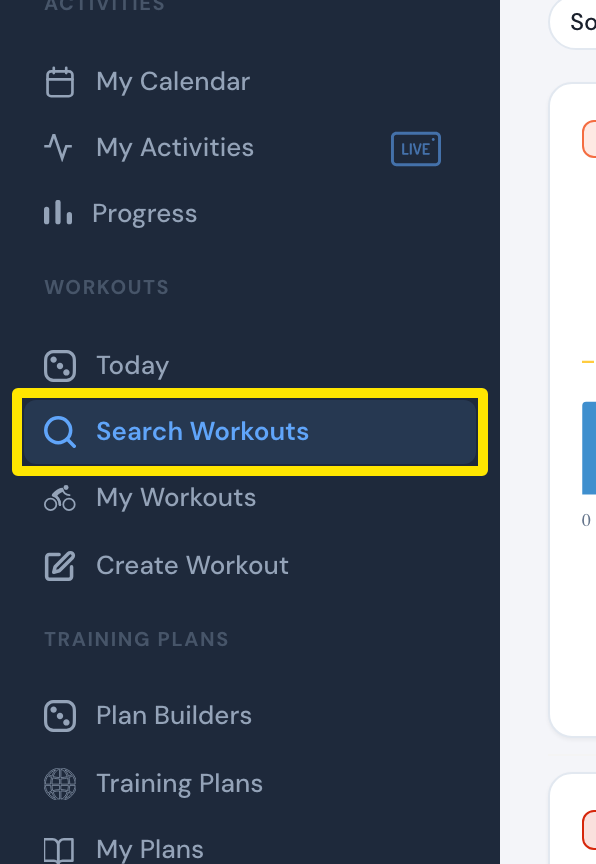 位置:網站 · 搜尋訓練 · 打開
- 輸入 Author: 加上使用者名稱,例如 Author: Velo。一般關鍵字也會比對作者。
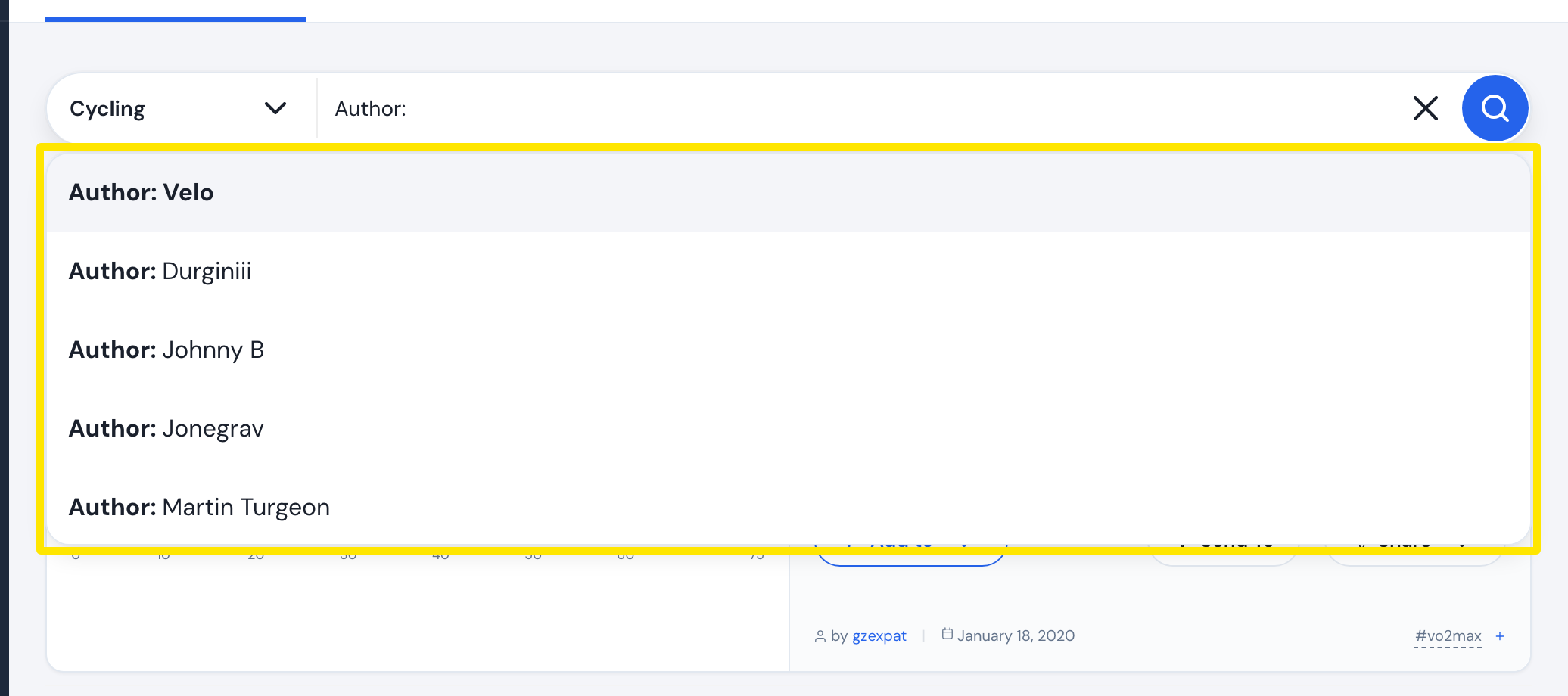 位置:網站 · 搜尋訓練 · 打開
- 按 Enter 就能看到該作者的訓練。
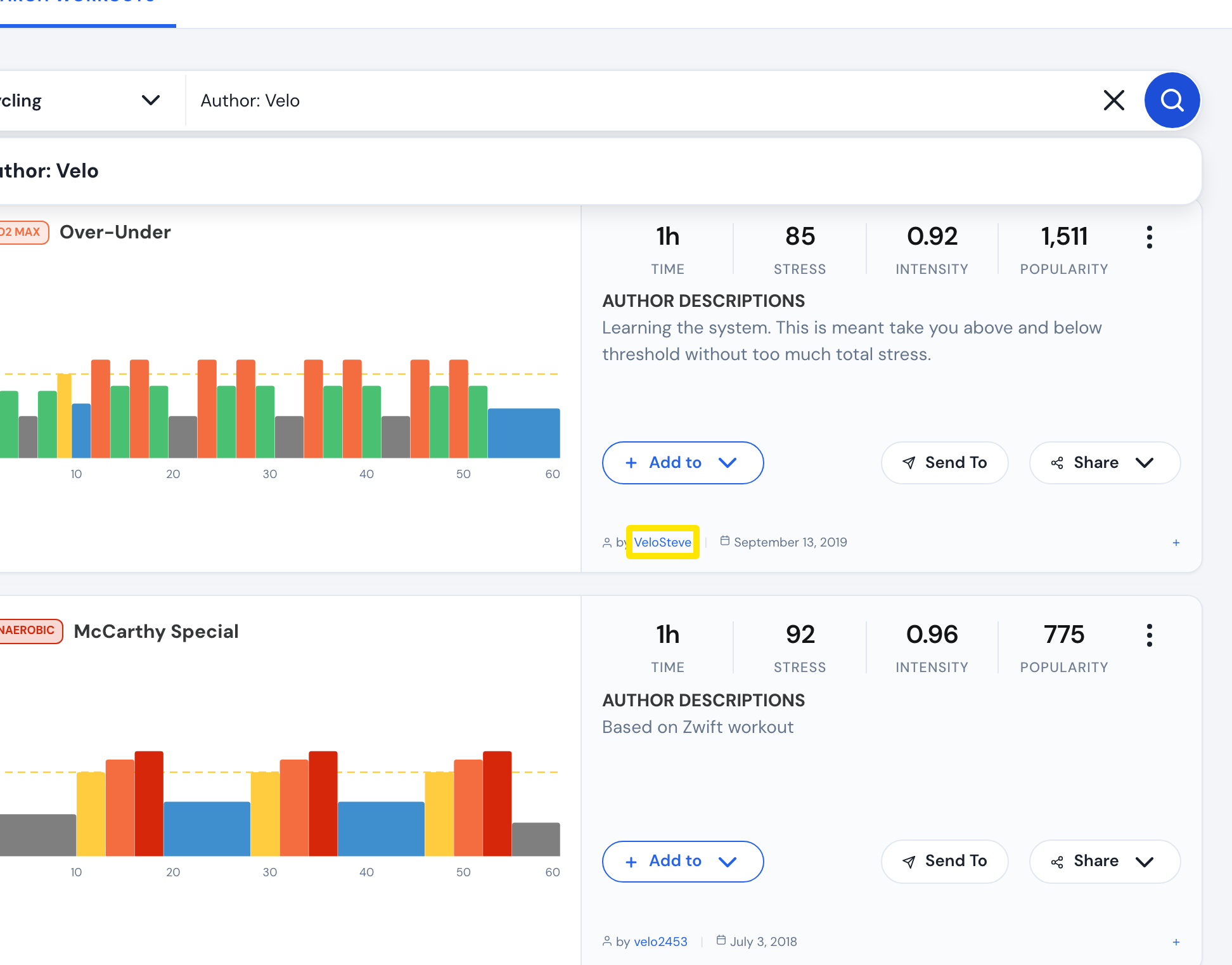 位置:網站 · 搜尋訓練 · 打開
**小提醒:**只會使用 Author: 後面的第一個字。Author: Johnny B 會搜尋作者 Johnny 加上關鍵字 B。目前無法只篩選 TrainerDay 原創的訓練。
**適用於:**網站(Author: 搜尋)。行動版 App:搜尋中的一般關鍵字也會比對作者。