

How do I subscribe on the website to get the lowest price?
Log in on the website, open trainerday.com/pricing, click Upgrade Now under Pro, and pick the Annual plan for the lowest price; website prices are lower than the App Store or Google Play.
- Log in on the website and open trainerday.com/pricing.
- Under Pro, click Upgrade Now.
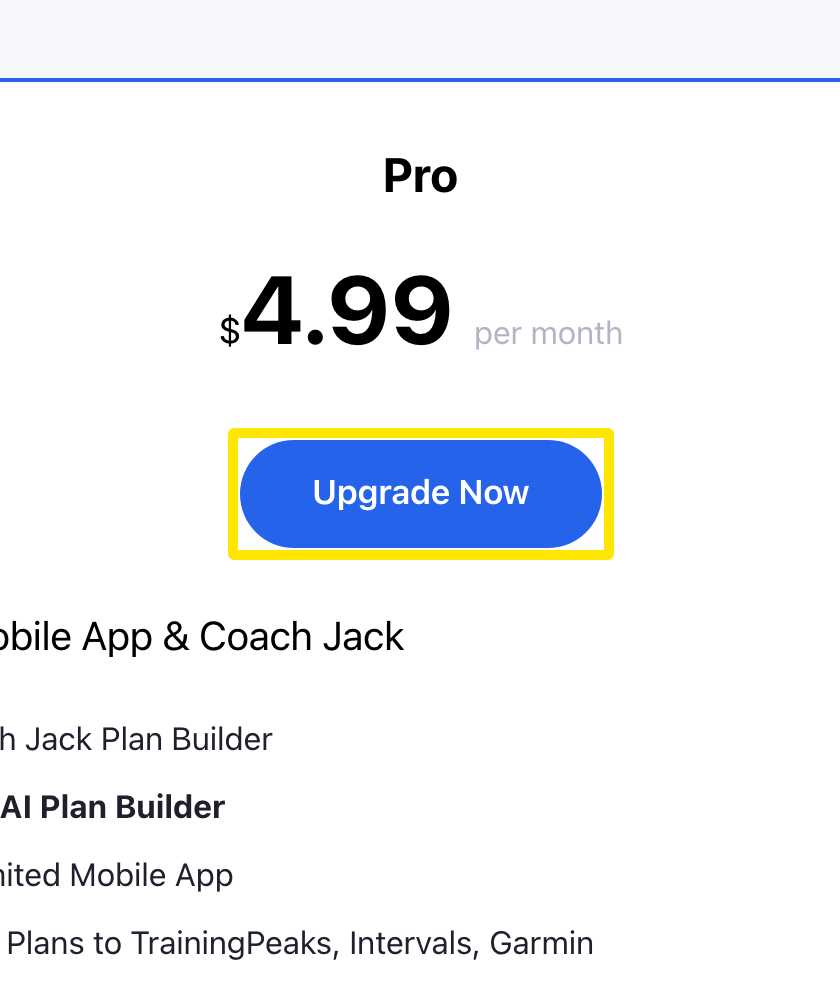 Where: Website · trainerday.com/pricing
- On the subscribe page, choose Annual ($39.99 a year, "Save 33%") for the lowest price, or Monthly ($4.99).
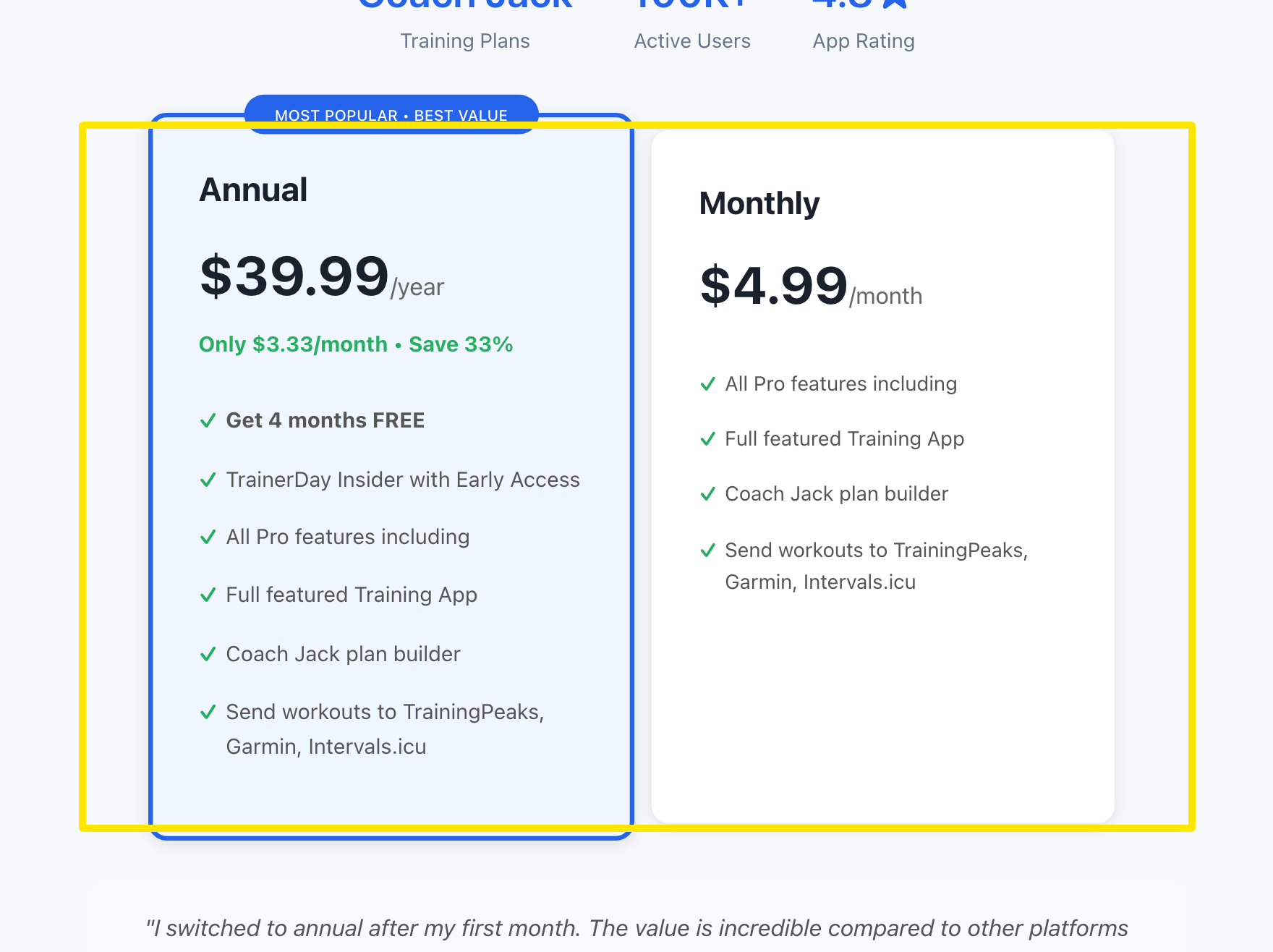 Where: Website · trainerday.com/subscribe
- Enter your card, then press the blue button under the form: Get Instant Access - Save 33% → for Annual. To pay with PayPal or Stripe instead, click the Paypal or Stripe link below that button.
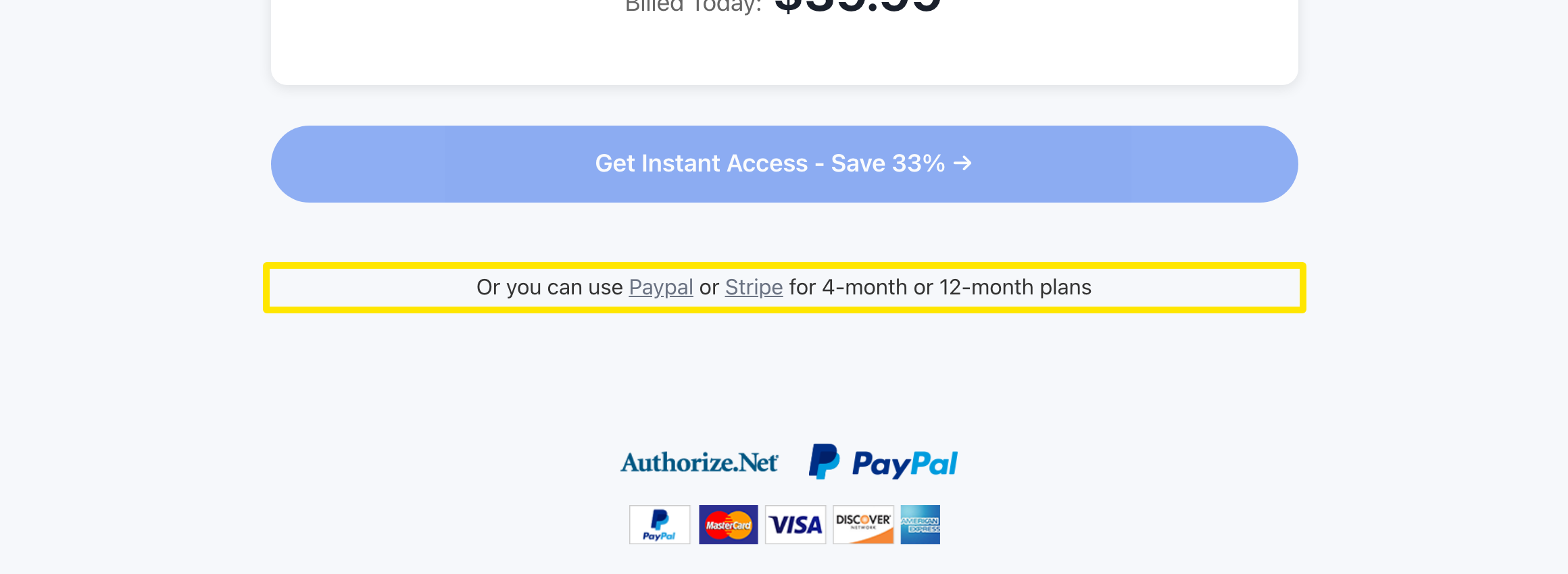 Where: Website · trainerday.com/subscribe
Good to know: One website subscription unlocks premium for your account on all devices and on the web.
Works on: Website. The mobile app buys through the App Store or Google Play at their prices, and the desktop app has no purchase screen.