

How do I use a promo code?
Log in on the TrainerDay website and open your promo link to apply the code automatically, then pay to finish.
- Log in on the website, then open the promo link you were given (a trainerday.com/subscribe link that carries the code). The code is filled in and applied for you.
- Check the green line under the code, for example "You get 20% off!" or "Free months added".
- Pay by card or Stripe and press the button under the form.
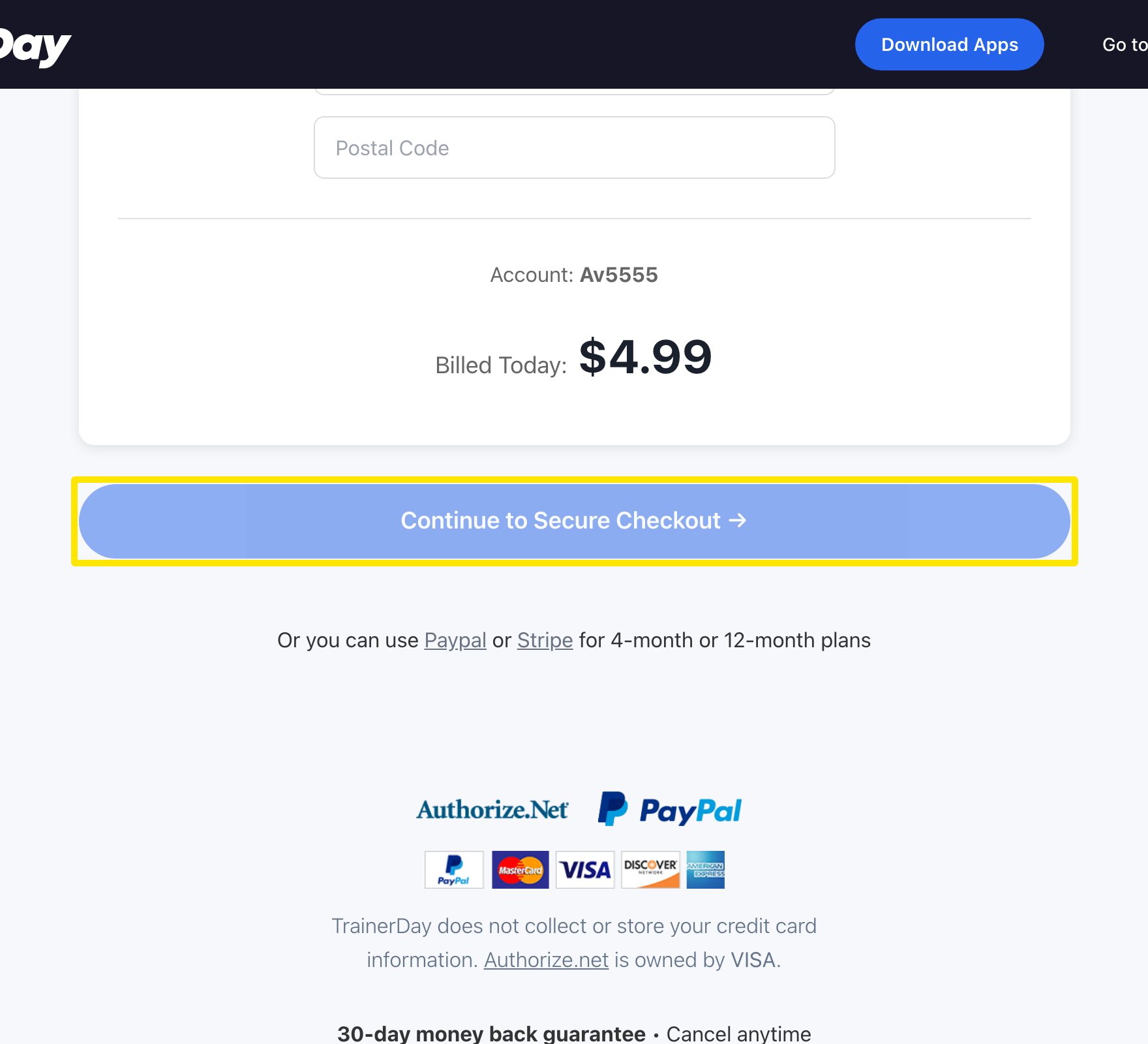 Where: Website · trainerday.com/subscribe
Good to know: The normal subscribe page has no promo code field. Redeem Promo Code only appears when you open the special link that carries the code. With Stripe, a percentage or fixed discount applies to the first payment only.
Works on: Website only. The mobile and desktop apps have no promo code field. Enter event codes for free months on the event's page (trainerday.com/events).