

How do I get Premium for each rider in my family?
TrainerDay has no family plan: each rider makes their own TrainerDay account and buys their own Pro subscription on it at trainerday.com/pricing.
- Each rider makes their own TrainerDay account at trainerday.com/register. One account is one rider, with their own FTP and zones.
- Each rider logs in to their own account, opens trainerday.com/pricing, and clicks Upgrade Now under Pro.
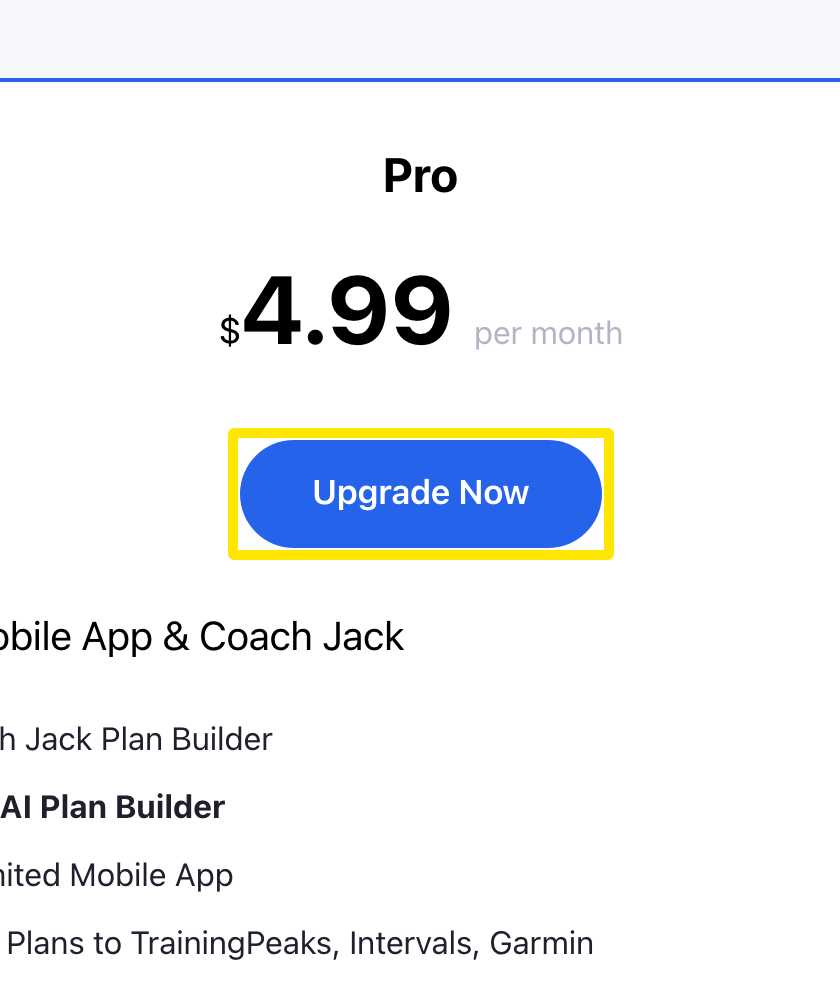 Where: Website · trainerday.com/pricing
Good to know: There is no family or multi-rider plan. A Pro subscription unlocks Pro only for the account that bought it, on all devices and on the web.
Works on: The mobile and desktop apps work the same way: one rider per login and no family plan.