

How do I buy a 4-month subscription?
Buy the 4-month Pro plan ($19.39) on the TrainerDay website: open the pricing page, click Upgrade Now under Pro, then use the PayPal or Stripe link on the subscribe page and pay on PayPal's or Stripe's own page.
- On the TrainerDay website, log in and open trainerday.com/pricing. Under Pro, click Upgrade Now. This opens the subscribe page (trainerday.com/subscribe).
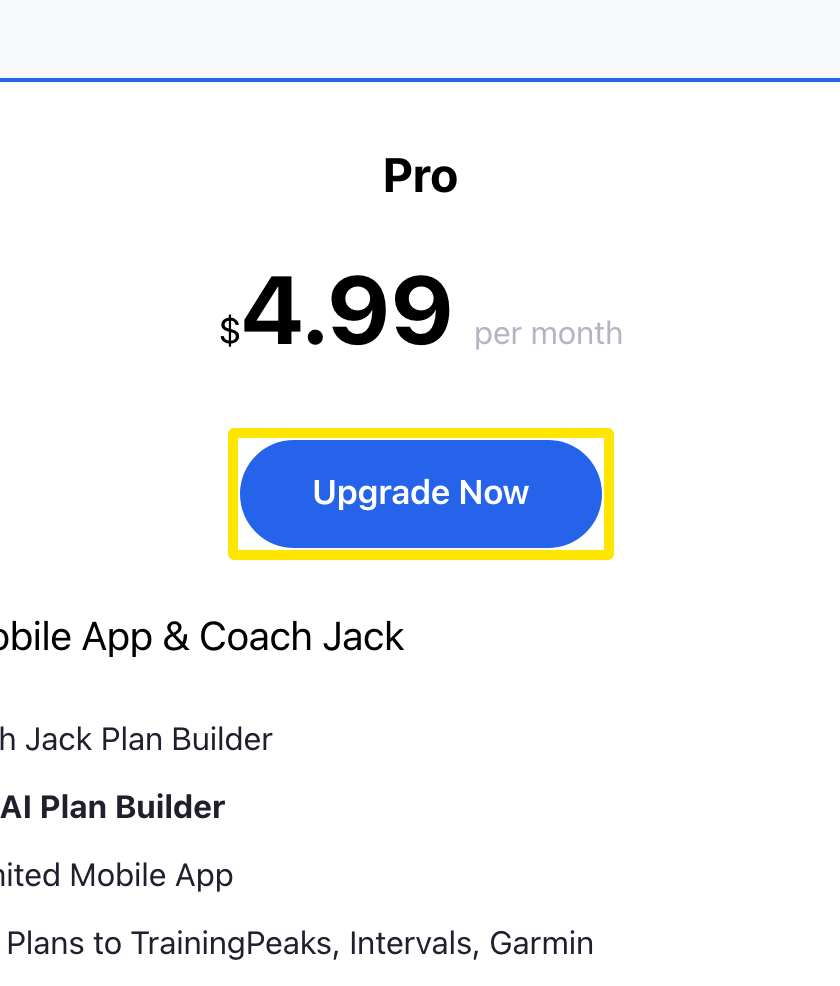 Where: Website · trainerday.com/pricing
- On the subscribe page, scroll below the pay button. In the line "Or you can use Paypal or Stripe for 4-month or 12-month plans", click Paypal or Stripe.
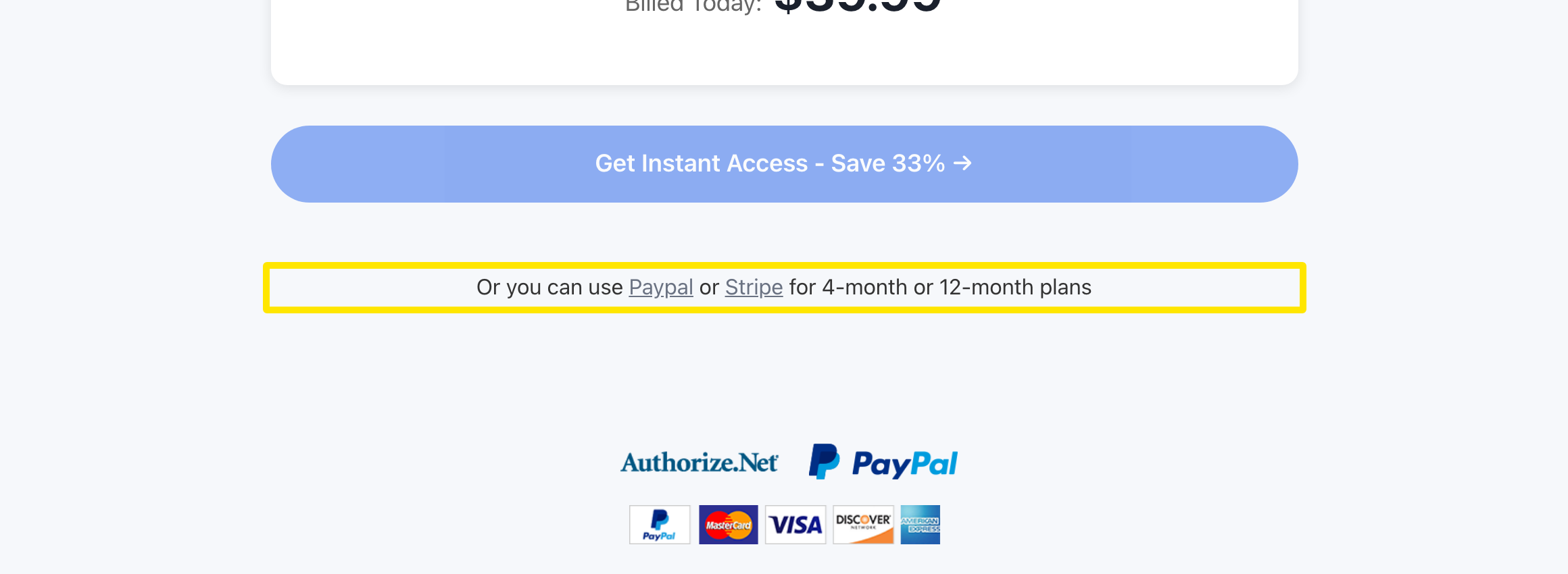 Where: Website · trainerday.com/subscribe
- The page now offers only Pro - 4 months ($19.39) and Annual. Choose Pro - 4 months, choose PayPal or Stripe, and press the button to pay. You finish paying on PayPal's or Stripe's own page.
Good to know: The 4-month plan is sold only through PayPal or Stripe on the website. The mobile app sells only Annual and Monthly.
Works on: Website only. The mobile app has no 4-month plan, and the desktop app has no purchase screen.