

How do I choose the monthly plan instead of yearly?
Pick the Monthly plan instead of Annual on the TrainerDay website's subscribe page, or with the Annual / Monthly switch in the mobile app.
- Log in on the website and open trainerday.com/pricing, then click Upgrade Now under Pro.
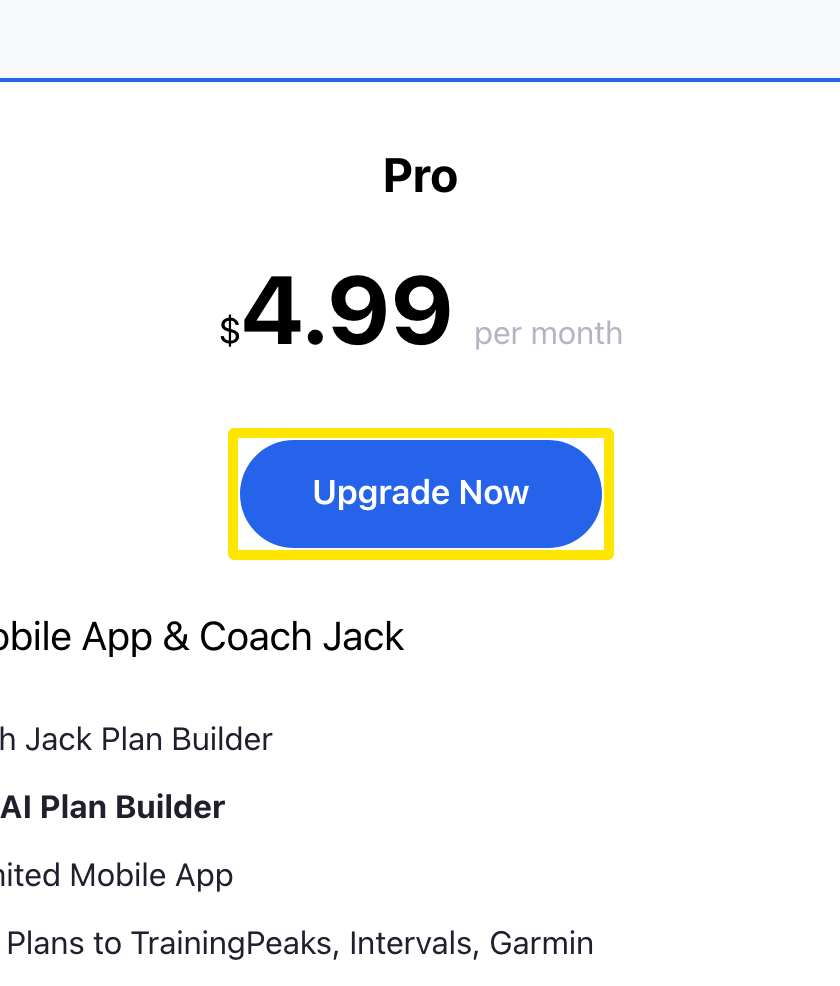 Where: Website · trainerday.com/pricing
- On the subscribe page, click the Monthly card ($4.99/month). Annual is chosen by default.
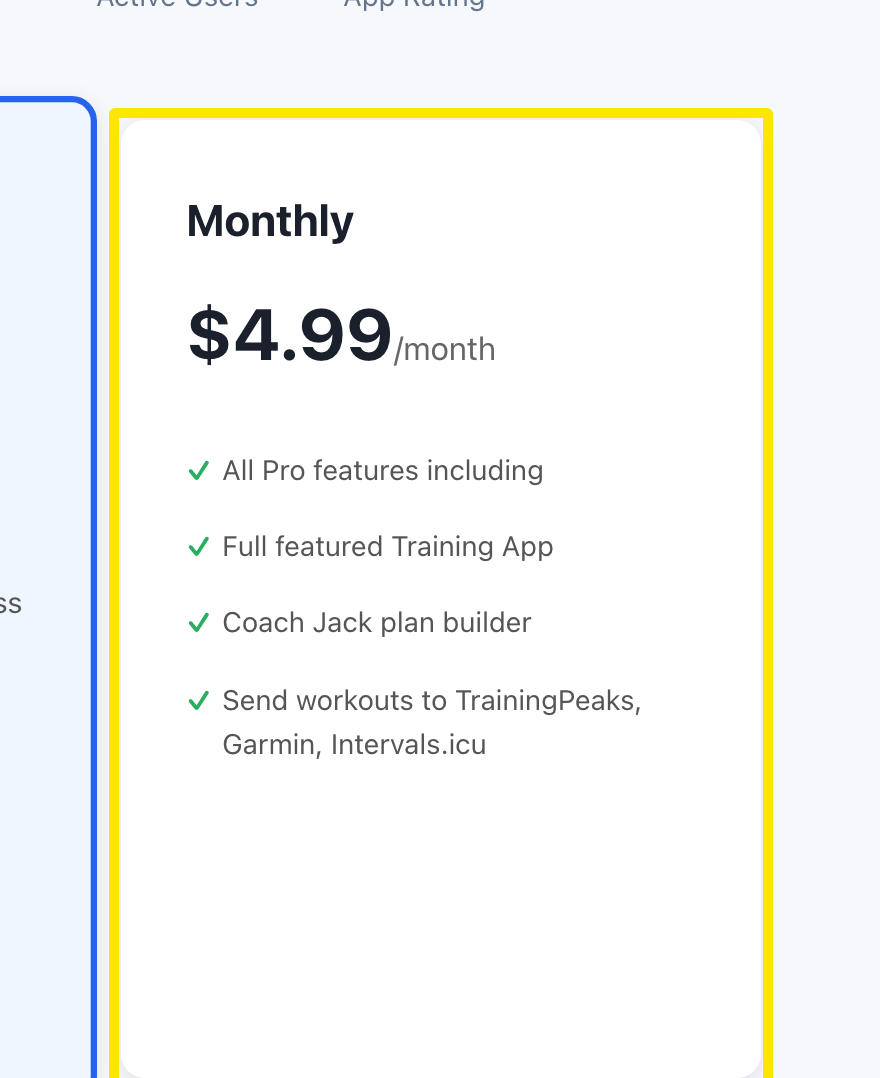 Where: Website · trainerday.com/subscribe
- Enter your card (or use a saved card) and press Continue to Secure Checkout →.
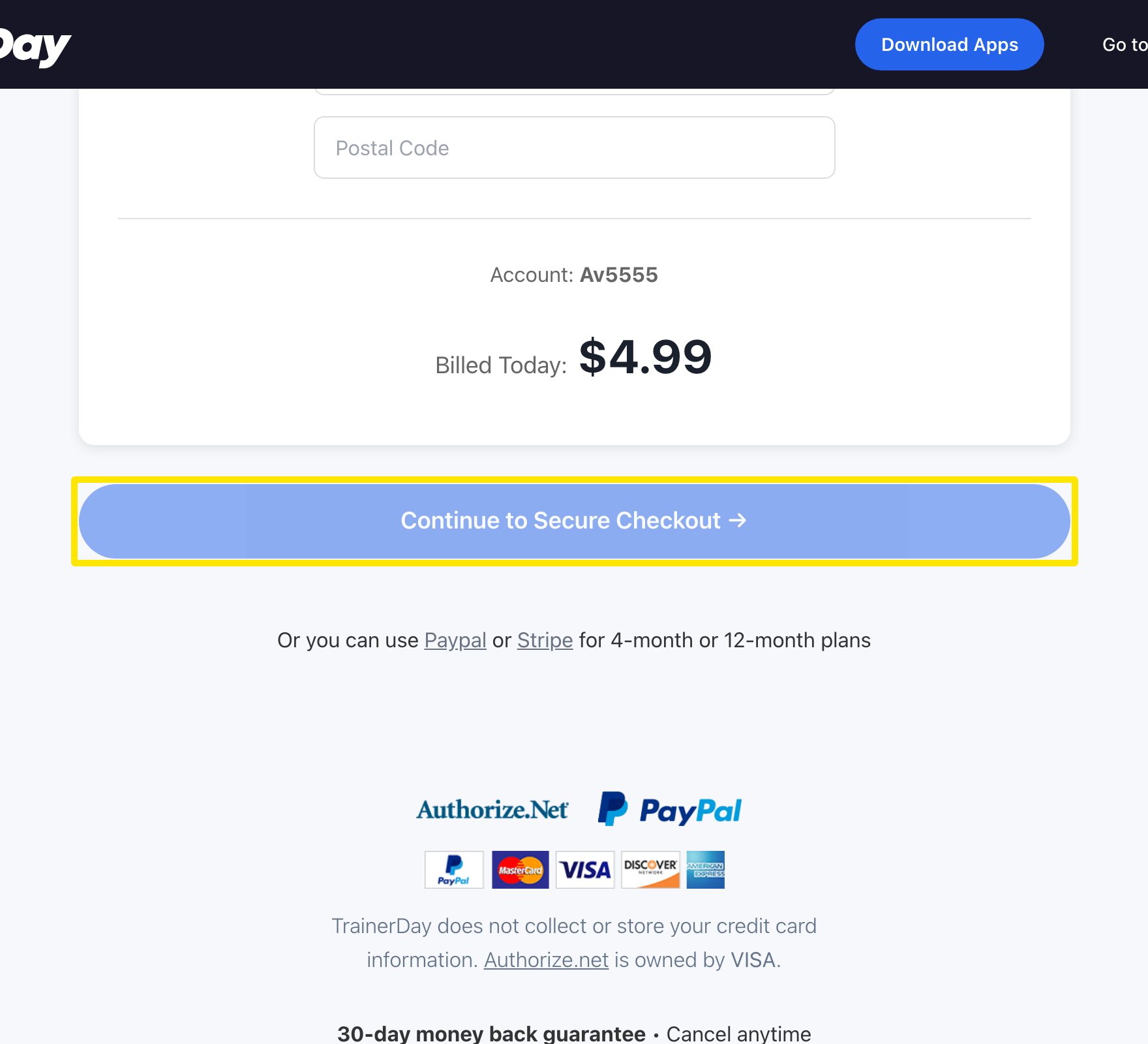 Where: Website · trainerday.com/subscribe
Good to know: Monthly can only be paid by card. The PayPal and Stripe links are only for 4-month or 12-month plans.
Works on: Website. Mobile app: go to Settings → Subscription Options, tap Monthly, then Start Monthly Plan (App Store / Google Play, local price). Desktop app has no purchase screen.