

How do I choose how to pay for my subscription?
TrainerDay accepts a credit or debit card, PayPal or Stripe on the website, or in-app purchase through the Apple App Store or Google Play. There is no bank transfer, direct debit or crypto.
TrainerDay takes no bank transfer, direct debit or crypto. You can pay by card, PayPal or Stripe on the website, or through the App Store or Google Play in the phone app.
- Log in on the website and open trainerday.com/subscribe. You can also open trainerday.com/pricing and click Upgrade Now under Pro.
- Choose Annual or Monthly. To pay by card, fill in the Pay with Card form under the plans. Pick Use existing card, or pick Use new card and enter your card details.
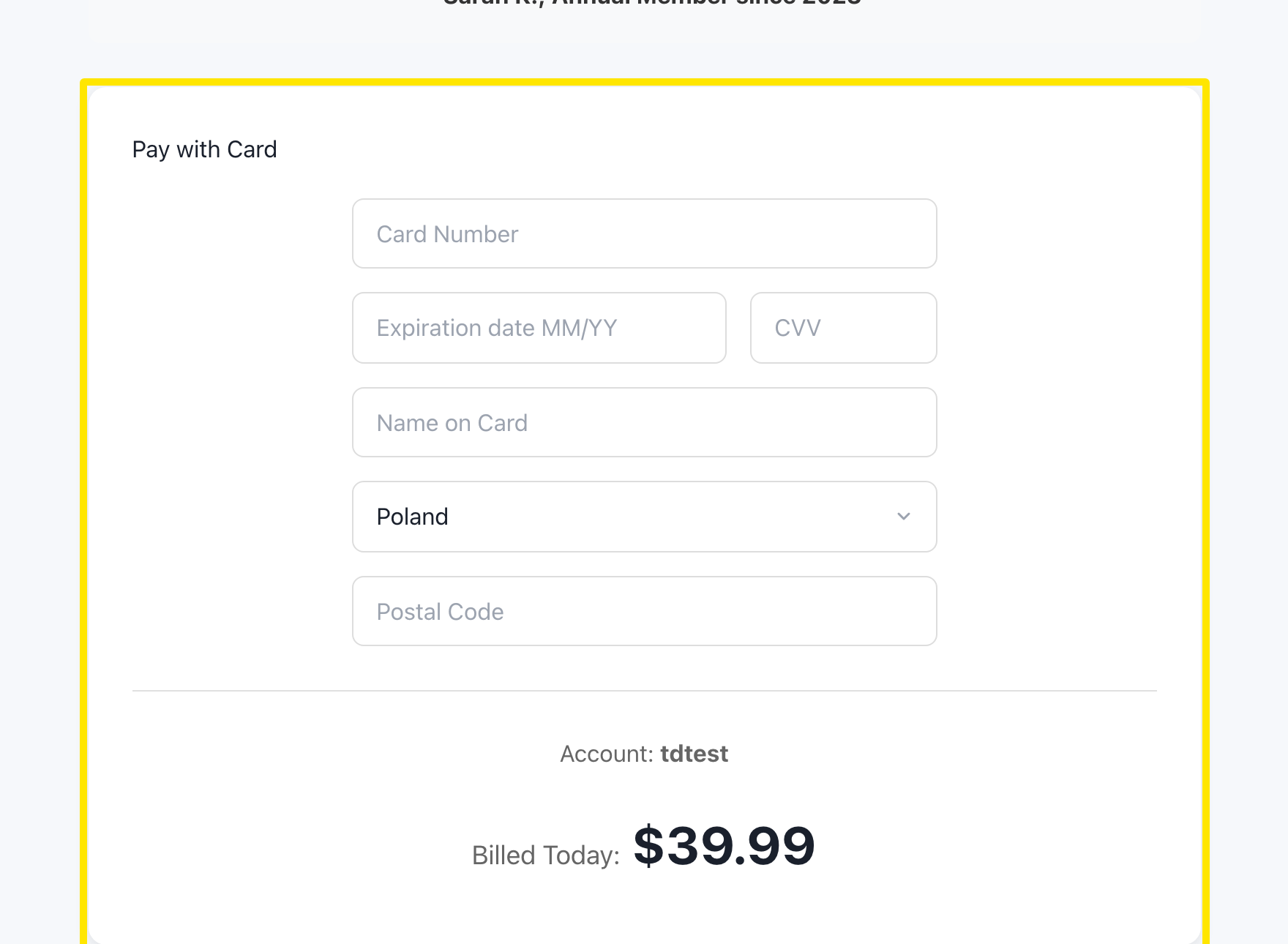 Where: Website · trainerday.com/subscribe
- To pay with PayPal or Stripe instead, click Paypal or Stripe in "Or you can use Paypal or Stripe for 4-month or 12-month plans" under the button.
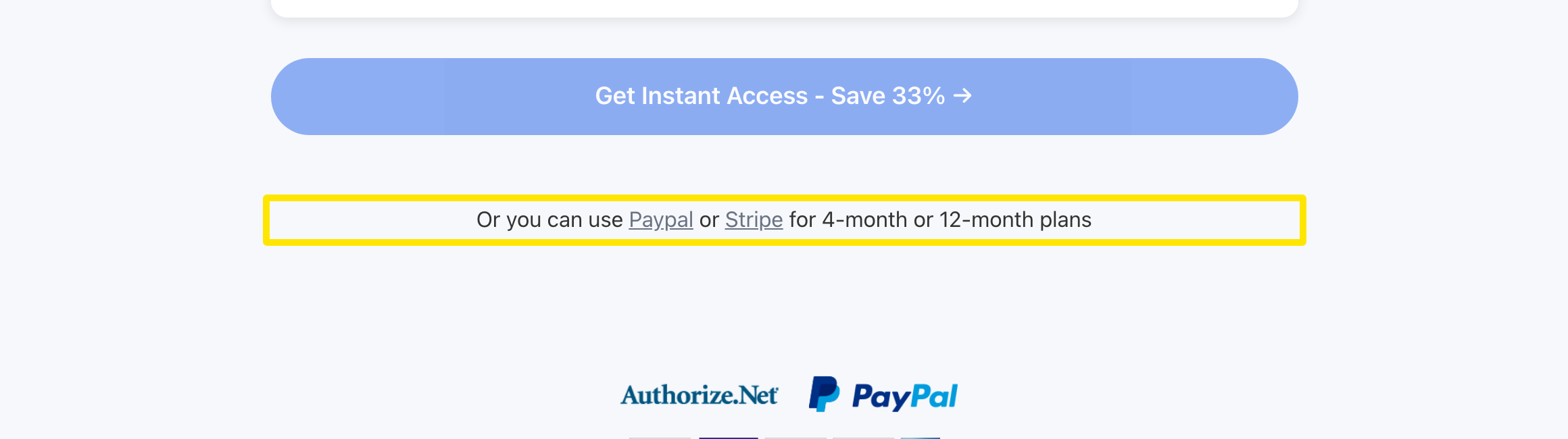 Where: Website · trainerday.com/subscribe
- The page now shows the plan cards. Choose Annual or Pro - 4 months, then select PayPal or Stripe.
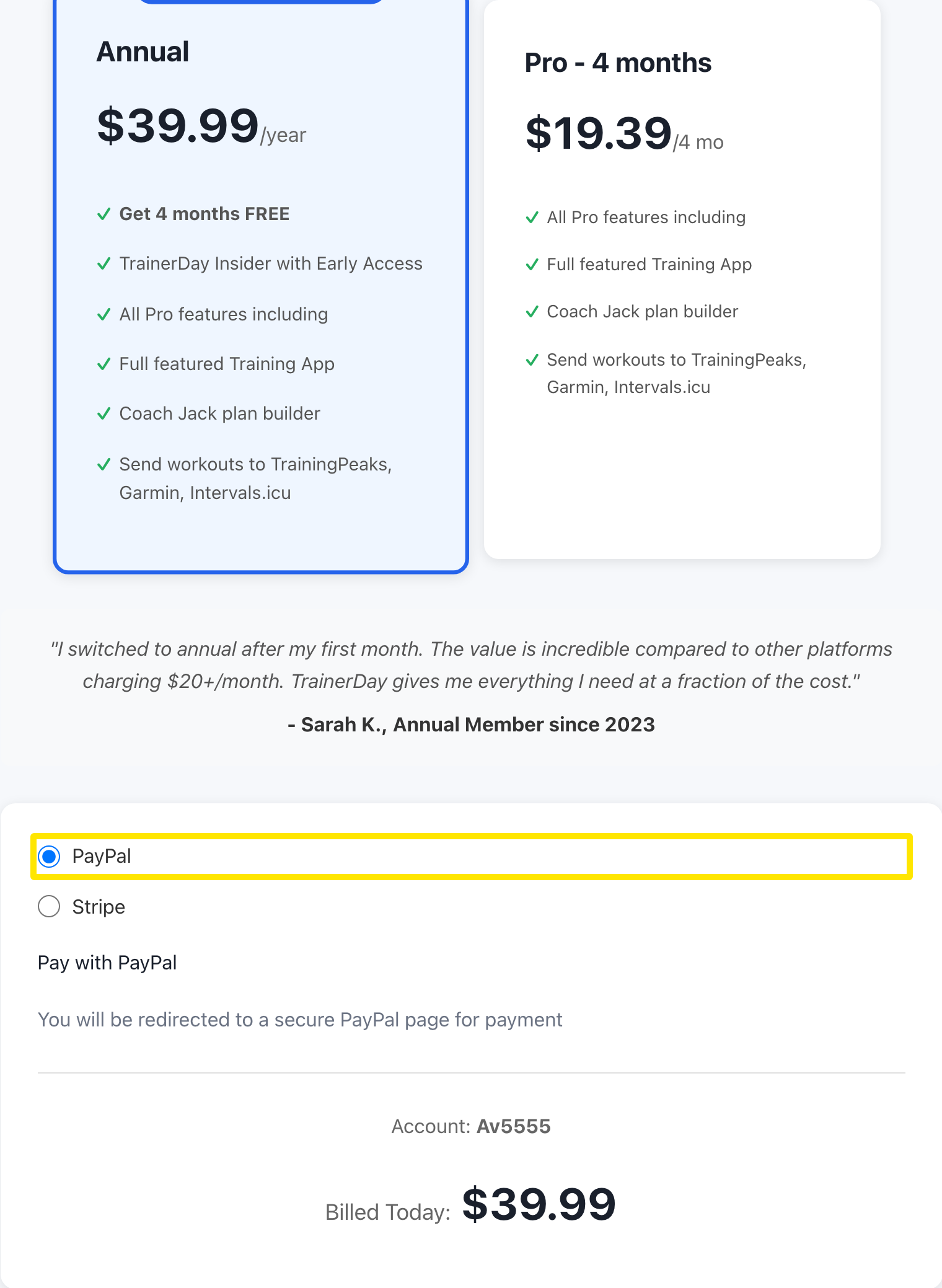 Where: Website · trainerday.com/subscribe
- Press the button under the form, for example Get Instant Access - Save 33% → for Annual. With PayPal, a PayPal page opens so you can approve the subscription. Then you come back to TrainerDay.
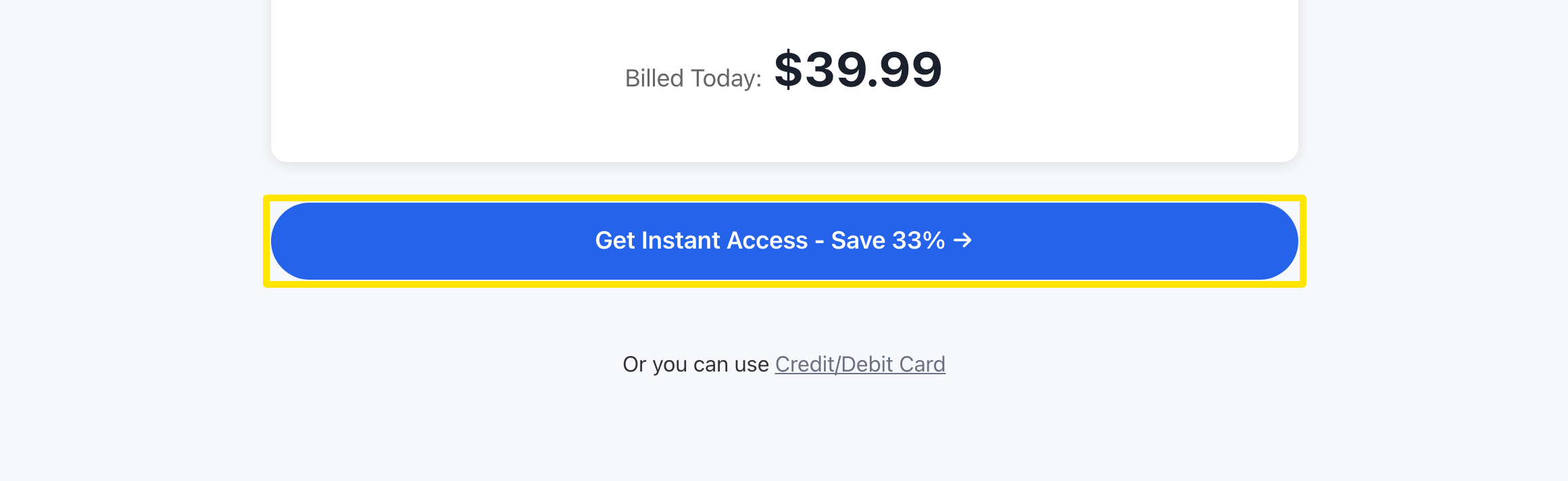 Where: Website · trainerday.com/subscribe
Good to know: Buying on the website is cheaper than through the App Store or Google Play, and prices include VAT. If your bank or card is causing problems, buy in the phone app instead.
Works on: Website (card, PayPal, Stripe); iPhone and Android (App Store or Google Play)