

What can I do if my card is declined at checkout?
A declined card means your bank refused the charge on the subscribe page's card form; fix it by trying another card, by paying through the Paypal or Stripe link on the same page, or by buying in the TrainerDay mobile app.
- On the website subscribe page, a declined card shows Payment failed ("Your transaction was declined"). In the Pay with Card form, choose Use existing card or Use new card and enter a different card.
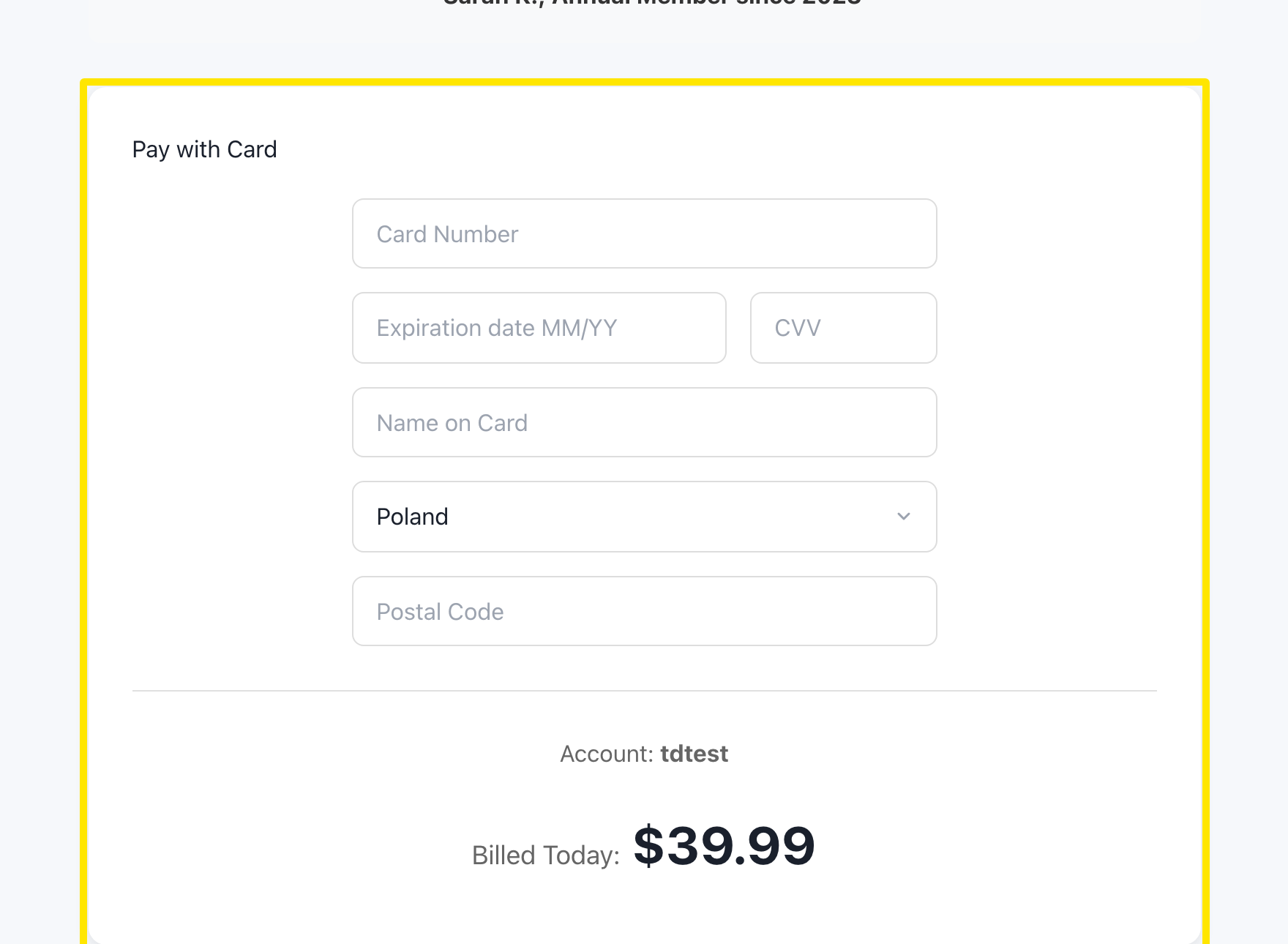 Where: Website · trainerday.com/subscribe
- Or, under the Get Instant Access button, click Paypal or Stripe.
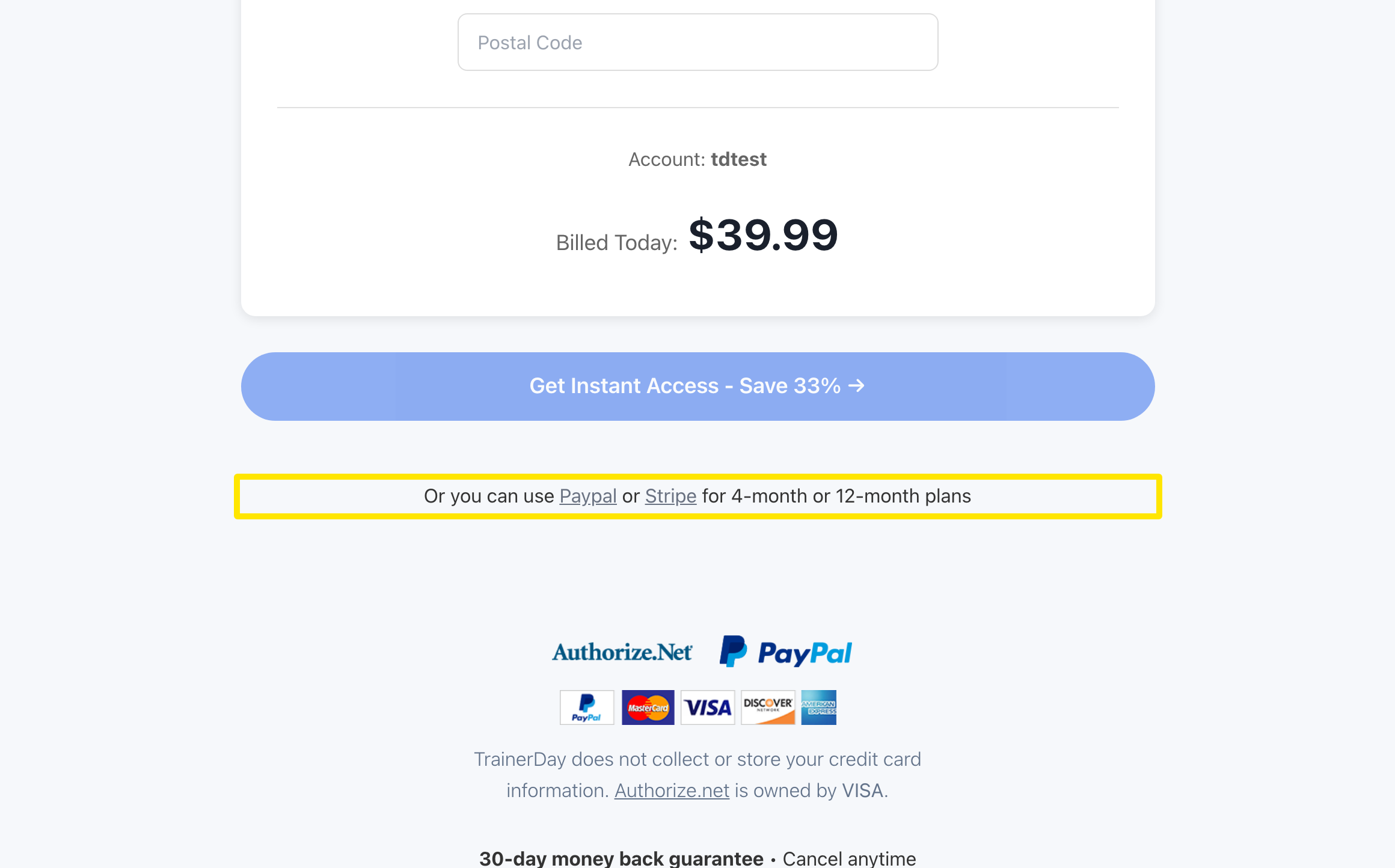 Where: Website · trainerday.com/subscribe
- Pick PayPal or Stripe and press the button. You finish paying on their secure page.
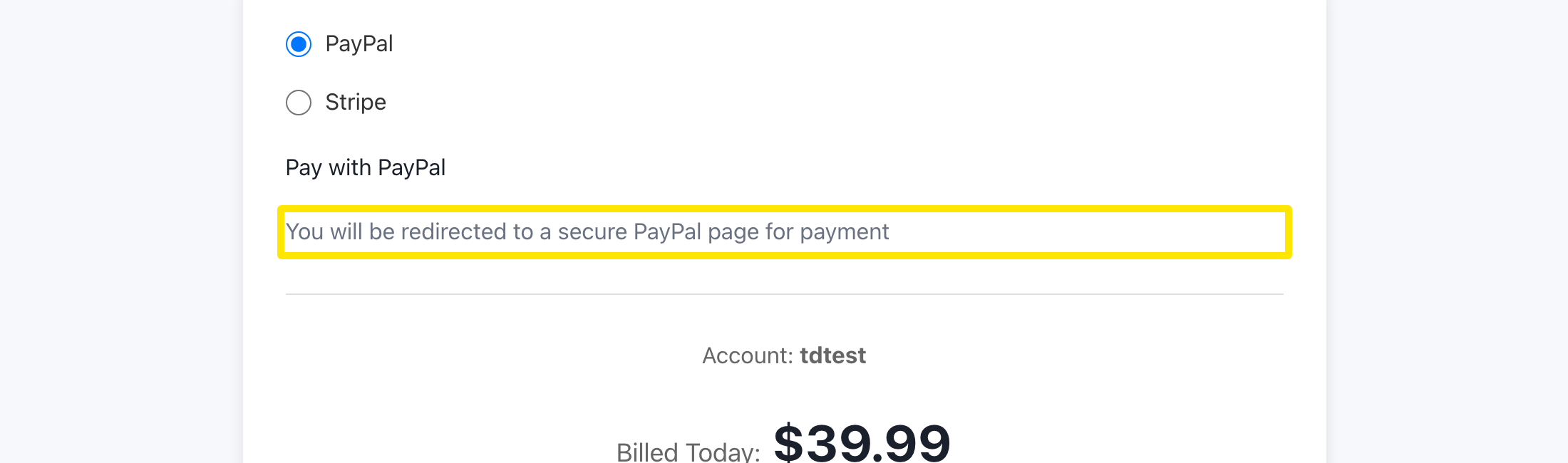 Where: Website · trainerday.com/subscribe
- If the website still won't take your card, subscribe in the TrainerDay app on iPhone or Android.
Good to know: The card form has no 3D Secure step of its own, while Stripe's page runs your bank's checks. Single-use virtual cards don't work for monthly subscriptions.
Works on: Website (card, PayPal, Stripe) · iPhone and Android (in-app purchase)