

How do I pay with PayPal?
Pay for TrainerDay Pro with PayPal on the website's subscribe page: click the Paypal link under the payment button, pick the Annual or 4-month plan, and approve it on PayPal.
- Log in on the TrainerDay website and open trainerday.com/subscribe.
- Under the payment button, click Paypal in "Or you can use Paypal or Stripe for 4-month or 12-month plans".
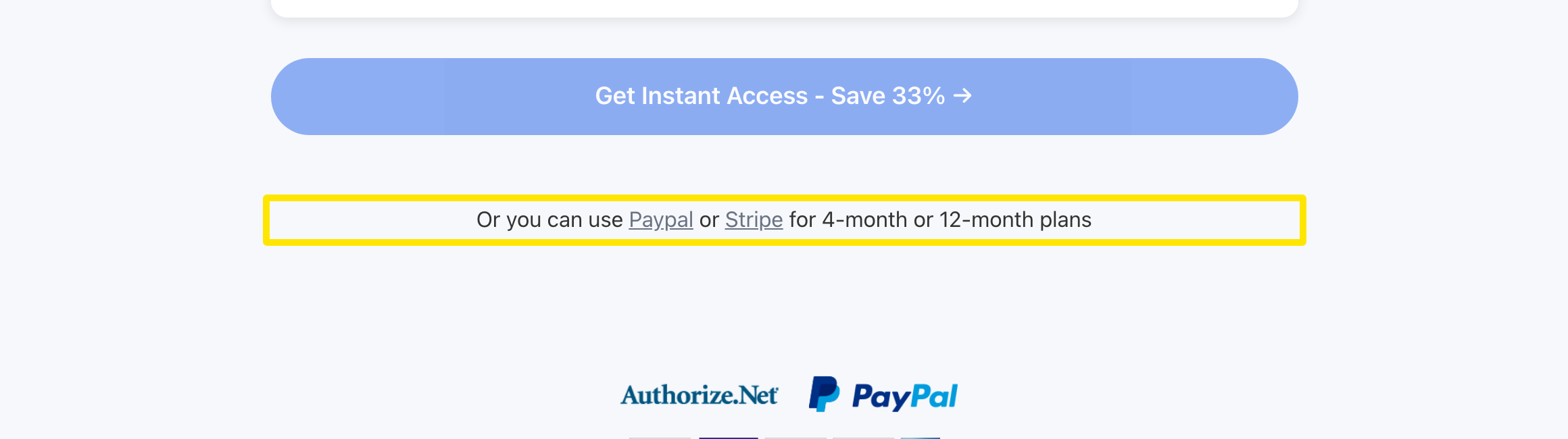 Where: Website · trainerday.com/subscribe
- Choose the Annual plan ($39.99) or the 4-month plan ($19.39) and keep PayPal selected.
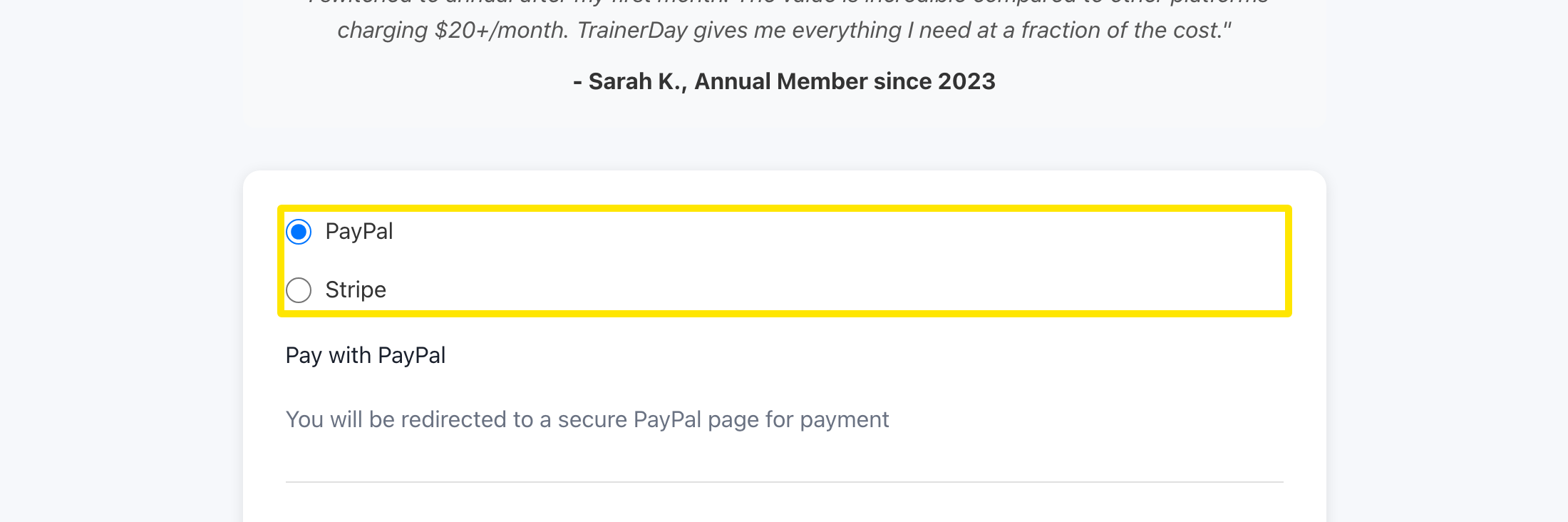 Where: Website · trainerday.com/subscribe
- Press the button under the form (Get Instant Access - Save 33% → for Annual). PayPal opens so you can approve the subscription, then you come back to TrainerDay.
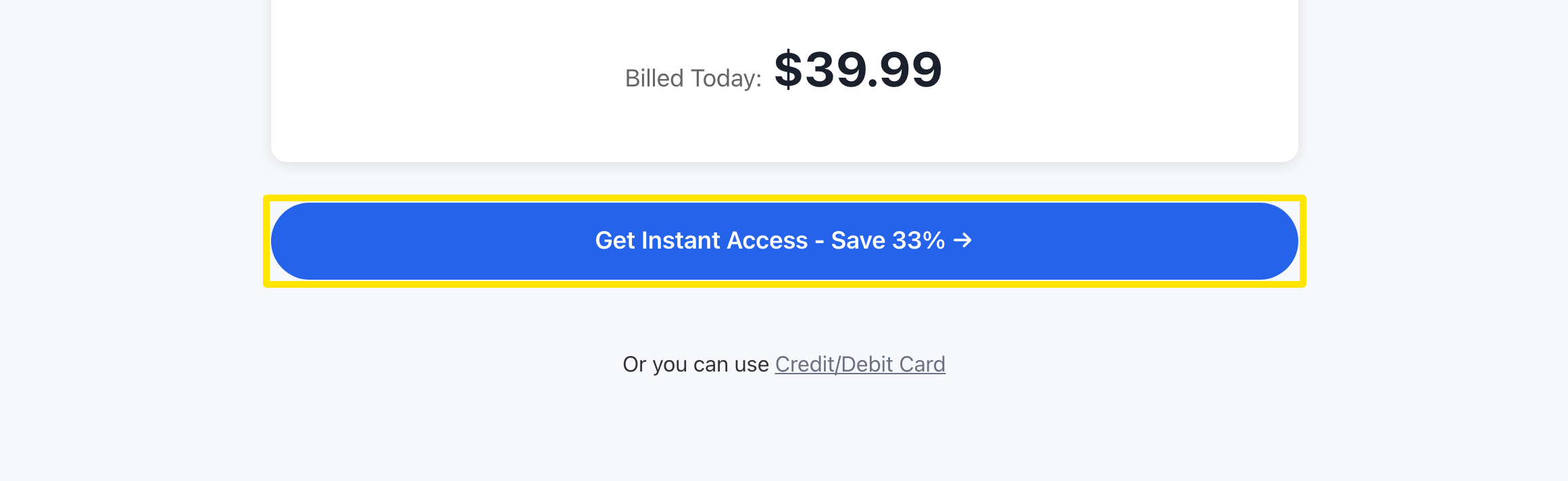 Where: Website · trainerday.com/subscribe
- To check your subscription, open your account's Subscription Status page.
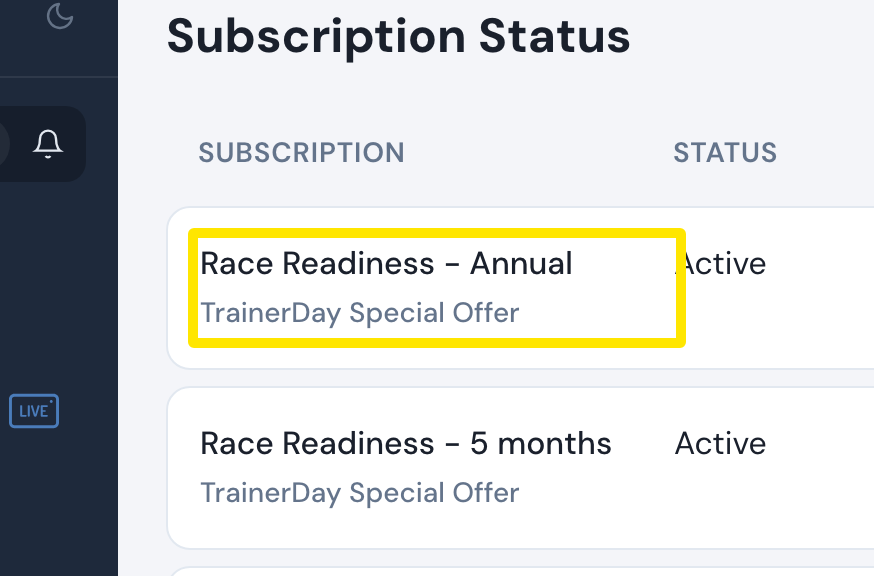 Where: Website · app.trainerday.com/account/subscription · open it
Good to know: PayPal is charged in US dollars, offers only the Annual and 4-month plans (Monthly is card only), and does not take promo codes.
Works on: Website only. The phone app sells Pro through the App Store or Google Play.