

How do I fix a failed subscription renewal payment?
To fix a failed renewal, open your subscription on the TrainerDay website, find the one marked Problems with payment (Suspended for PayPal), and use Update Payment Card to add a working card so it is charged again; App Store or Google Play subscriptions are fixed by updating your card with Apple or Google.
- On the website, click the gear icon at the top of the left menu and choose Account, then click Manage your subscription.
 Where: Website · Account · open it
- On the subscription page, find the subscription that shows Problems with payment (PayPal: Suspended) in the Status column.
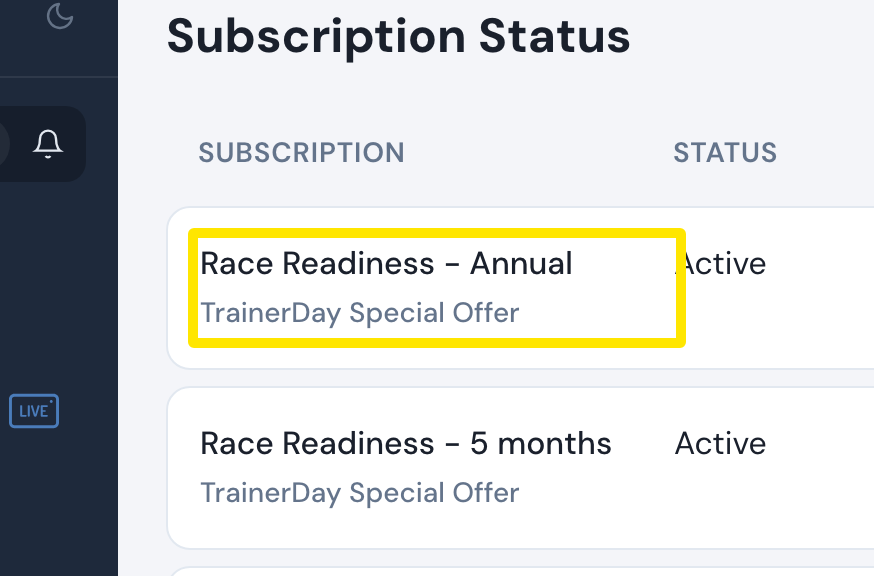 Where: Website · Subscription Status · open it
- Click Update Payment Card in the Actions column. Choose a saved card or New card, fill it in and press Update. The subscription is charged again and reactivated. A PayPal or Stripe subscription sends you to PayPal's or Stripe's page instead.
Good to know: Single-use virtual cards do not work for monthly subscriptions.
Works on: Website for website subscriptions. For App Store or Google Play payments, update your card with Apple or Google.