

How do I fix being charged twice for my subscription?
To fix a double charge, find both charges in Payment History on the TrainerDay website's subscription page, cancel the subscription you don't want, and write to support for a refund. A Declined payment or a small 0.96 temporary hold on your card is not a second charge.
- On the website, click the gear icon at the top of the left menu and choose Account, then click Manage your subscription under Account Information.
- In Subscription Status, read under each subscription's name where it is billed: Billed via PayPal, Billed via Stripe, iOS App Subscription, Android App Subscription, and so on.
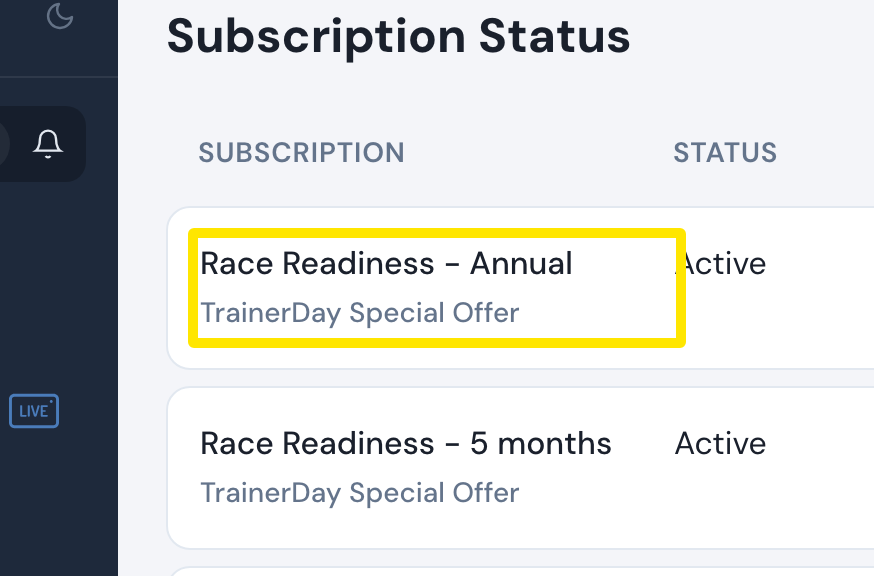 Where: Website · app.trainerday.com/account/subscription · open it
- Scroll to Payment History. Only Approved payments are charges. A Declined attempt or a 0.96 temporary hold on your card is not a second payment.
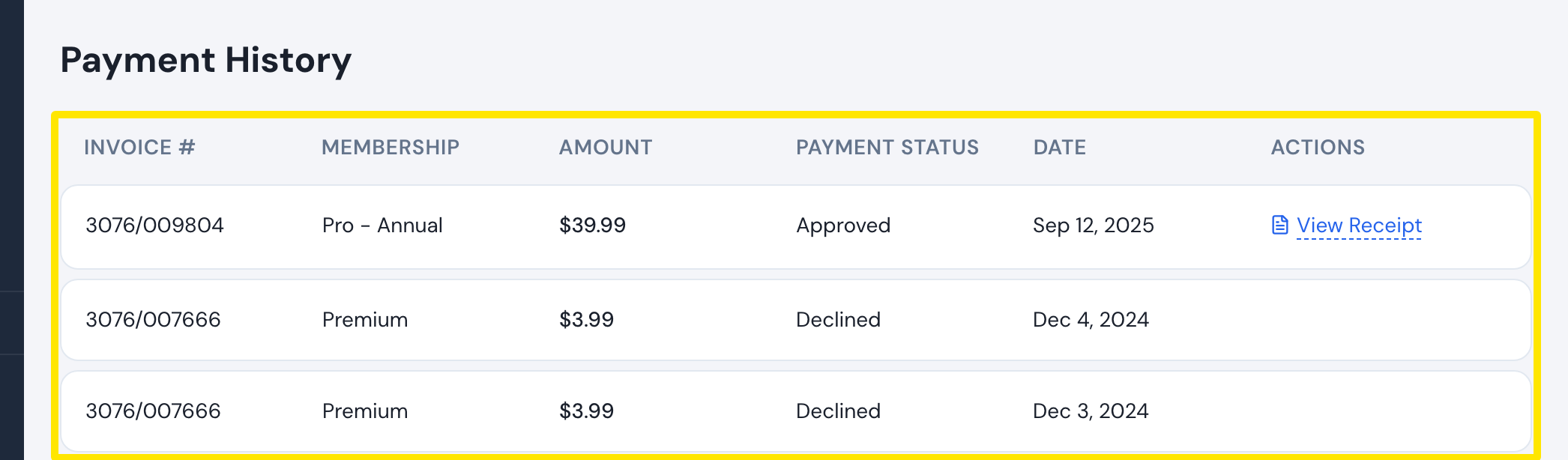 Where: Website · app.trainerday.com/account/subscription · open it
- Cancel the subscription you don't want with Cancel subscription in its Actions column. This works for website and Google Play subscriptions. For an iPhone subscription, open the phone app and tap Settings → Subscription Status → Unsubscribe. This takes you to Apple.
- Send support the dates and amounts of both payments at trainerday.com/contact-us.
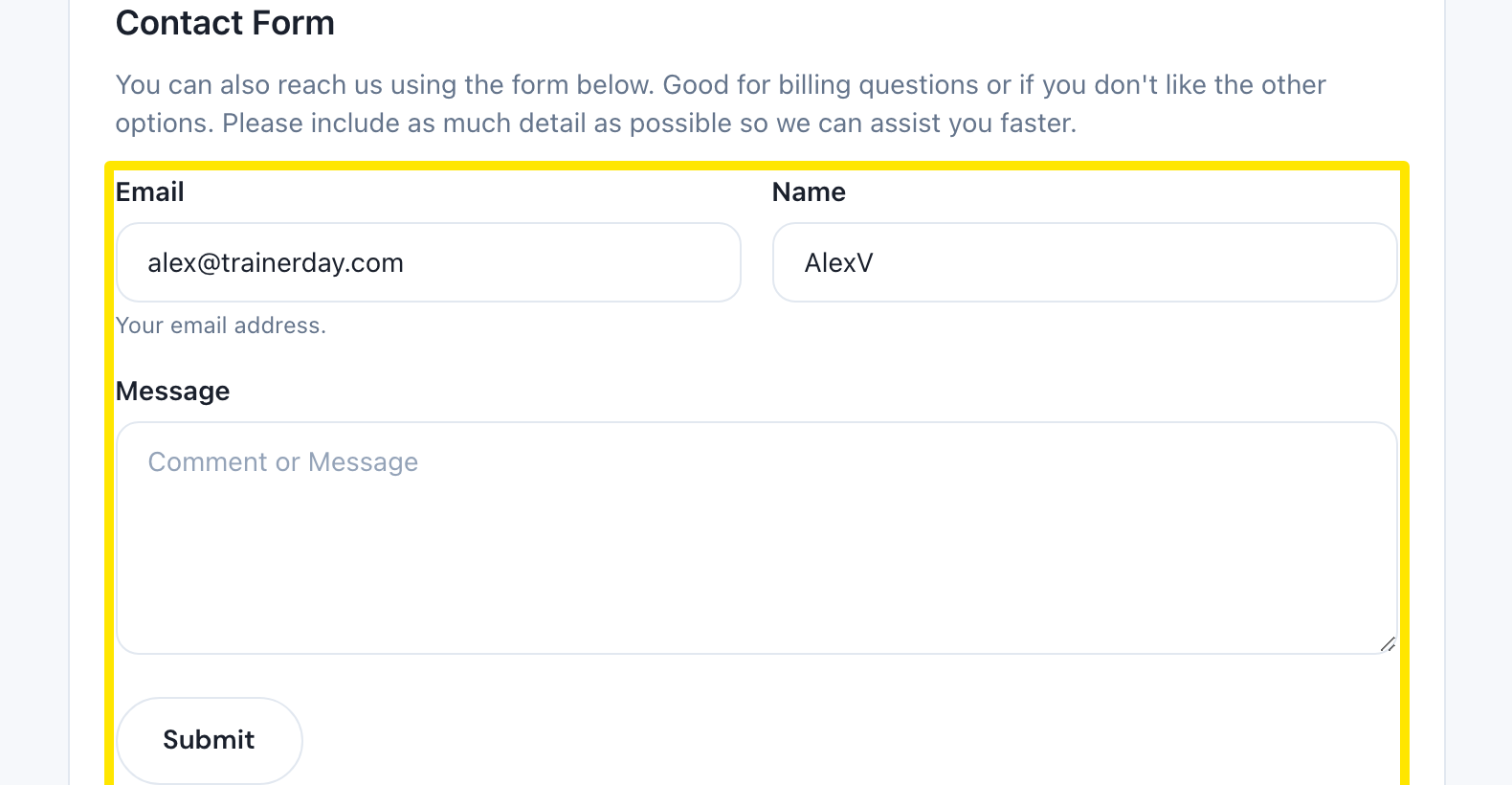 Where: Website · trainerday.com/contact-us
Good to know: Refunds are made by TrainerDay staff, and a refund does not cancel the subscription. If you can't find the second charge, check whether you have a second account under another email.