

How do I get a reminder before my subscription renews?
TrainerDay emails you automatically 3 days before an Annual or 4-month website subscription renews, and you can check the renewal day on the website's subscription page.
- Nothing to switch on. For an Annual or 4-month website subscription (card, PayPal or Stripe), TrainerDay emails you 3 days before it renews: "Your TrainerDay subscription renews on <date>".
- To see the date yourself, open the subscription page on the website at https://app.trainerday.com/account/subscription.
- Read the Expiration Date column. Renewal Date under the date means it renews that day.
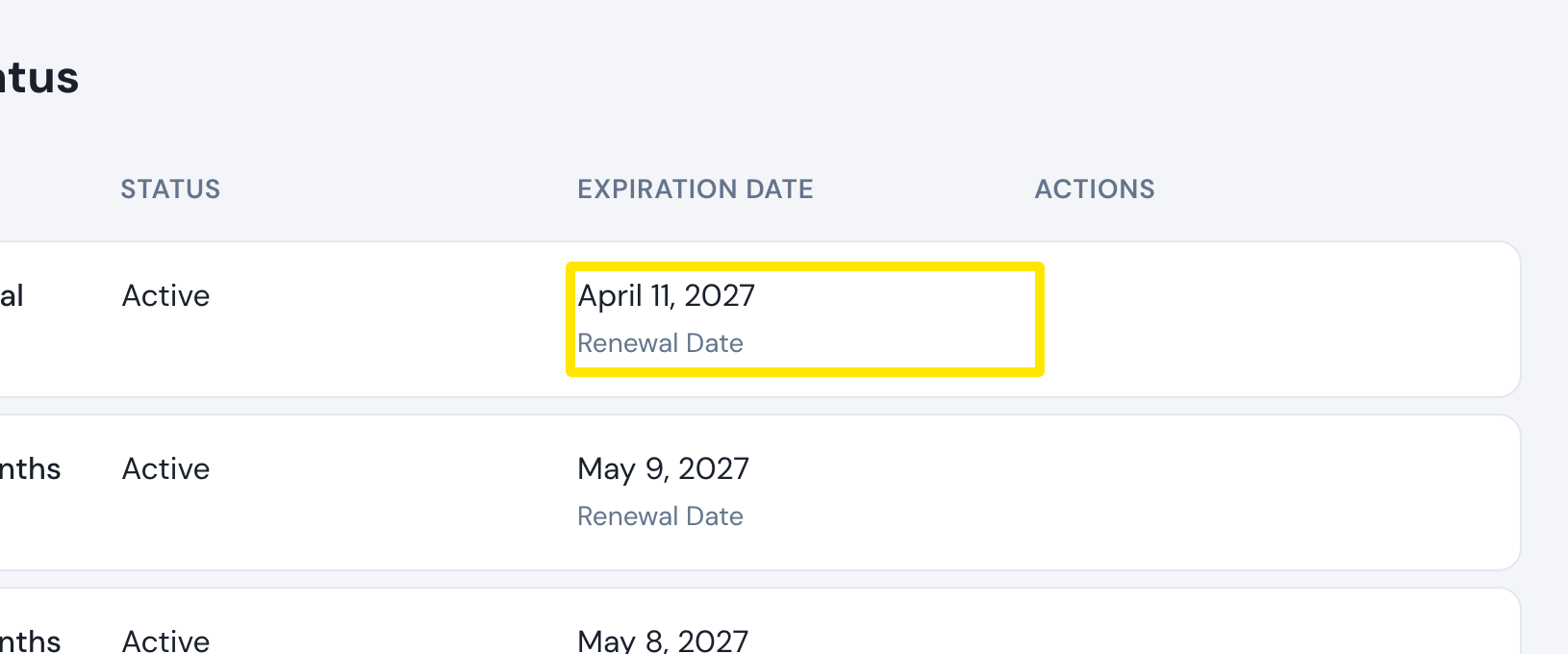 Where: Website · app.trainerday.com/account/subscription · open it
Good to know: Monthly subscriptions get no reminder. For App Store or Google Play subscriptions, the renewal date and any reminder come from Apple or Google.