

How do I renew or reactivate my subscription?
Renew or reactivate your subscription on the TrainerDay website under Account → Manage your subscription: click Resume if it is cancelled but not yet ended, or Go to checkout if it has expired.
If your renewal payment failed, update your payment method instead: see How do I fix a failed subscription renewal payment?
- On the website, click the gear icon at the top of the left menu and choose Account.
- Under Account Information, click Manage your subscription.
 Where: Website · Account · open it
- Check your subscription's status and Expiration Date.
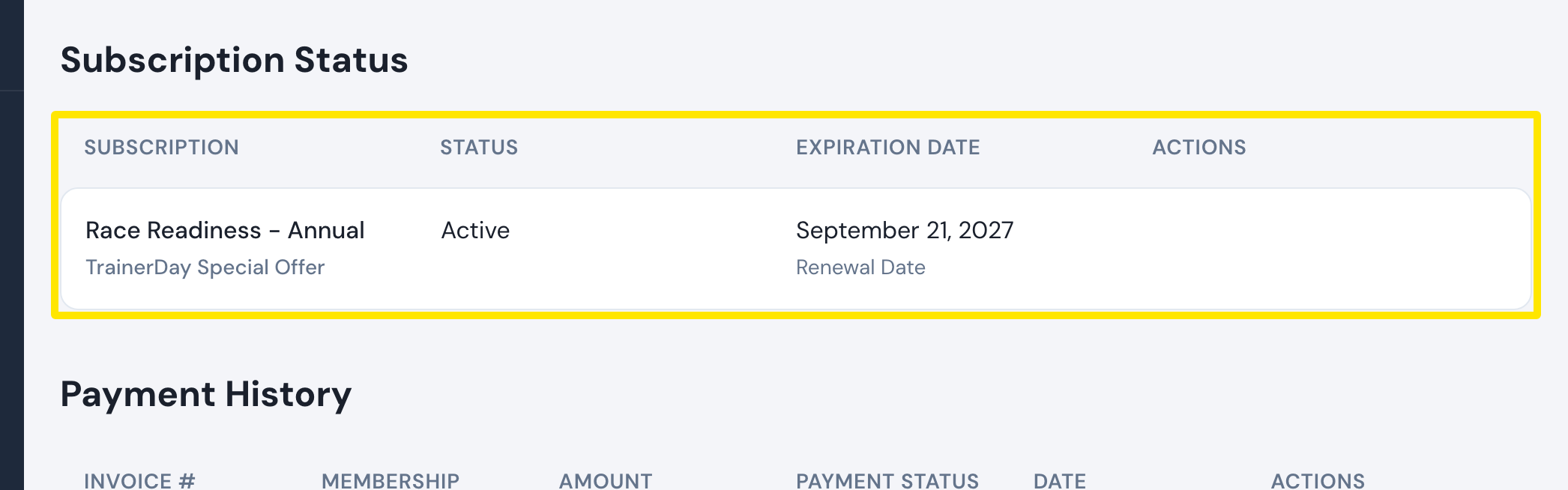 Where: Website · Manage your subscription · open it
- If it is Canceled and the date has not passed, click Resume in the Actions column.
- If it has expired, it is no longer listed and the page says "You don't have a subscription." Click Go to checkout.
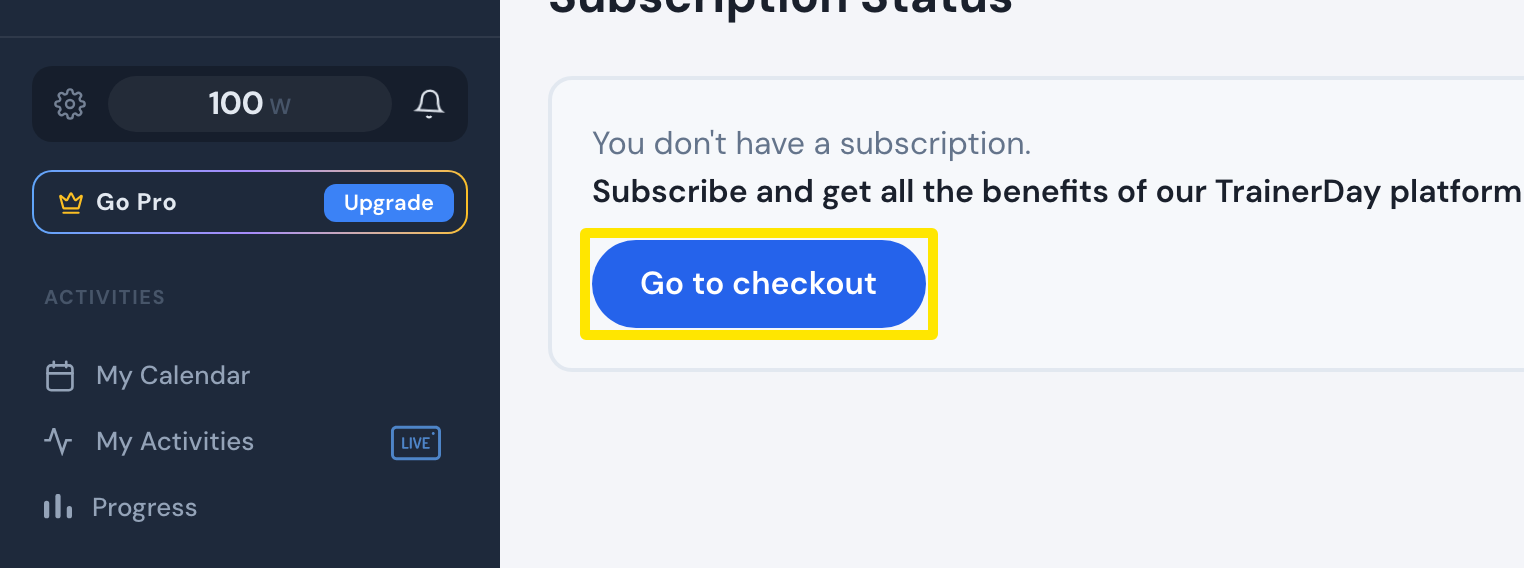 Where: Website · Subscription Status · open it
- On the subscribe page, choose Annual or Monthly and pay.
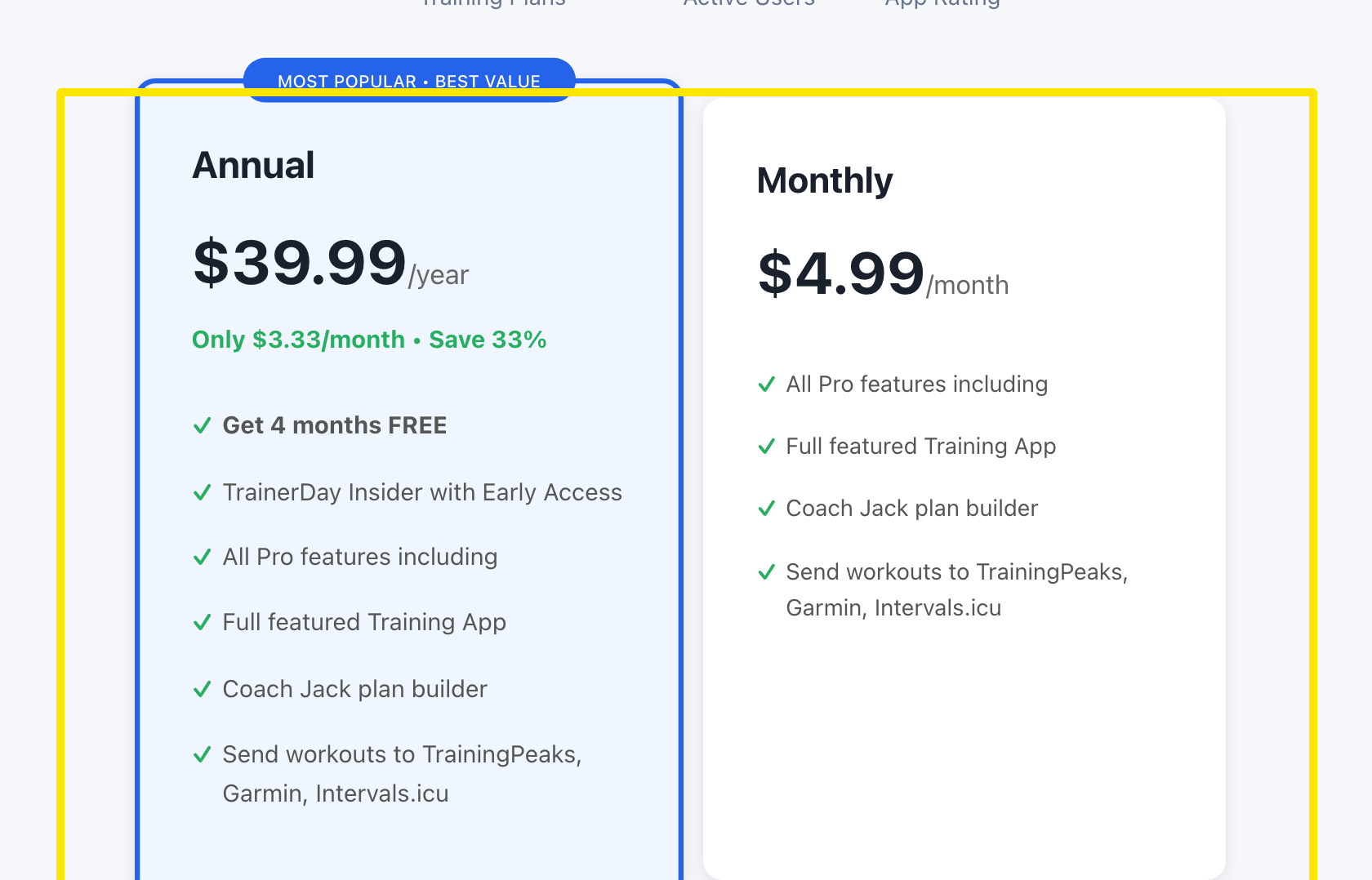 Where: Website · trainerday.com/subscribe
Good to know: Resume only appears while the paid period is still running. After that, subscribe again from step 5.
Works on: Website for website subscriptions. App Store and Google Play subscriptions are restarted in the store: in the mobile app, open Settings → Subscription Status. Nothing to do in the desktop app.