

How do I check my subscription status?
Check whether you are Pro or Free and see your subscription status and renewal date on the TrainerDay website's Account page.
- On the website, click the gear icon at the top of the left menu and choose Account. Account Type shows Pro or Free.
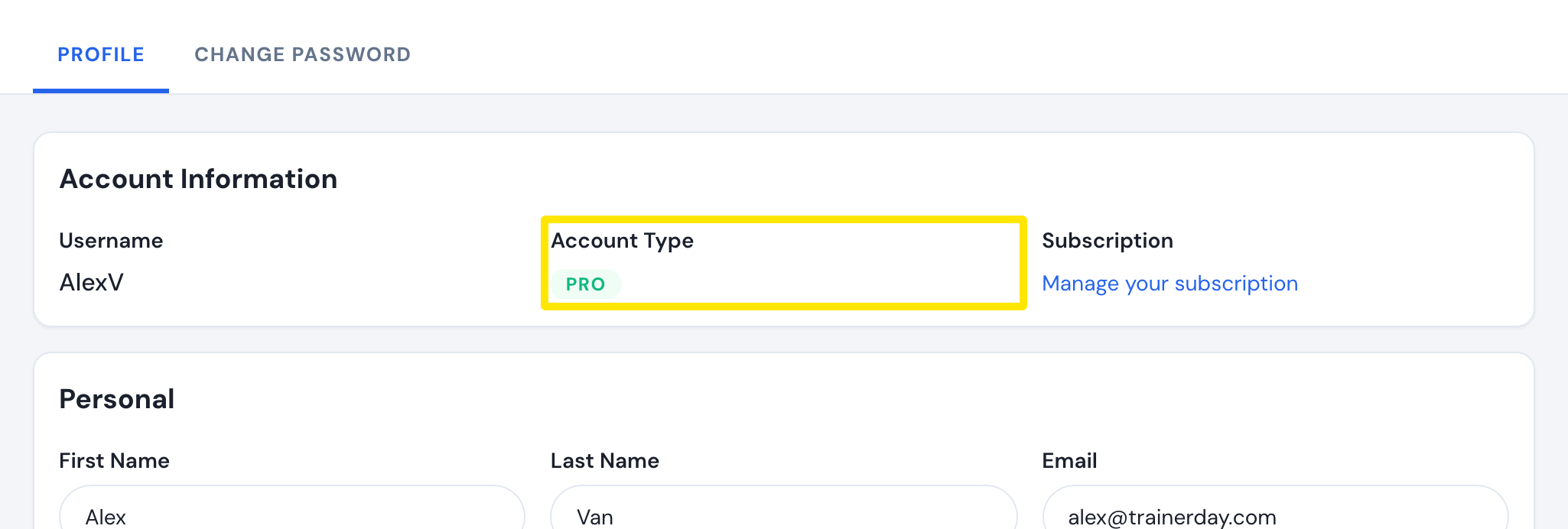 Where: Website · Account · open it
- Click Manage your subscription. The Status column says Active, Canceled ("Still working" until the end date), Problems with payment, Suspended, Expired or Planned. Expiration Date shows the date, marked Renewal Date while active.
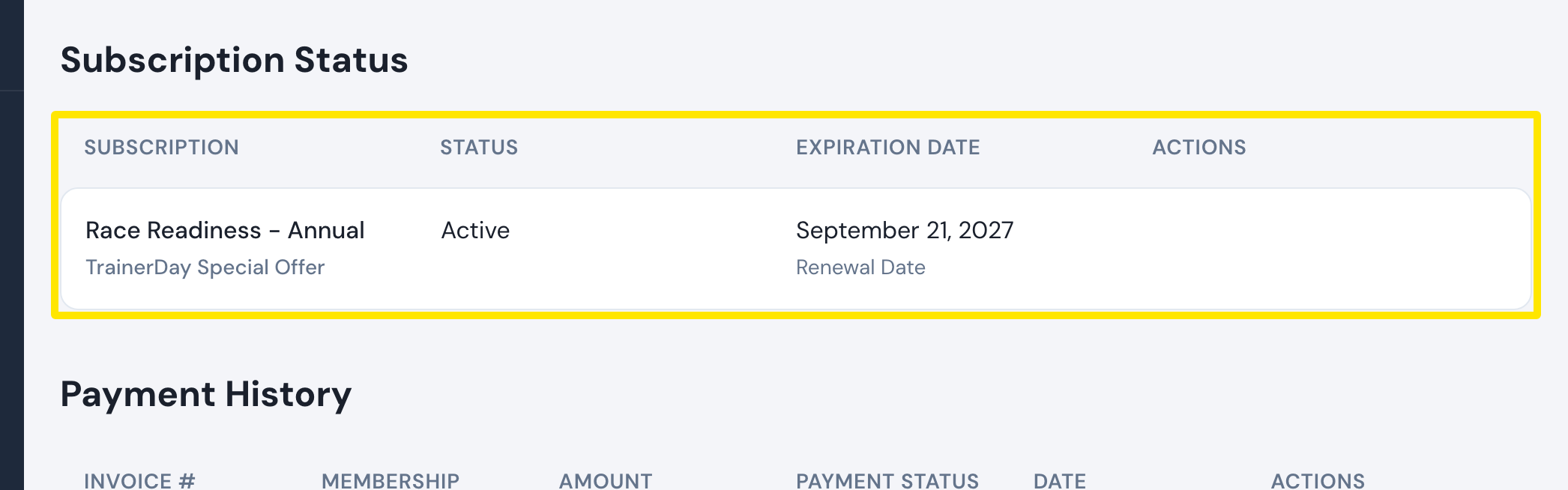 Where: Website · Manage your subscription · open it
- If Pro does not show right after paying, reload the page. In the mobile app, close it fully and open it again.
Good to know: In the mobile app, Settings shows Subscription Status: Active for a Pro rider. The desktop app uses the same account level.
Works on: website (full status and dates), mobile app (Active status in Settings).