

How do I switch my subscription from the App Store or Google Play to the website?
Cancel your App Store or Google Play subscription, then click Subscribe on the website's Manage your subscription page. Website billing starts the day the store subscription ends, and your data is kept.
- On the website, click the gear icon at the top of the left menu, choose Account, then click Manage your subscription (app.trainerday.com/account/subscription).
- Under your App Store or Google Play subscription, click Want to save money? to see how to switch.
- Cancel the store subscription:
- Google Play: on the same page, use Cancel subscription in its Actions.
- App Store: on your iPhone, go to Settings → your name → Subscriptions and cancel TrainerDay there.
- Back on the website, open the gear icon → Account → Manage your subscription again. Under the cancelled subscription, click Subscribe and pay on trainerday.com/subscribe.
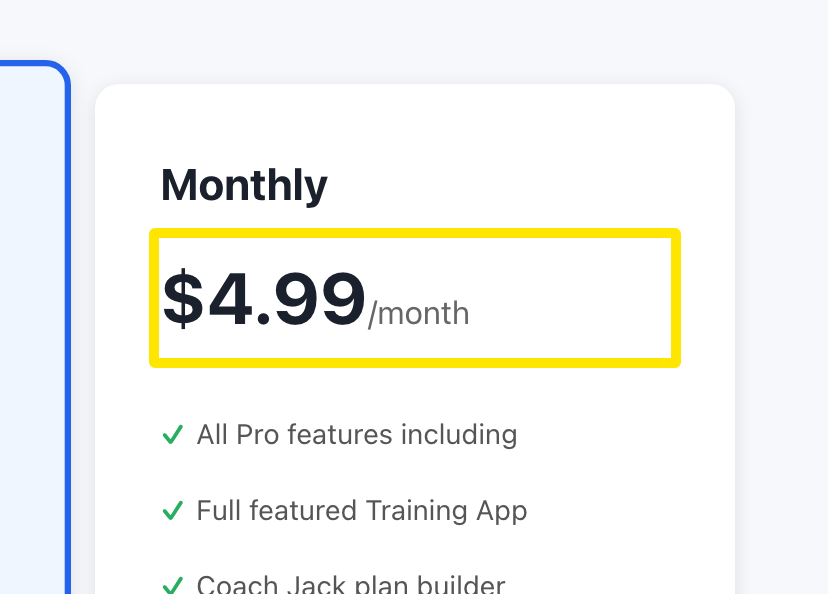 Where: Website · trainerday.com/subscribe
Good to know: You can cancel and resubscribe now. Your store subscription keeps running until its end date, and website billing starts the day it ends. You are not charged twice, and your data is kept.