

How do I buy a yearly subscription?
Buy a yearly TrainerDay subscription on the website: open the pricing page, click Upgrade Now under Pro, keep Annual selected, and pay.
Already paying monthly? Use Upgrade to Yearly instead: see How do I upgrade from monthly to yearly?
Buying in the iPhone or Android app? See How do I buy a yearly subscription in the iPhone or Android app? For website purchases, follow the steps below.
- Log in on the website and open trainerday.com/pricing, then click Upgrade Now under Pro.
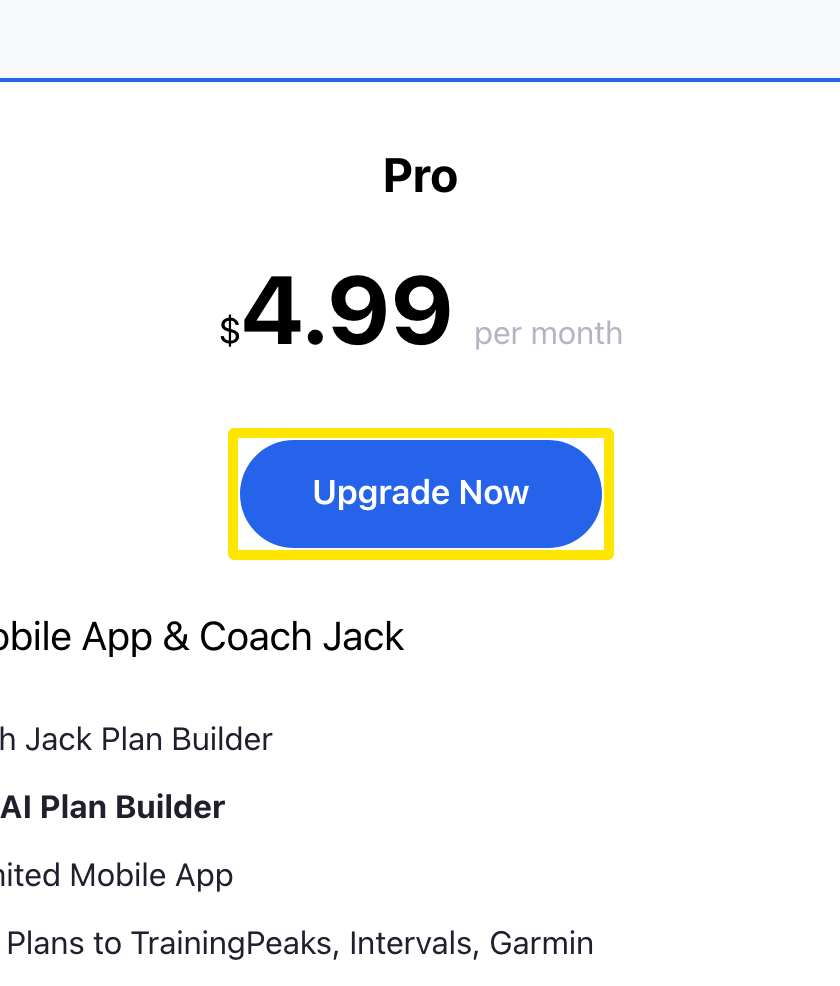 Where: Website · trainerday.com/pricing
- On the subscribe page, choose Annual (marked Save 33%). It is chosen by default.
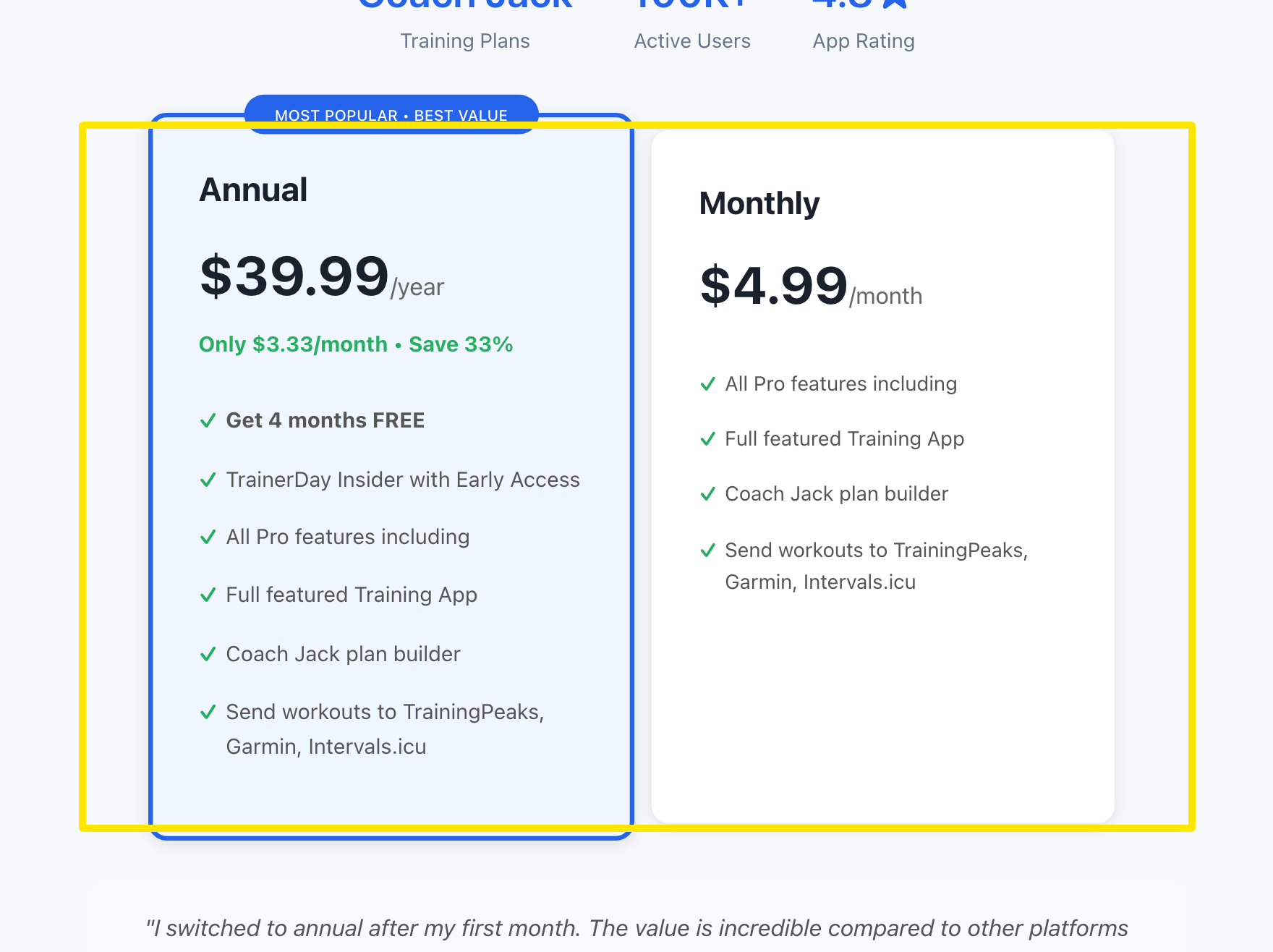 Where: Website · trainerday.com/subscribe
- On the same page, pay with a saved or new card, or use the PayPal or Stripe link, and press Get Instant Access - Save 33%.
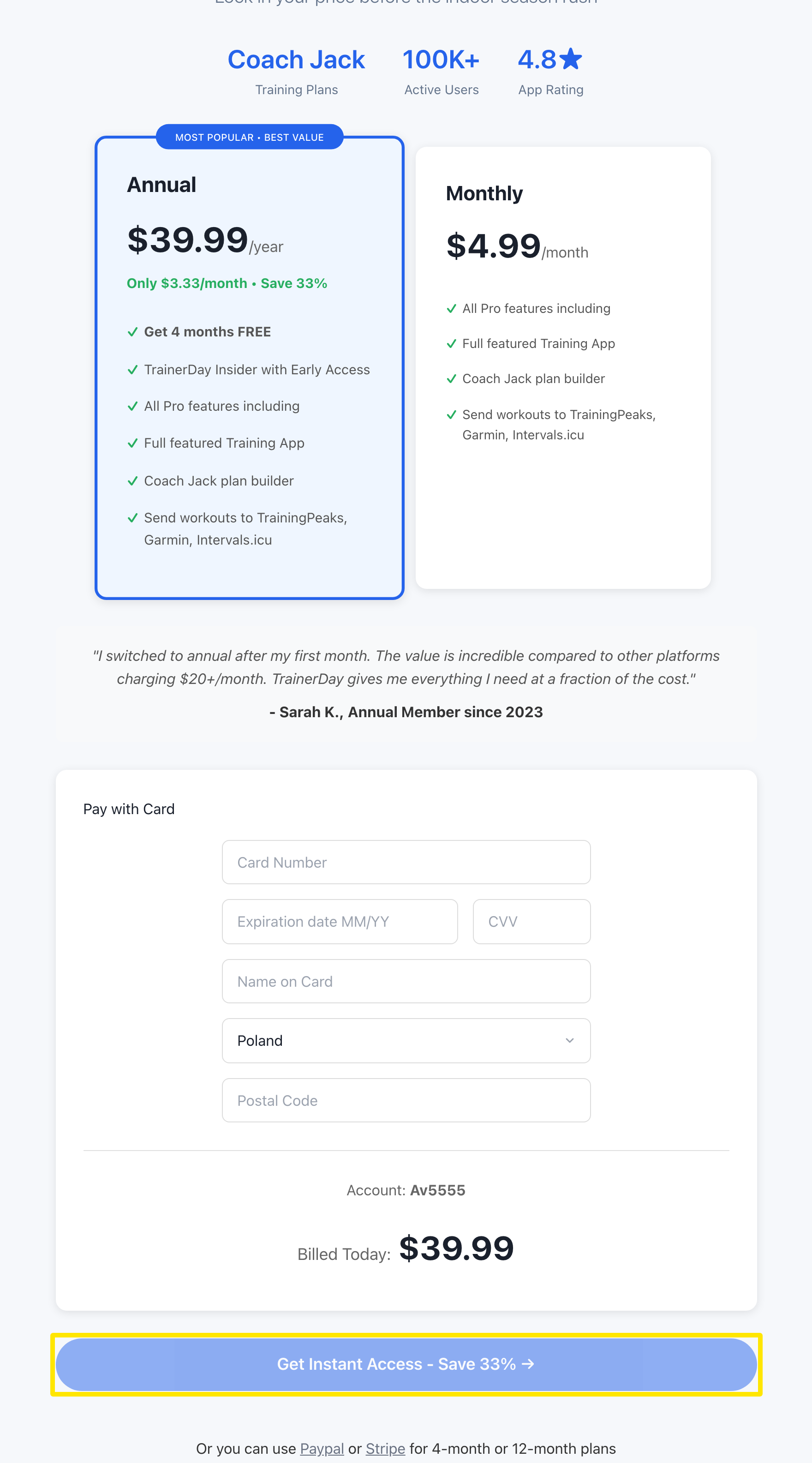 Where: Website · trainerday.com/subscribe
Good to know: The yearly plan is $39.99 on the website and renews automatically. In the App Store and Google Play, the price is shown in your local currency.
Works on: website and mobile app (App Store / Google Play); the desktop app has no purchase screen.