

How do I connect ChatGPT to TrainerDay?
Connect ChatGPT to TrainerDay by adding TrainerDay as a custom plugin on chatgpt.com in a browser, then picking it in a new chat.
- On the website, log in at trainerday.com in the browser you use for ChatGPT. On My Calendar, click API / MCP at the bottom of the page to open the setup guide.
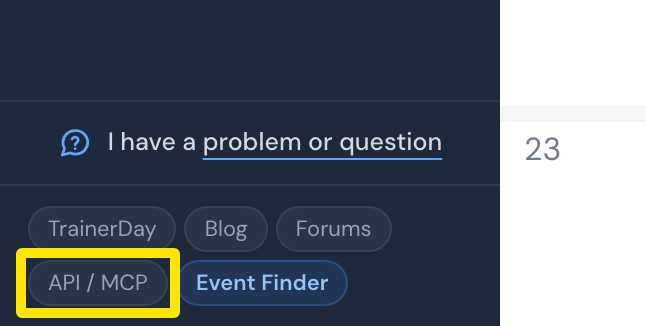 Where: Website · My Calendar · open it
- On chatgpt.com in a browser (not the mobile app), open Settings → Plugins (under Integrations). Click Browse directory.
- Click Add in the top right. Choose Add custom MCP server.
- Fill in the values from the guide: Name TrainerDay, Connection Server URL, URL https://api.trainerday.com/mcp, Authentication OAuth. Skip Advanced OAuth settings. Tick I understand and want to continue. Click Create as a plugin.
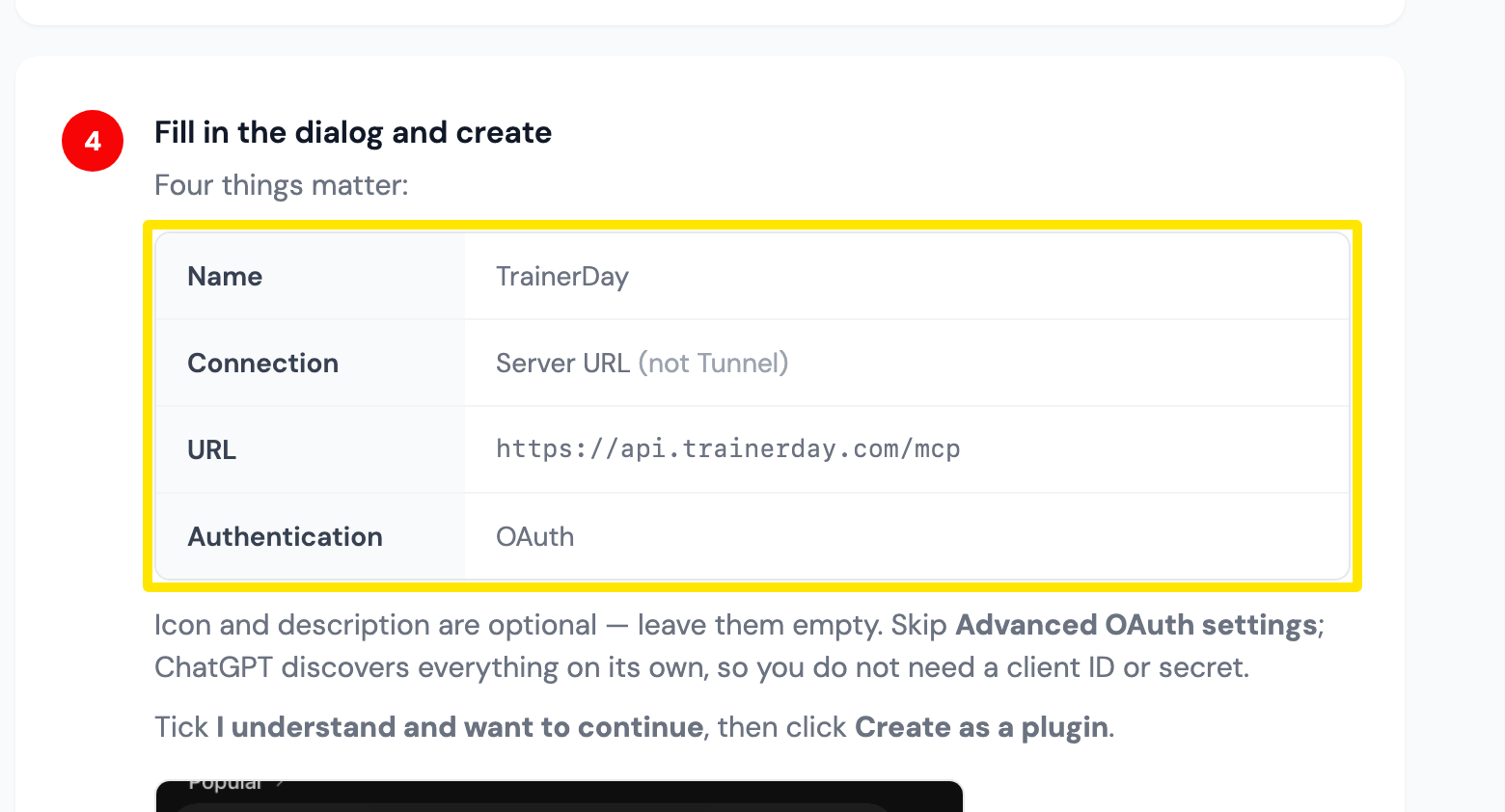 Where: TrainerDay's ChatGPT setup guide, step 4 (opened in step 1)
- When ChatGPT sends you to TrainerDay, choose the permissions and click Allow.
- Back in ChatGPT, start a new chat and ask, for example, "In TrainerDay, what is my CTL?" If ChatGPT does not use TrainerDay, click + in the message box and pick TrainerDay.
Good to know: A chat you opened before adding TrainerDay will not see it. If TrainerDay is missing from +, go to Settings → Plugins → … next to TrainerDay → Manage plugin → Refresh schema.