

How do I get my ANT+ stick working on Windows with Zadig?
Your ANT+ stick works on Windows once it has the WinUSB driver. The Devices window in the TrainerDay desktop app tells you when the driver is missing and where to find the setup help.
- Plug your ANT+ USB stick into your Windows computer. Open the TrainerDay desktop app and click the Bluetooth and ANT+ icon in the top bar to open Devices.
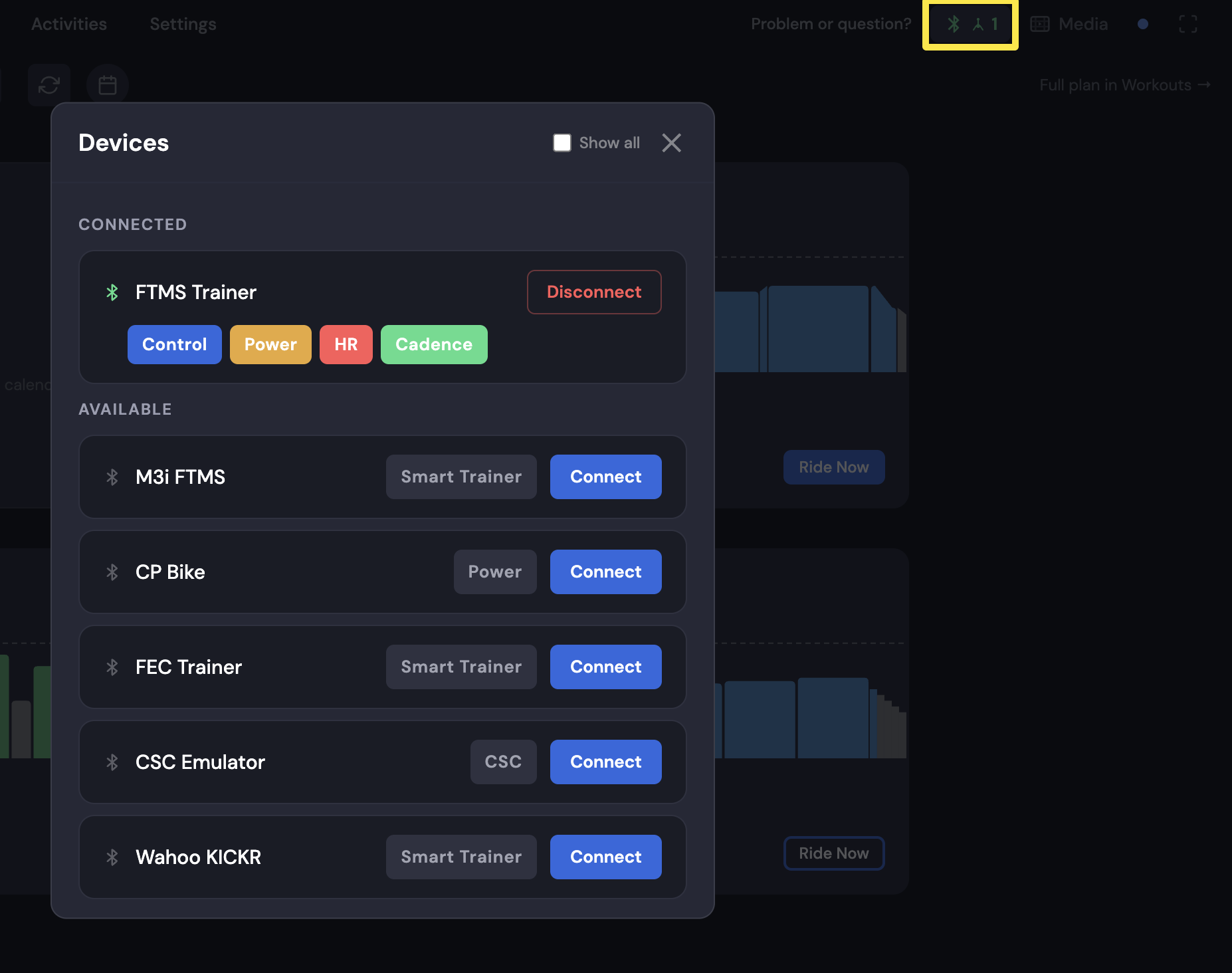 Where: Desktop app · top bar Bluetooth and ANT+ icon → Devices
- If Devices shows "ANT+ stick found, but it needs the WinUSB driver: see Have an ANT+ device? below", the stick needs the WinUSB driver. Open Have an ANT+ device? below that message and follow it to install the driver.
Good to know: A Garmin USB ANT+ adapter works best.
Works on: ANT+ works only in the Windows and Mac desktop app. It does not work on iPhone, Android or the website.