

How do I disconnect my heart rate monitor after a workout?
In the mobile app, your heart rate strap stays connected after a workout; to disconnect it, open the Settings tab → Add Devices and tap the − next to the strap.
- Nothing is needed after a workout. The mobile app keeps the strap connected while the app runs, ready for your next ride. Taking the strap off ends its signal.
- To disconnect it now, open the mobile app, go to the Settings tab and tap Add Devices.
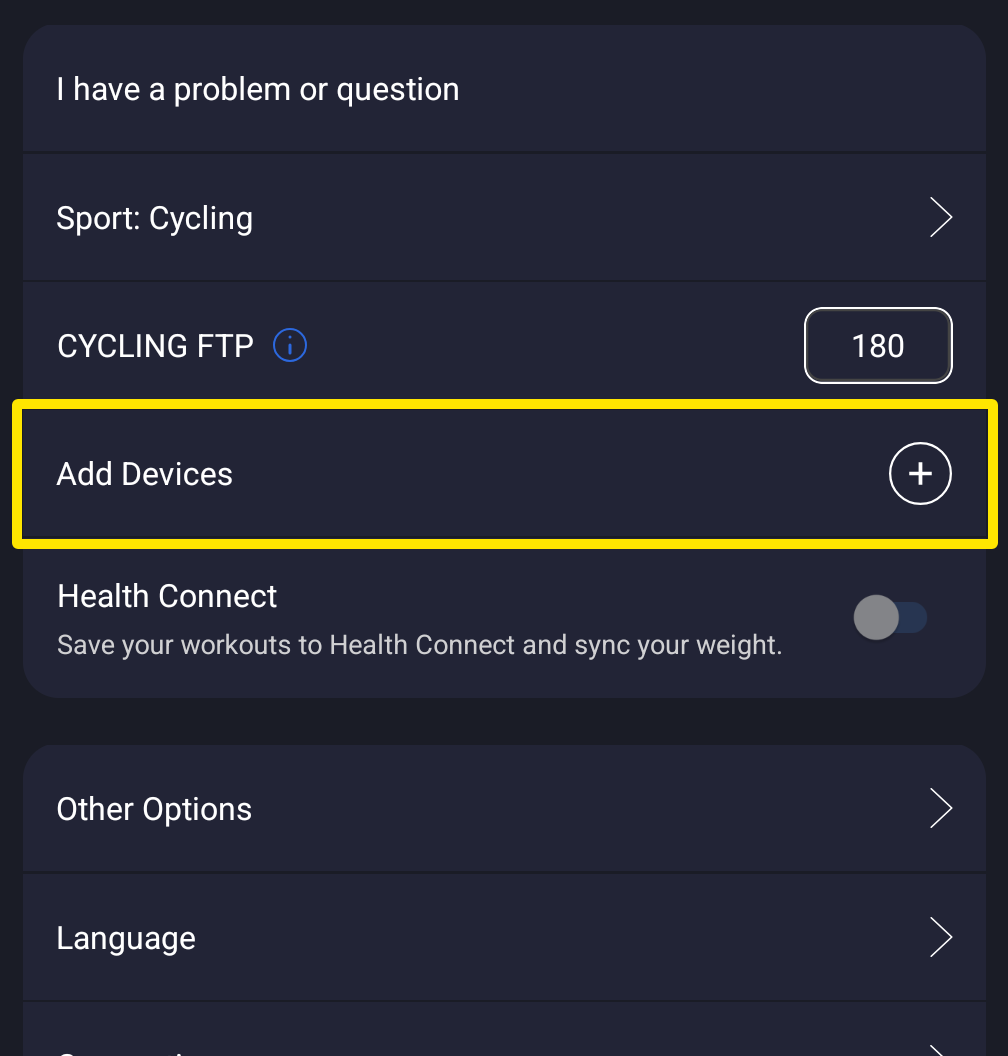 Where: Mobile app · Settings tab
- On the Devices screen, tap the red − next to your strap. It is disconnected and forgotten.
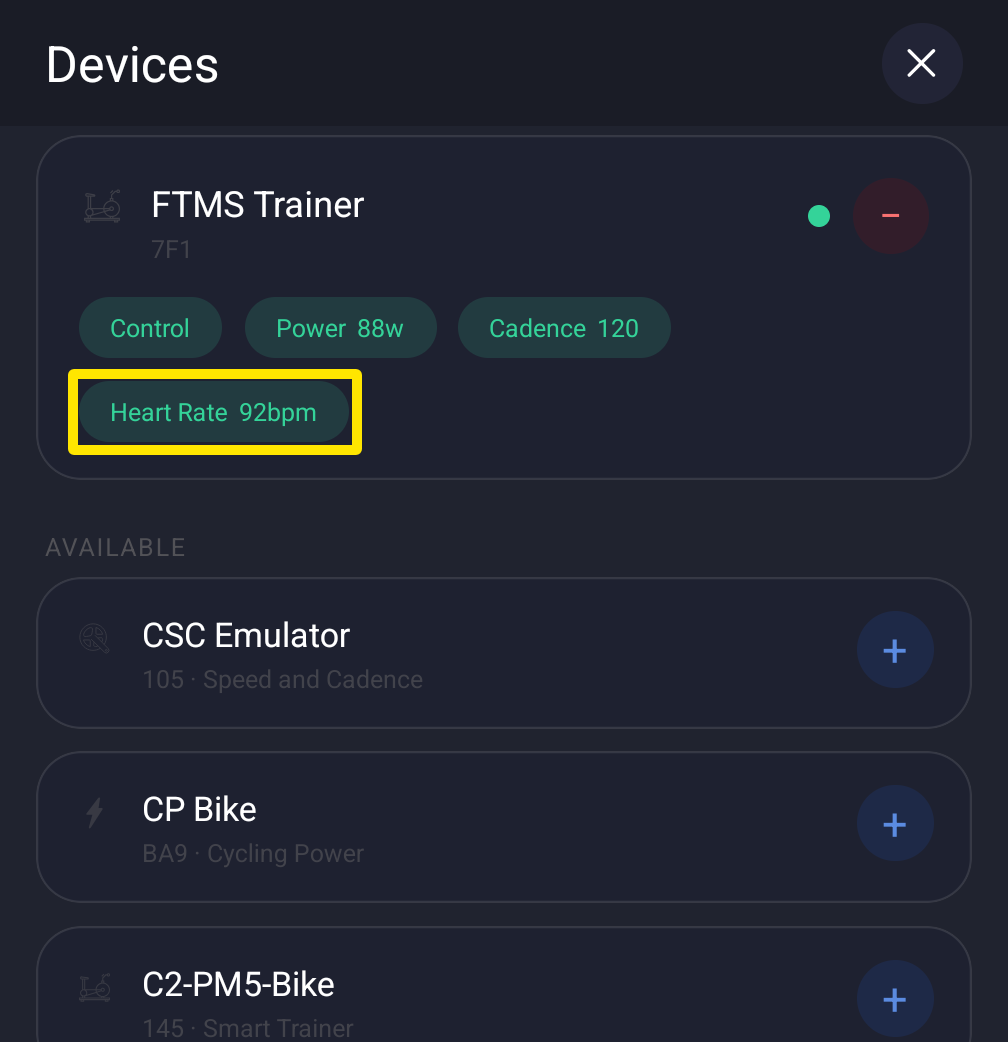 Where: Mobile app · Settings tab → Add Devices
- Next time, add it again with + under Available.
Good to know: Turning Bluetooth off, closing the mobile app, or logging out also releases the strap. In the desktop app, use the Bluetooth/ANT+ button at the top right → Devices → Disconnect, or quit the app to disconnect every device.
Works on: Mobile app and desktop app. Not available on the website.