

How do I pick a heart rate monitor that works with TrainerDay?
Pick a heart rate monitor that sends standard Bluetooth heart rate, such as a chest strap or a watch that broadcasts heart rate, then check that it shows up under Settings → Add Devices in the TrainerDay app.
- Choose a monitor that sends standard Bluetooth heart rate: any Bluetooth chest strap (for example Polar H10, Garmin HRM-Pro, Wahoo TICKR) or a watch that broadcasts heart rate. These work in the mobile and desktop apps.
- If your strap is ANT+ only, use the desktop app (Mac or Windows) with an ANT+ USB stick. The mobile app has no ANT+.
- On iPhone, an Apple Watch also works through the TrainerDay watch app (iOS 17 and watchOS 10 or newer). On Android, use a Wear OS watch with the TrainerDay watch app installed.
- Fitbit, Whoop and other bands work only if they broadcast standard Bluetooth heart rate.
- To test your monitor, open the TrainerDay mobile app, go to the Settings tab and tap Add Devices.
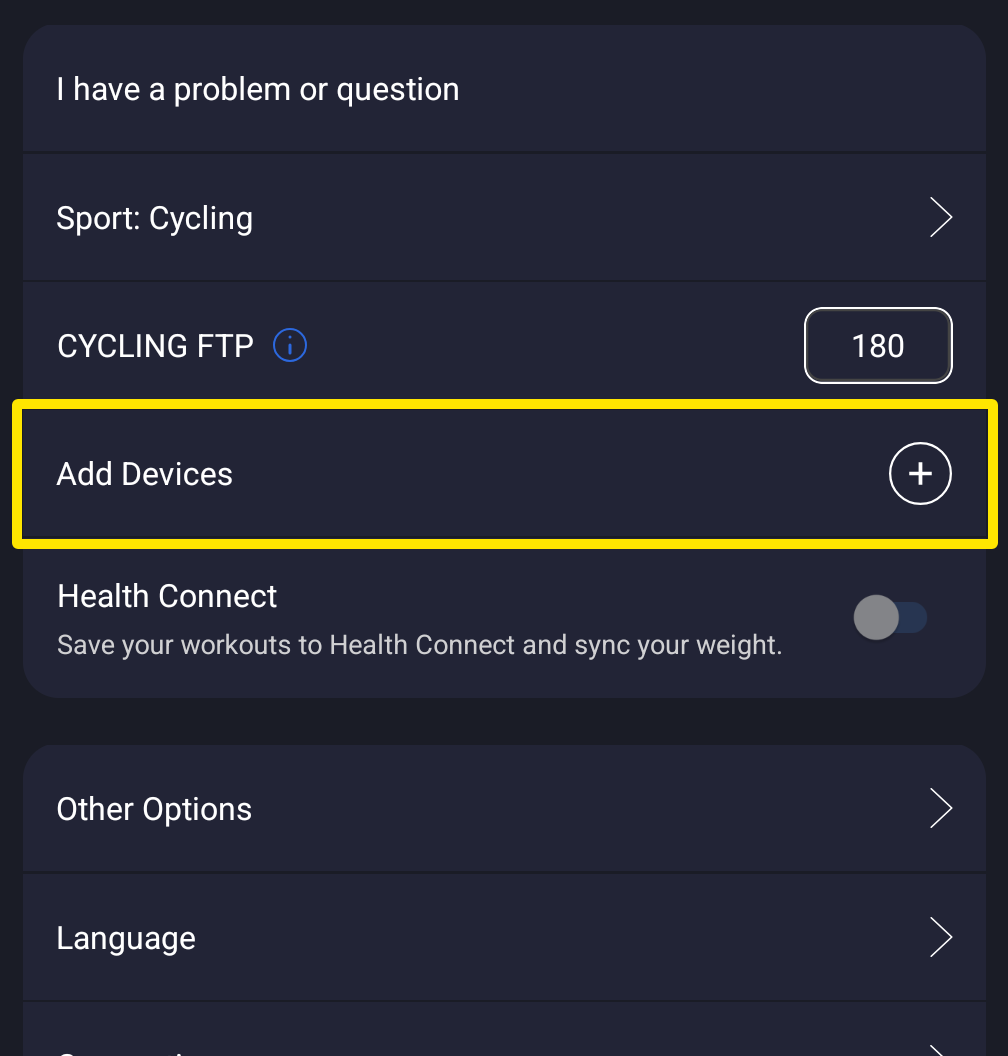 Where: Mobile app · Settings tab
- On the Devices screen, check whether your monitor appears under Available.
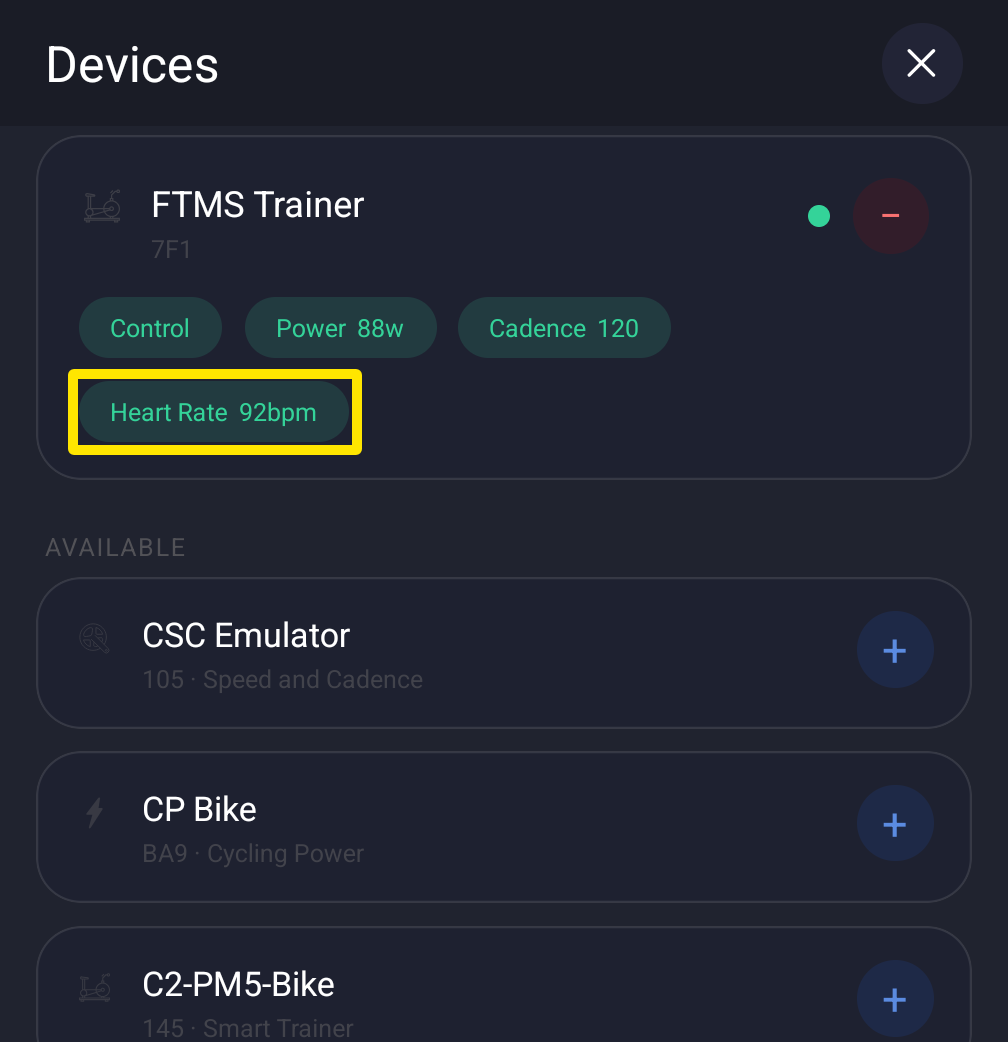 Where: Mobile app · Settings tab → Add Devices
Good to know: Chest straps give more accurate heart rate than an Apple Watch. In the mobile app, a Bluetooth strap's heart rate is used before a watch's.
Works on: Mobile app (Bluetooth, Apple Watch, Wear OS watch) · Desktop app (Bluetooth, ANT+ with USB stick, no watches) · Website: not available