

Why won't HeartCast reconnect to TrainerDay on Windows?
HeartCast won't reconnect on Windows because your iPhone changes its Bluetooth address from time to time, so the TrainerDay Windows app no longer recognizes it; for now, forget HeartCast-iPhon and connect it again from the Bluetooth icon before each workout.
- On your iPhone, open HeartCast and keep it open on the screen.
- Open the TrainerDay Windows app. Stay on the Today tab and don't click Ride Now yet.
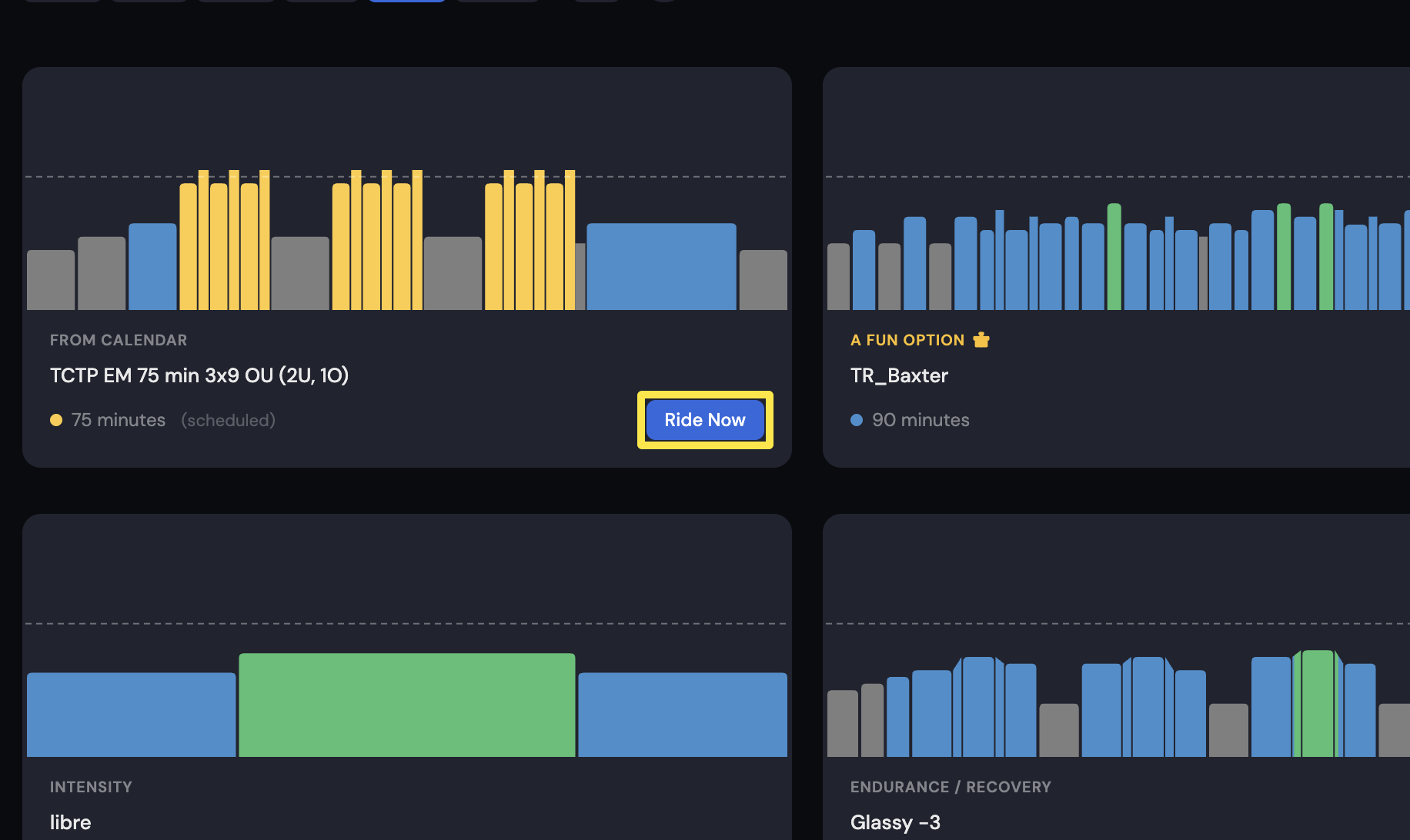 Where: Desktop app · Today tab
- Click the Bluetooth icon. Forget HeartCast-iPhon.
- Connect HeartCast-iPhon again.
- Back on the Today tab, click Ride Now to start your workout.
Good to know: Repeat these steps before every workout for now. The iPhone's changing Bluetooth address makes the Windows app treat HeartCast as a new device.