

How do I import a plan I made with ChatGPT or another AI as JSON?
On the TrainerDay website, open the AI Plan Builder, click Use your own LLM, give your AI the downloaded schema, then paste its JSON into Edit Plan JSON File and click Save as Current.
- On the website, click Plan Builders in the left menu (app.trainerday.com).
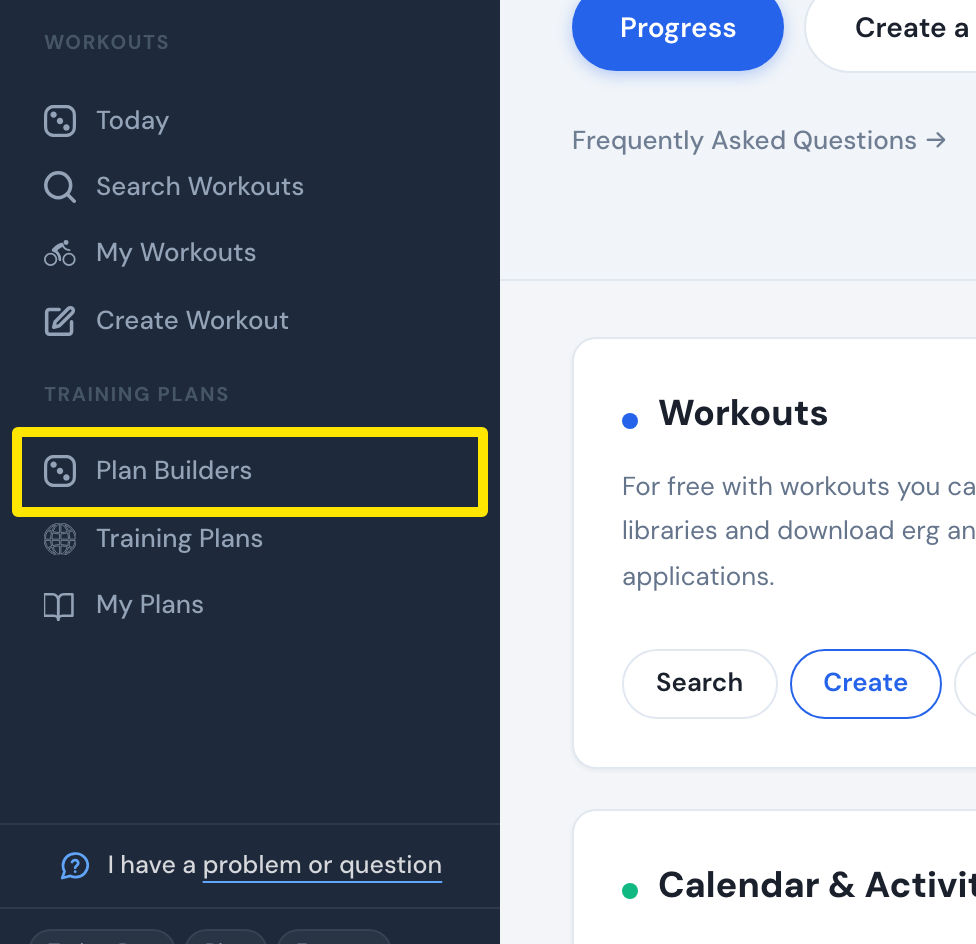 Where: Website · Home · open it
- On the AI Plan Builder (Beta) card, click Try AI Builder (or Continue AI Plan → if you used it before).
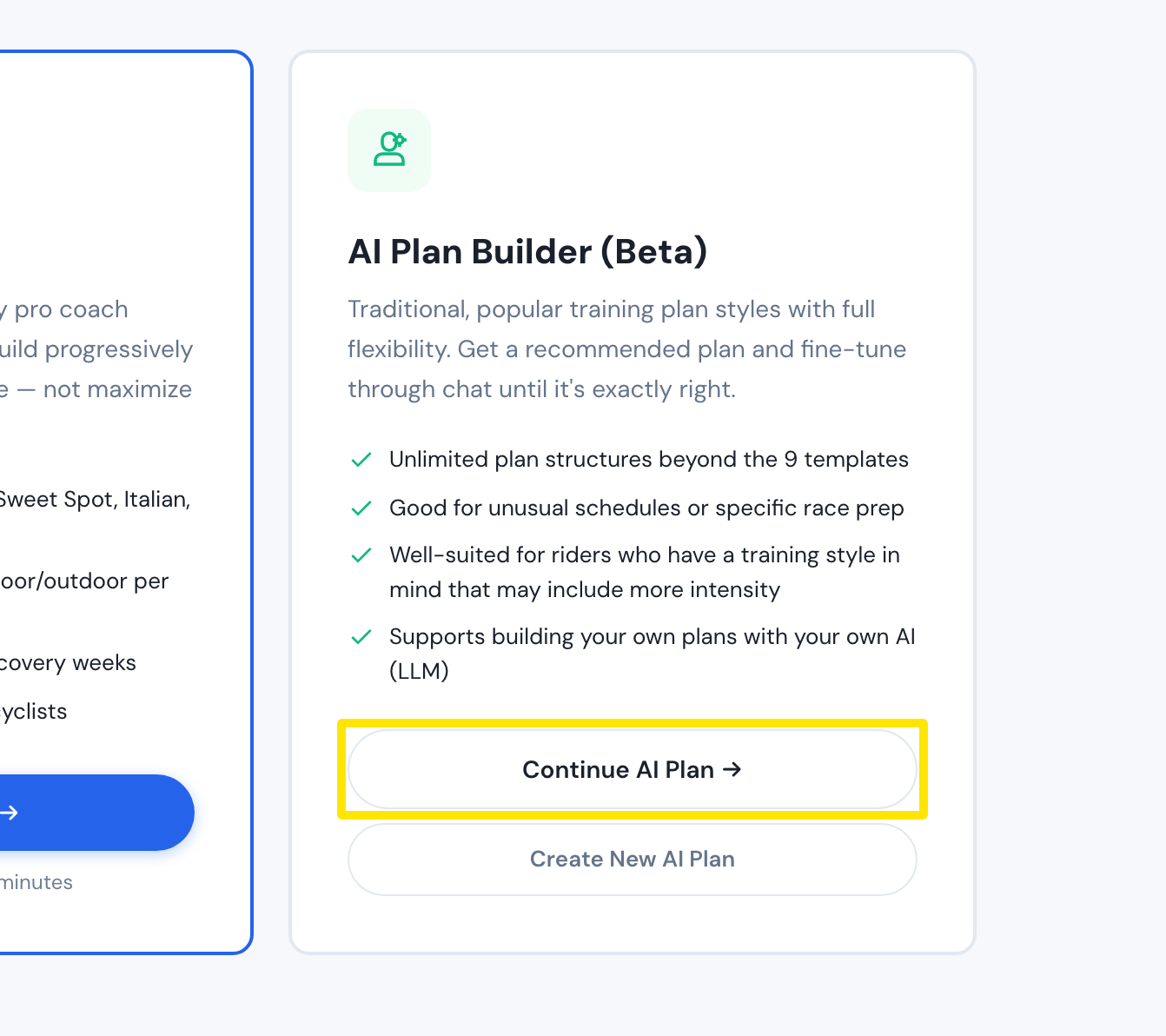 Where: Website · Plan Builders · open it
- Click Use your own LLM under the chat box (use your own LLM at the top on a new chat).
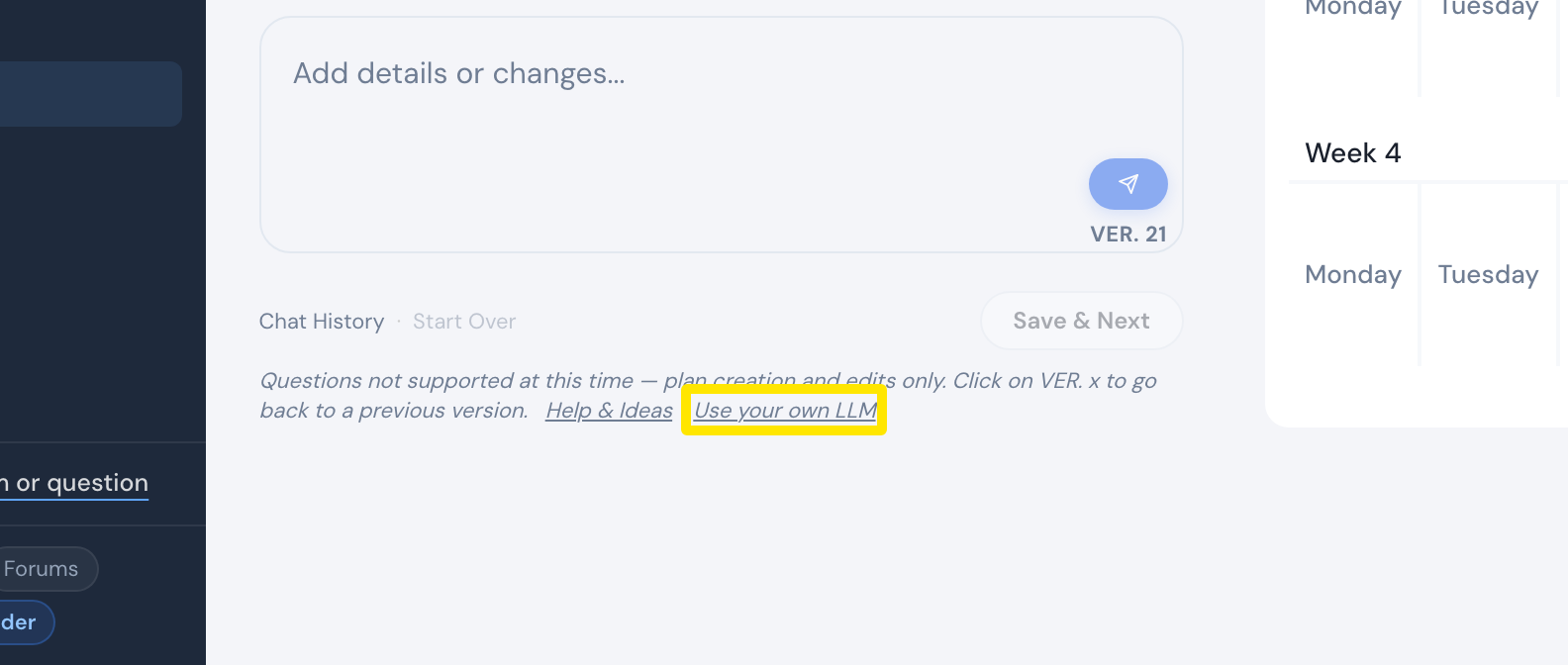 Where: Website · AI Plan Builder
- Click Download Schema and give the file to ChatGPT or your AI with your request (Copy Example Prompt gives an example).
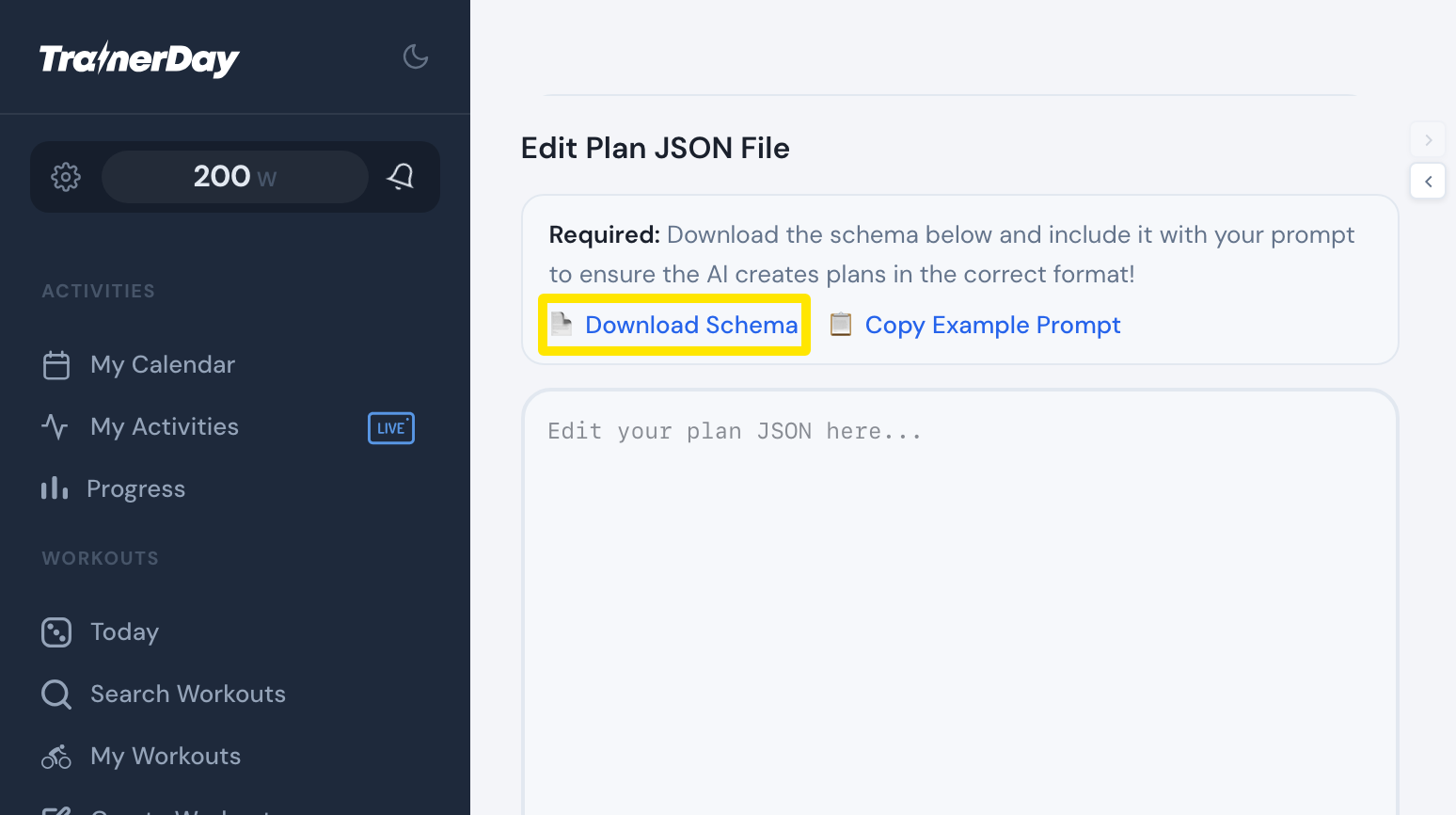 Where: Website · AI Plan Builder → Use your own LLM
- Paste the AI's JSON into Edit Plan JSON File. When the box turns green, click Save as Current and check the preview.
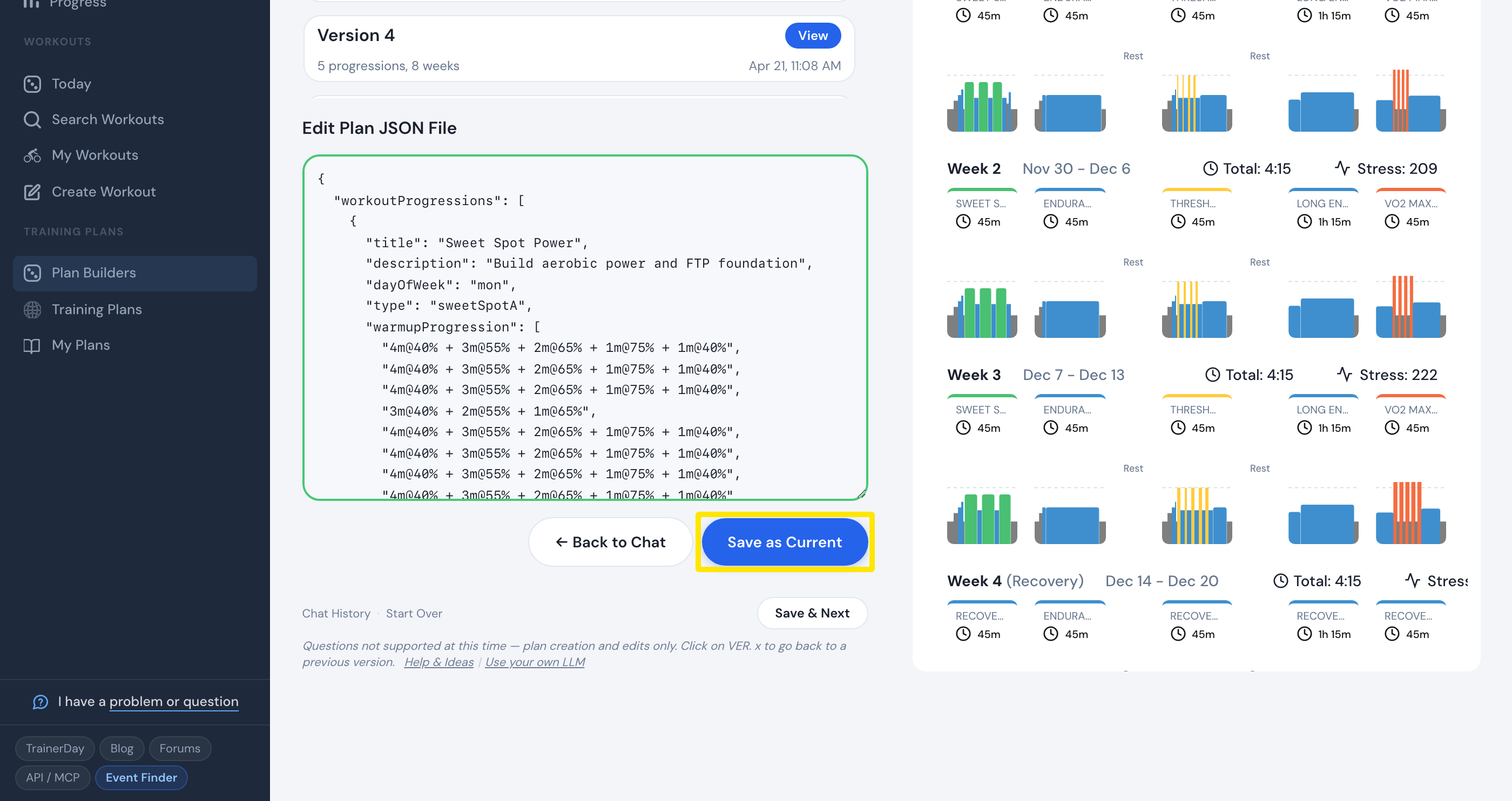 Where: Website · AI Plan Builder → Use your own LLM
- Click Save & Next to send the plan to your calendar or My Plans.
Good to know: A red message under the box names the problem (for example a missing "dayOfWeek"); ask your AI to fix exactly that.
Works on: Website only; the mobile and desktop apps have no plan import.