

How do I set up the app settings to suit me?
In the TrainerDay mobile app, open the Settings tab and use Other Options to change how rides behave: auto start and pause, chart colors and more. Then set your units, weights and language.
- In the mobile app, open the Settings tab. FTP, Add Devices, Sport and Apple Health / Health Connect are at the top.
- Tap Other Options to see the ride settings.
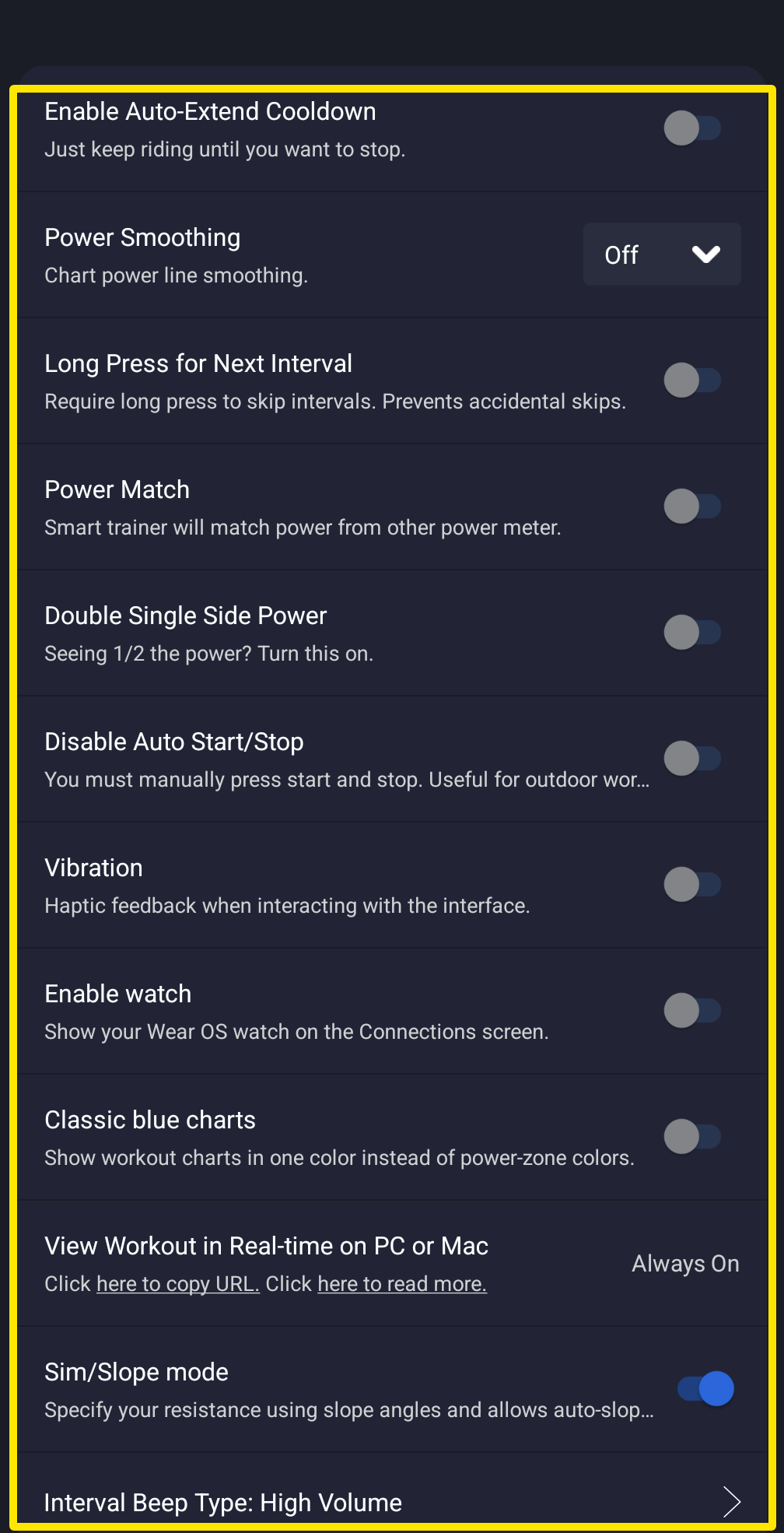 Where: Mobile app · Settings tab → Other Options
- A workout starts when you pedal and pauses when you stop. To start and stop it yourself, turn on Disable Auto Start/Stop.
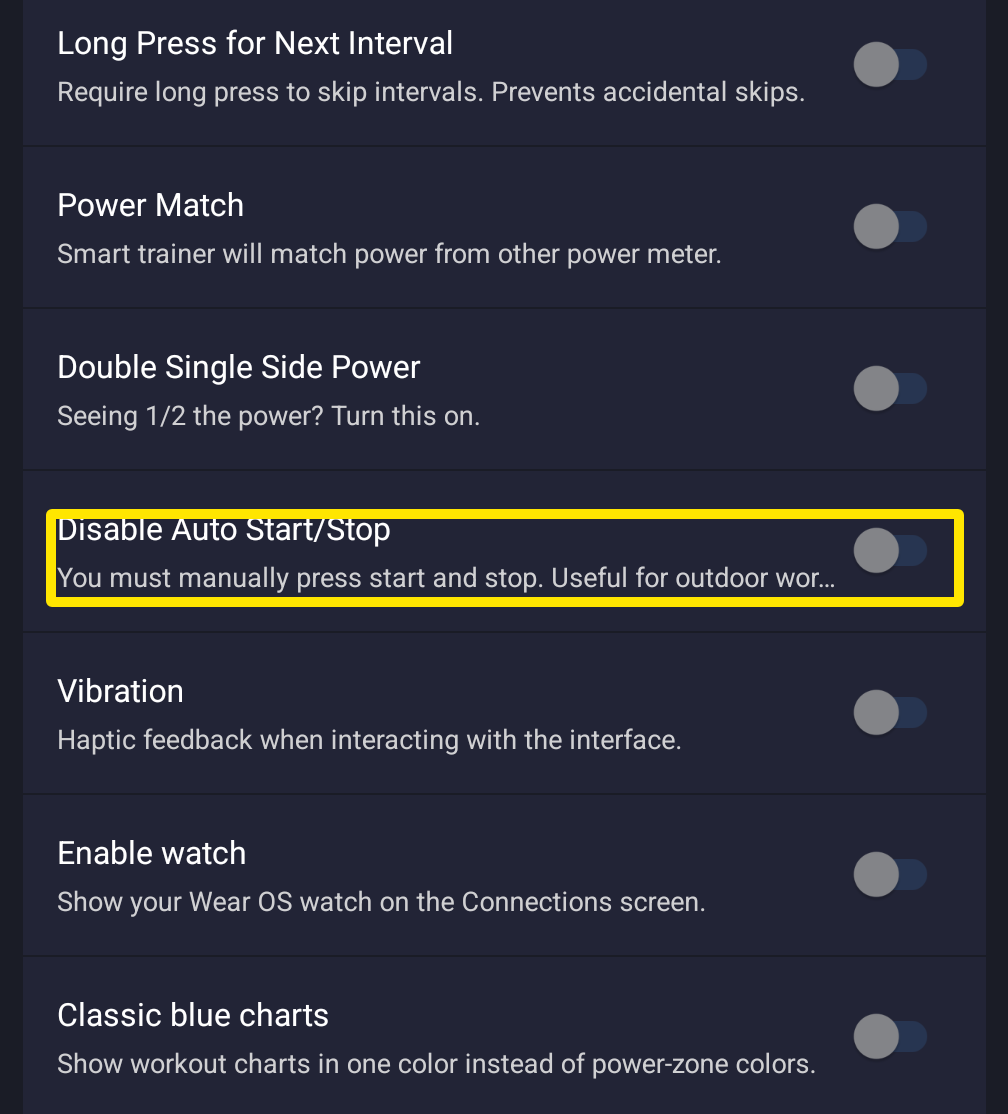 Where: Mobile app · Settings tab → Other Options
- To show workout charts in one blue color instead of colored intervals, turn on Classic blue charts.
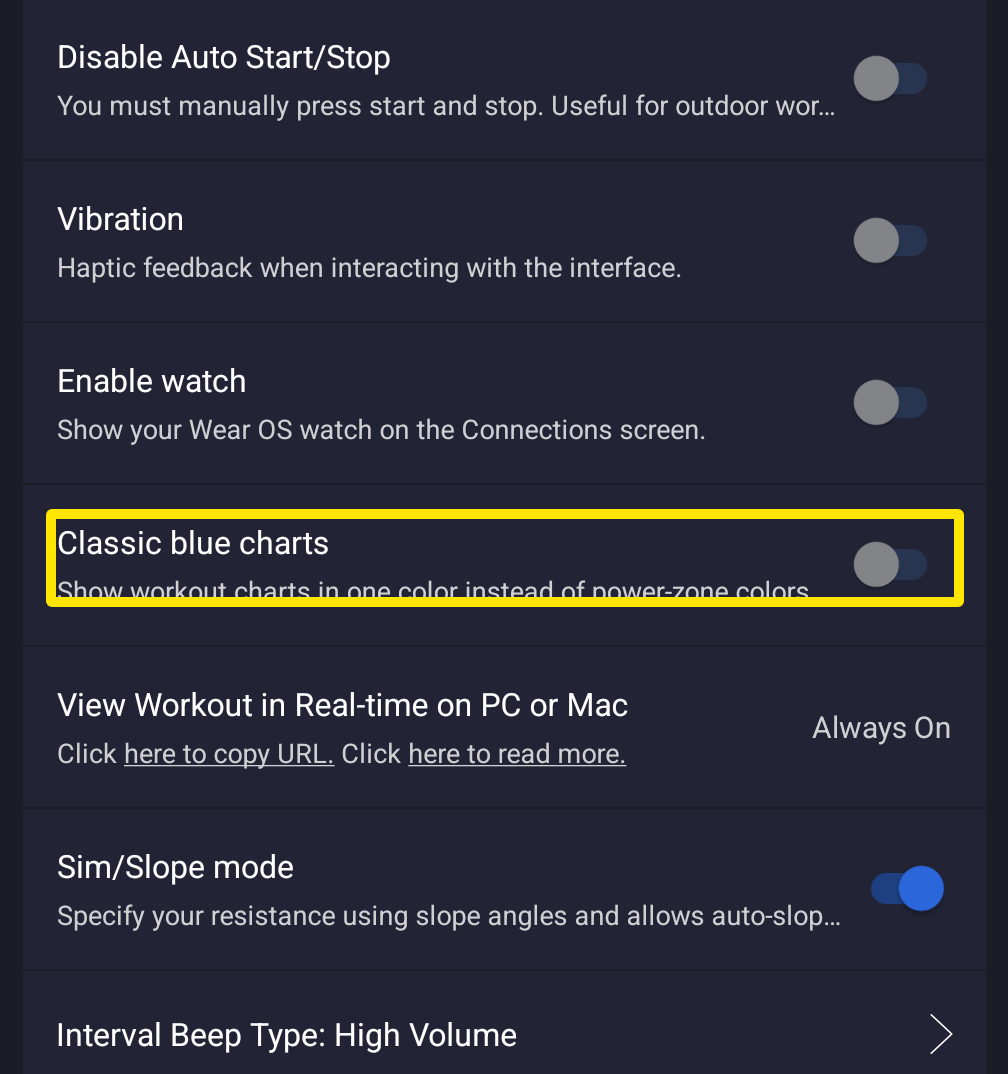 Where: Mobile app · Settings tab → Other Options
- Go back to the Settings tab. Tap User Account Info for Metric Units (km/kg), Rider Weight and Bike Weight. Tap Language to set the app language.
Works on: Mobile app (Settings tab); desktop app (Settings tab); website (Account page).